Animated photo transformation: bring family memories to life
April 11, 2026
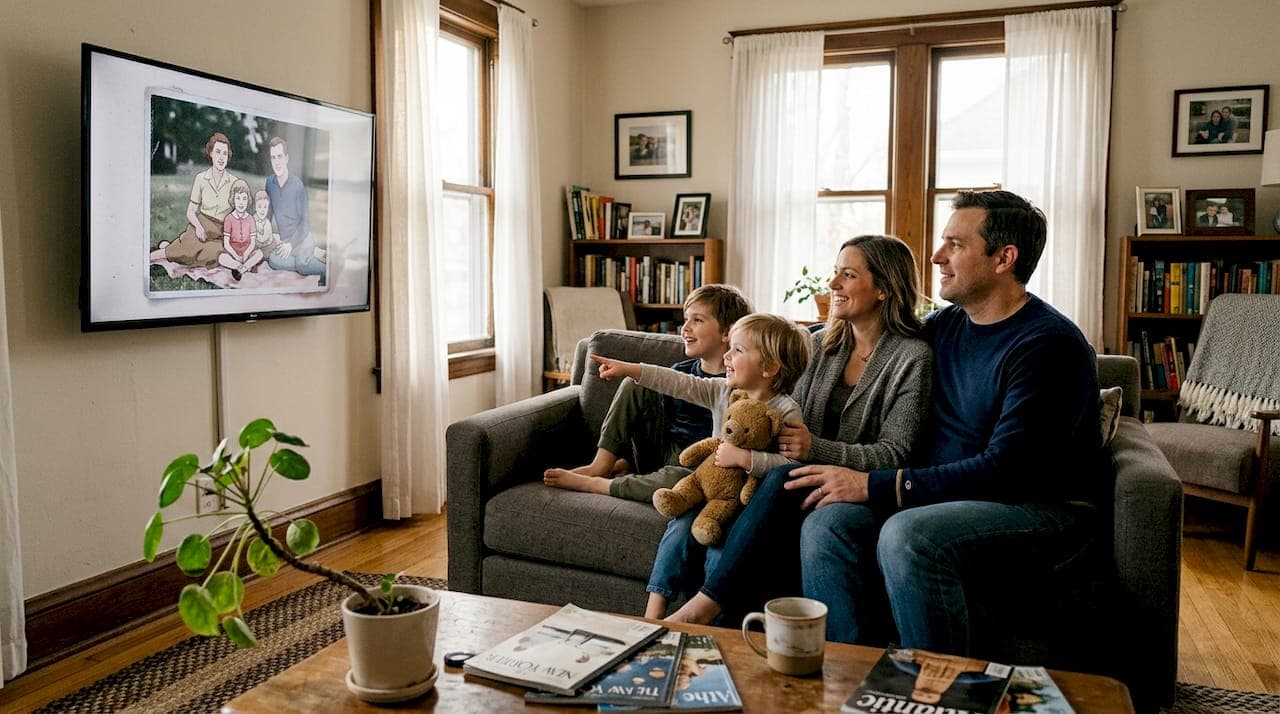
Most parents assume that a great photo is the best way to hold onto a special moment. Snap it, print it, frame it. Done. But what if that photo could actually move? Animated photo transformation lets you turn still family pictures into short, living memories that kids absolutely love. Whether you want a holiday card where your child's eyes sparkle with life, or a birthday keepsake where the whole family seems to breathe and smile, this technology is changing how families celebrate and remember. In this guide, you'll learn what animated photo transformation is, how it works, which methods suit your family best, and how to get results that feel truly magical.
Table of Contents
- What is animated photo transformation?
- How does animated photo transformation work?
- Popular methods and creative options
- Expert tips for natural, magical results
- A parent's-eye view: what animated photos really change
- Bring magic to your family memories with WonderLens
- Frequently asked questions
Key Takeaways
| Point | Details |
|---|---|
| What it is | Animated photo transformation turns family photos into lively, memorable animations. |
| How it works | AI technology quickly adds realistic motion to still images, creating short, magical clips. |
| Options and uses | From simple facial animations to full parallax effects, families can choose creative styles for every occasion. |
| Pro results made easy | Anyone can make charming animations with easy-to-use tools—no technical skill needed. |
| Expert advice | Start with high-quality images and subtle effects to create natural results kids will love. |
What is animated photo transformation?
Now that you know this is possible, let's clarify what animated photo transformation actually means.
Animated photo transformation refers to the process of converting a static photo into a dynamic animation or short video clip, typically using AI to add realistic motion such as facial expressions, camera pans, environmental movements, or subtle effects like blinking and breathing. In simple terms, your still image gets a heartbeat.
For families, this opens up a world of creative possibilities. Think about a Christmas portrait where your child's eyes slowly blink and a soft smile spreads across their face. Or a birthday photo where confetti appears to drift down around them. These aren't just novelty effects. They're keepsakes that feel alive.
Kids respond to animated photos in a way that flat prints simply can't match. When a child sees themselves "come to life" in a video, the reaction is pure delight. That emotional spark is exactly why animated transformations are becoming a favorite tool for parents who want their holiday traditions to feel extra special.
Here's what animated photo transformation can do for your family:
- Turn holiday portraits into shareable animated greeting cards
- Add gentle motion to milestone photos like first birthdays or graduations
- Bring old family photos to life for storytelling and reconnecting with heritage
- Create personalized videos featuring fantasy characters in your own home
- Make kids feel like the star of their own magical story
"The most powerful thing about animated photos isn't the technology. It's the moment a child sees themselves moving in a picture and realizes their memory has come to life."
The appeal isn't just visual novelty. It's about making kids feel seen, celebrated, and part of something magical. Explore partial-motion animation techniques to see how even subtle movement can transform a treasured photo into something extraordinary.
How does animated photo transformation work?
With the concept in mind, parents may wonder what happens behind the scenes.
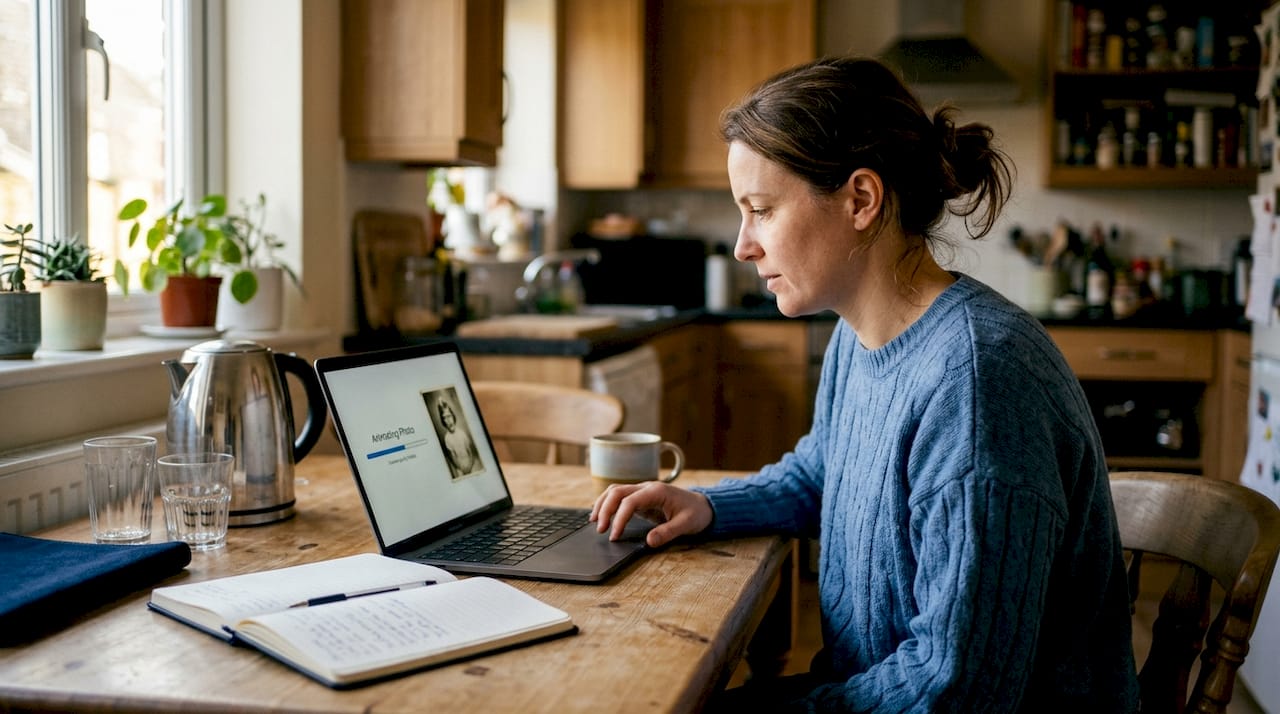
Modern AI tools make the process surprisingly simple for users, but a lot of sophisticated work happens under the hood. Core mechanics involve AI image analysis, including object detection and depth mapping, followed by motion prediction using optical flow and physics-based trajectories, then frame generation via diffusion models or GANs, and finally post-processing for smoothness. That's a mouthful, but here's what it means in practice: the AI figures out what's in your photo, decides how each element would naturally move, generates the in-between frames, and stitches it all together into a fluid clip.
As a parent, you don't need to understand any of that. Here's what your experience actually looks like:
- Upload your photo to the platform of your choice.
- Select an animation style, such as subtle facial motion, environmental effects, or a full fantasy scene.
- Preview the result and make any adjustments.
- Download or share your animated clip directly to family or social media.
Most tools process your photo and deliver a finished clip in under two minutes. The output is typically a 3 to 10 second video that loops beautifully.
| Step | What happens | Time needed |
|---|---|---|
| Upload | AI scans and maps your photo | Instant |
| Processing | Motion planning and frame generation | 60 to 120 seconds |
| Preview | You review the animation | 30 seconds |
| Share | Download or send directly | Instant |
Pro Tip: Choose photos with clear, well-lit faces for the best results. The AI needs to detect facial features accurately to create natural-looking motion, so avoid blurry or heavily shadowed shots.
The AI image-to-video methods used today are far more advanced than old-school GIF makers or basic filters. They understand depth and lighting, which means the motion looks realistic rather than flat or cartoonish.
Popular methods and creative options
Understanding the process lets you explore creative methods.
Not all animated photo tools work the same way, and the right choice depends on what you want to create. Common methodologies include AI image-to-video tools like Runway Gen-3 and Kling AI, manual keyframing in Photoshop, cinemagraphs that animate only part of an image, and parallax effects that add a 3D depth illusion. Each has its own strengths for family use.
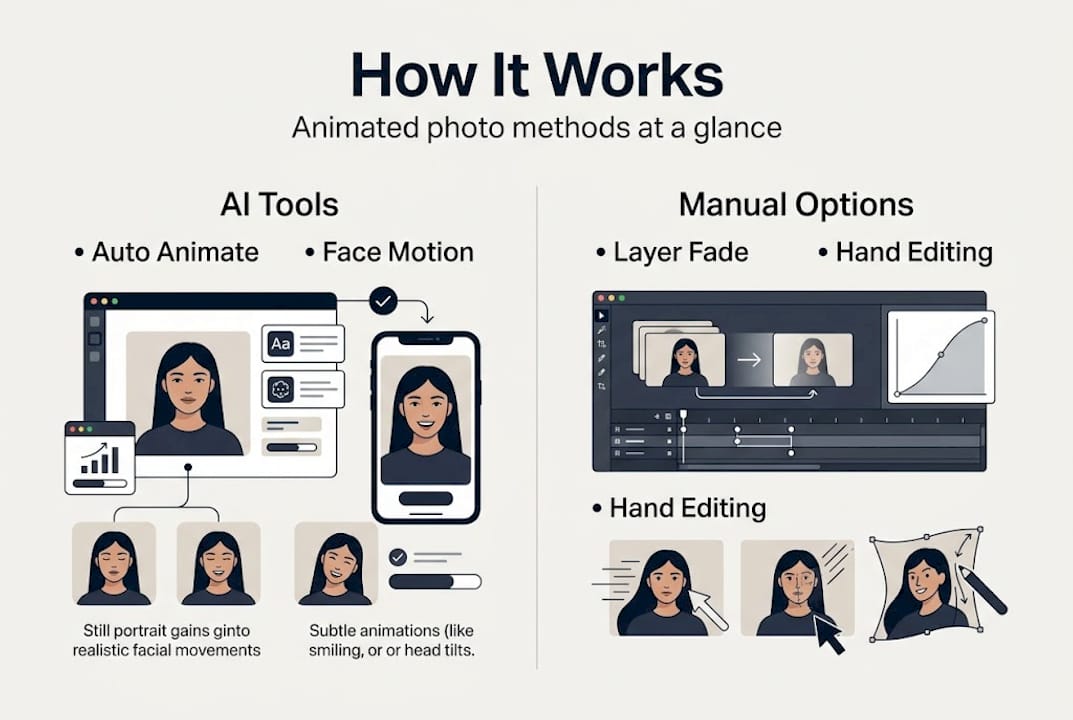
Here's a quick comparison to help you decide:
| Method | Ease of use | Realism | Effort | Wow factor |
|---|---|---|---|---|
| AI image-to-video | Very easy | High | Low | High |
| Cinemagraph | Moderate | Medium | Medium | Medium |
| Parallax effect | Easy | Medium | Low | Medium |
| Manual keyframing | Difficult | Very high | High | Very high |
For most families, AI image-to-video tools hit the sweet spot. They're fast, accessible, and produce results that genuinely impress kids and grandparents alike.
Cinemagraphs are worth knowing about too. They work by keeping most of the photo still while animating just one element, like flickering candles on a birthday cake or falling snow outside a window. The effect is subtle and elegant, perfect for holiday cards.
Here are the best uses for each method:
- AI image-to-video: Holiday greetings, birthday keepsakes, fantasy character videos
- Cinemagraph: Elegant holiday cards, anniversary photos, nature scenes
- Parallax: Family portraits with depth, travel memories, storytelling albums
- Manual keyframing: Custom creative projects for parents with design skills
Pro Tip: If you're new to animated photos, start with an AI tool and a simple portrait. Watch a quick video tutorial to see how easy the process really is before you dive in.
You can also combine methods. Use partial-motion animation techniques alongside AI-generated character overlays to create something truly one-of-a-kind for your child's next holiday celebration.
Expert tips for natural, magical results
Once you've picked your creative path, a few expert tips can help your results truly shine.
The biggest mistake parents make is choosing a photo that looks great to the human eye but doesn't give the AI enough to work with. Blurry faces, heavy shadows, or low resolution all lead to results that look a little off. Prioritize high-res images with clean faces and test subtle effects first to avoid the uncanny valley, especially for cherished family or old photos.
The uncanny valley is that uncomfortable feeling you get when something almost looks human but not quite. Subtle animations sidestep this completely. A gentle blink, a soft breath, a slow smile. These feel magical without crossing into unsettling territory.
Follow these tips for the best results:
- Use photos with at least 1080p resolution for crisp, detailed animation
- Choose images with natural, soft lighting rather than harsh flash
- Opt for simple backgrounds so the AI focuses on your subject
- Start with subtle facial motions before adding environmental effects
- Always preview before sharing with kids or posting online
- For holiday themes, add gentle snow or sparkling light effects for extra charm
According to AI animation best practices, starting with minimal motion and building up is always the right approach. Less is more when it comes to creating that sense of wonder.
Did you know? Studies show that children form stronger emotional memories when experiences include movement and sensory detail. An animated photo isn't just cute. It's actually more memorable for young kids than a static print.
Pro Tip: For holiday cards, animate just the eyes and add a soft glow or sparkle effect. It's the combination that makes the image feel alive without looking overdone.
When you're unsure whether to use AI or manual controls, go with AI for speed and ease, and save manual methods for projects where you want very specific creative control.
A parent's-eye view: what animated photos really change
Stepping back, let's consider what these new animated memories actually mean for families.
We've seen parents get genuinely emotional when they watch their child's face light up at an animated photo. Not because the technology is impressive, but because the child suddenly feels like the center of the story. That's what most parents miss when they first hear about animated photo transformation. They think it's about special effects. It's actually about making kids feel seen.
A child who watches themselves blink and smile in a holiday video isn't just entertained. They're connecting to a tradition, to a moment, to their own place in the family story. That emotional resonance is something a flat photo simply can't deliver in the same way.
Animated photos also help young children connect to family history. Show a grandparent's old portrait coming gently to life, and suddenly that person feels present, not distant. It bridges generations in a way that feels warm and natural rather than gimmicky.
The real magic isn't in the pixels. It's in the feeling that this moment, this person, this family is worth bringing to life.
Bring magic to your family memories with WonderLens
Ready to try animated photo transformation yourself?
WonderLens animated photo tools make it incredibly easy to create cinematic, magical memories for any family occasion. Whether it's Christmas, Easter, a birthday, or just a Tuesday that deserves to be remembered, WonderLens lets you add realistic animated characters and effects to your own home environment.
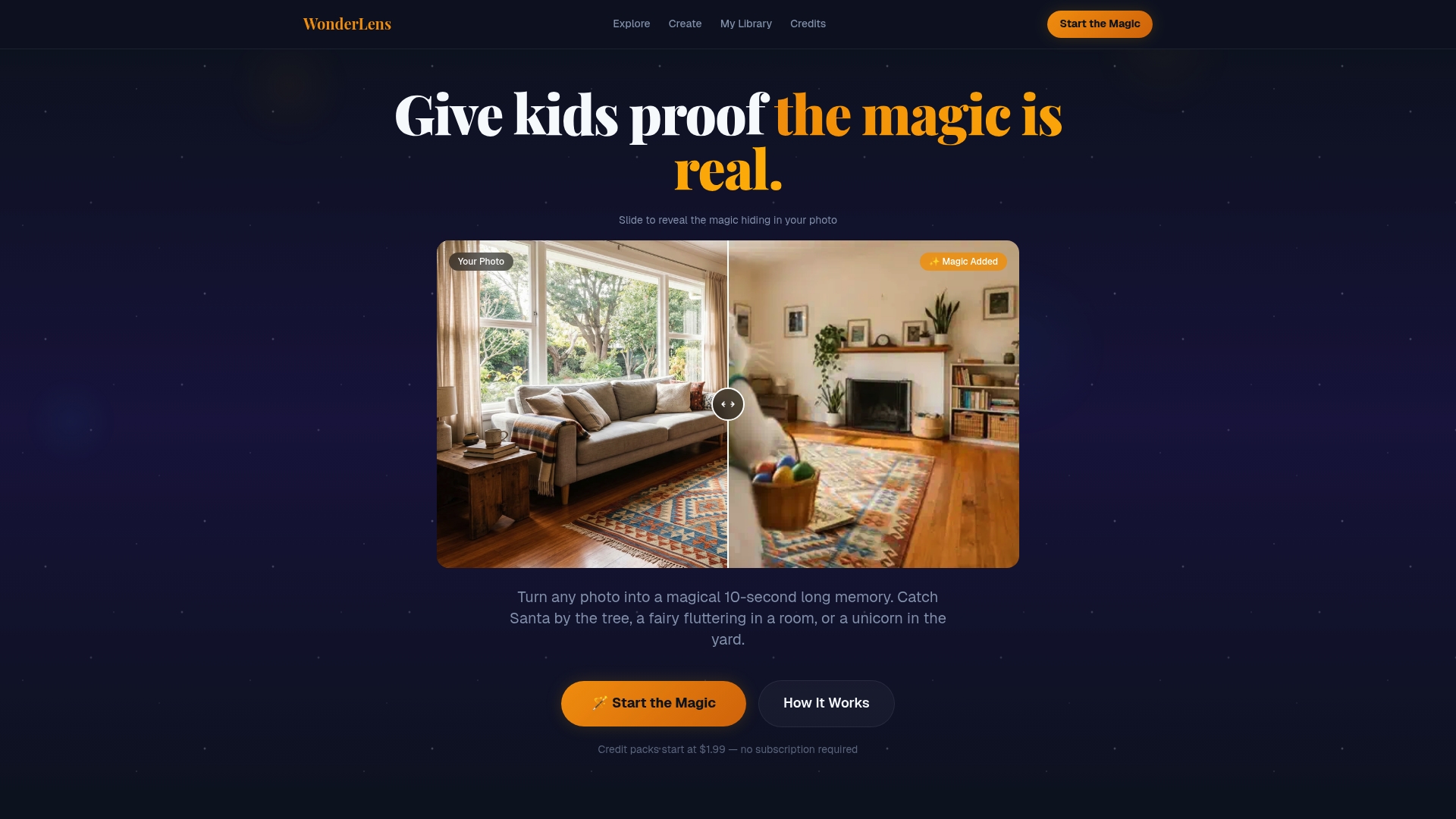
No technical skill required. Just upload your photo, choose your magic, and watch the wonder unfold. Starting at just $1.99 per video, it's an affordable way to create keepsakes your kids will ask to watch again and again. Give your family traditions a little extra sparkle this year with WonderLens.
Frequently asked questions
Is animated photo transformation safe for old or delicate family pictures?
Yes, as long as you use high-resolution scans and test subtle animations first, AI processes are non-destructive and preserve your original photo completely.
How long does it take to animate a photo?
Most AI tools process a photo into an animated clip within 60 to 120 seconds, producing a finished 3 to 10 second video.
What types of animations are best for holiday greetings?
Subtle facial motions, gentle snow, or sparkling effects work best for holiday cards, adding a sense of magical motion without looking unnatural.
Do I need special skills to create animated photos?
No. Most platforms, including AI image-to-video tools, offer simple upload-and-animate options that are perfect for busy parents with no design background.