Top 3 Santawashere.app Alternatives 2026
April 17, 2026

Choosing the right platform can make all the difference when you want a unique touch for holiday memories. New ideas and clever features keep popping up each year, making it exciting to see what options are out there. Some tools focus on delivering fast results and others let you customize every detail. Competition is fierce so each platform tries to add something special or stand out with fun surprises. Curious to see which ones have caught the most attention lately? Discover the top picks that might have just what you are looking for.
Table of Contents
WonderLens
At a Glance
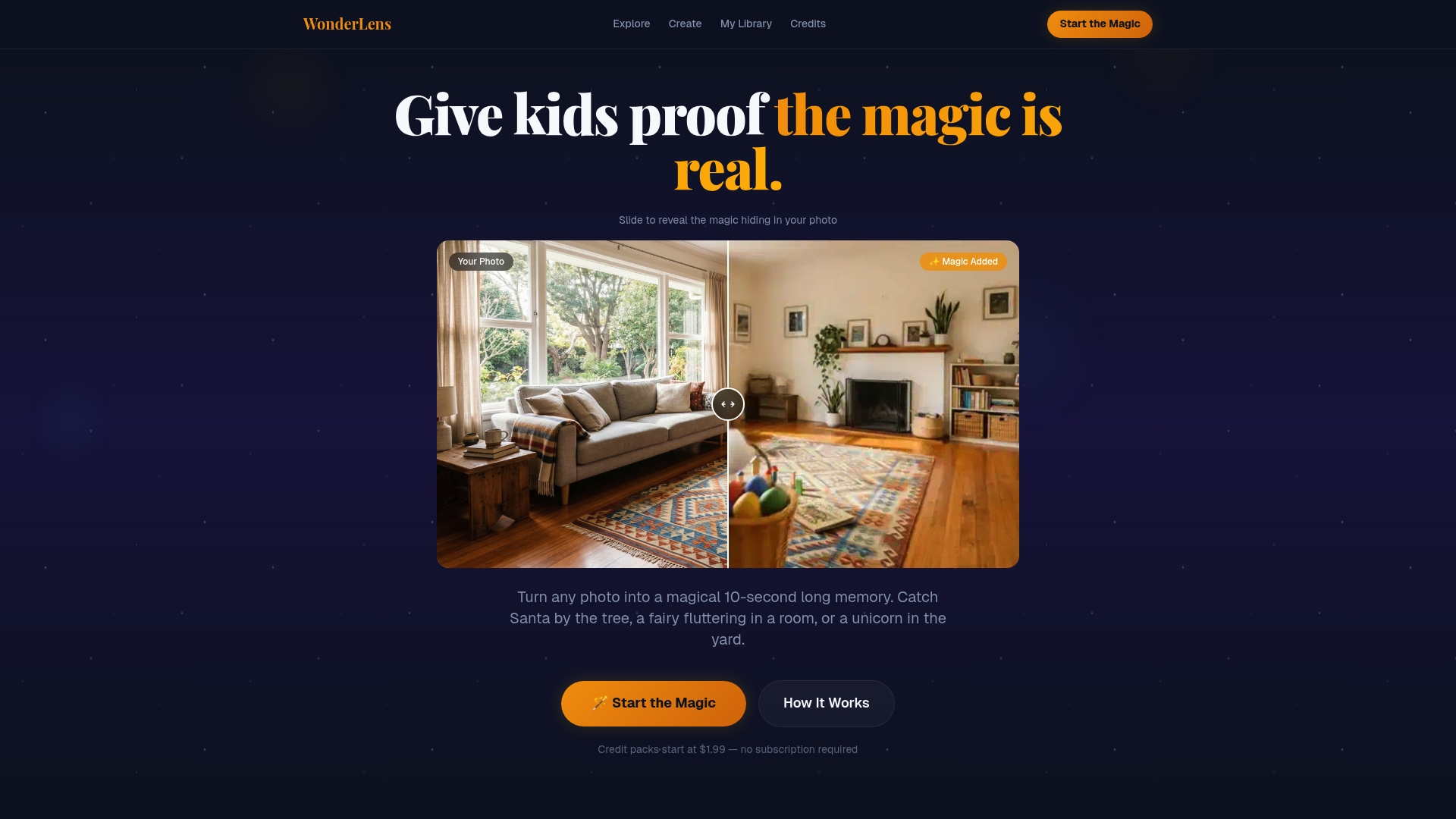
WonderLens is the leading choice for parents who want truly magical holiday moments captured and shared. It turns ordinary home photos into 10 second magical videos with cinematic quality that feels handcrafted and believable.
Core Features
WonderLens transforms user photos into short animated memories by adding characters like Santa, unicorns, dragons, Easter Bunny, fairies, and dinosaurs. The platform uses cinematic rendering to match room lighting, shadows, and movement for a seamless result. It also saves each creation in a private gallery and operates on a credit system with no subscription.
Pros
- Highly realistic and cinematic quality videos: The platform renders lighting and shadow details so characters look like they belong in the room.
- Seamless blending with room lighting and shadows: Motion and illumination align with the photo to avoid obvious overlays.
- Easy three step process: Set the scene, choose a visitor, and watch the magic happen in a few clicks.
- No subscription commitment, pay per video: Credits let parents buy only what they need and avoid recurring charges.
- Family friendly and safe for kids: Characters and presentation are designed specifically for family audiences.
Who It's For
WonderLens is built for families and parents who want memorable, shareable surprises for children without bulky decorations. It fits households that value convenience, realism, and moments that can be replayed on holiday mornings or saved for years.
Unique Value Proposition
WonderLens outperforms alternatives because it focuses on photorealism and emotional impact rather than gimmicks. The platform pairs advanced AI driven visual rendering with cinematic principles so characters cast believable shadows, respond to ambient light, and move in natural ways. Smart buyers choose WonderLens because it produces shareable, high quality keepsakes not available from sticker overlays or simple AR filters. The pay per video credit model reduces waste for occasional users while the private gallery preserves memories for later viewing. The 10 second limit is deliberate to maximize rendering quality and make clips easy to share and replay for surprised children.
Real World Use Case
A family snaps a living room photo on Christmas Eve, uploads the image to WonderLens, and adds Santa placed by the tree. On Christmas morning the parents play the generated 10 second video to surprise their children with a believable Santa visit that blends into the familiar room. The clip becomes a beloved annual memory.
Pricing
Credit packs start at $1.99 for 1 credit, with options for 3 credits at $4.99 and 5 credits at $7.99. There is no subscription required so you only buy credits when you want new videos.
Website: https://wonderlens.ai
Google Play
At a Glance
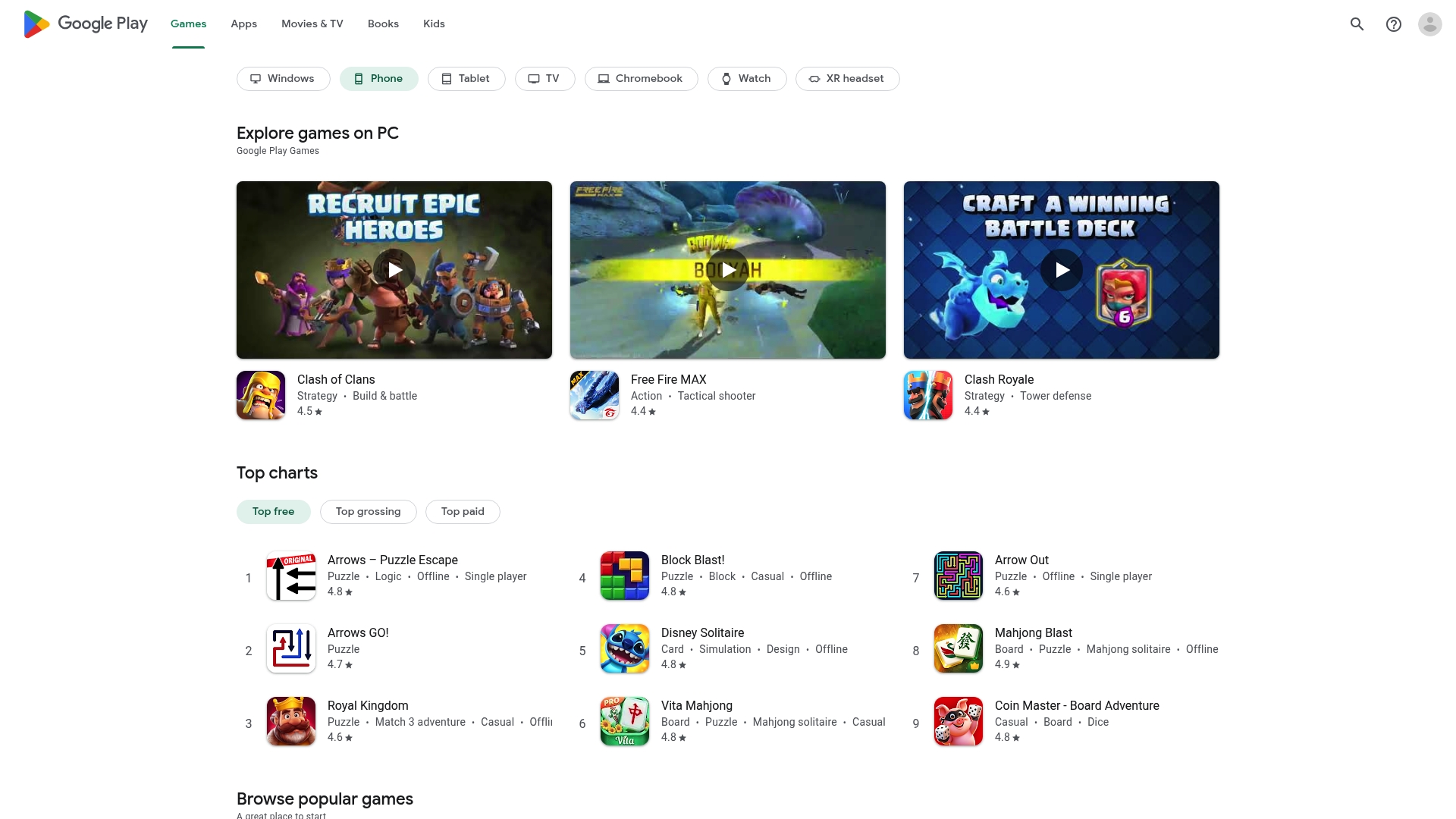
Google Play is the default hub for Android users who want a single place to find apps, games, movies, TV shows, and books. It offers a vast library and familiar Google integration that families can rely on for holiday entertainment.
Core Features
Google Play provides access to apps, games, movies, TV shows, and books across phones, tablets, TV, PC, and wearables with consistent account management. Key features include multi device support, Google Play Pass for unlimited app and game access, and Play Points for rewards on purchases.
Pros
-
Wide selection of content: The store hosts a broad range of categories so parents can find family friendly apps and seasonal entertainment quickly.
-
Compatibility across devices: Google Play works with Android phones, tablets, TV, PC, and some wearable devices so your content follows the family.
-
Integrated subscriptions and rewards: Google Play Pass and Play Points simplify buying and grant value back through rewards and access without ads or in app purchases.
-
Regular updates and new content: Apps and media receive frequent updates which keeps games and educational titles fresh for kids.
-
User friendly interface: The layout and account linking are familiar to anyone using Google services which reduces setup time for busy parents.
Cons
-
Content availability varies by region: Some apps, movies, and books appear in one country but not another which can frustrate traveling families.
-
Some features need subscription or purchases: Google Play Pass and premium content require extra payment which increases the total cost for families.
-
Quality of apps and content can vary: The open catalog includes lower quality offerings so parents must check ratings and reviews before downloading for children.
Who It's For
Google Play suits Android users and families already tied to Google accounts who want a single marketplace for apps and media. Parents seeking quick access to seasonal videos, storybooks, and child friendly games will find it practical and familiar.
Unique Value Proposition
Google Play combines a unified content library with account level management so families can buy once and use across multiple devices. The blend of subscriptions, rewards, and device compatibility makes it a one stop shop for digital family entertainment.
Real World Use Case
A parent downloads holiday games to an Android tablet, subscribes to Google Play Pass for ad free play, streams a family movie on Android TV, and keeps purchased books synced across phone and tablet for bedtime reading.
Pricing
Google Play is free to download. Individual content prices vary and subscriptions such as Google Play Pass are available as paid options which change by region and promotion.
Website: https://play.google.com
iCaughtSanta

At a Glance
iCaughtSanta is a mobile app that lets parents add Santa to photos for free, creating quick, believable keepsakes that delight young children. The app focuses on simplicity and accessible holiday fun rather than advanced photo editing.
Core Features
The app provides Santa stickers you place into photos, support for diverse Santa characters, and the ability to create unlimited photos on iOS and Android. It also includes other holiday characters like the Tooth Fairy and Easter Bunny for seasonal variety.
Pros
- Free to use: Parents can download and create Santa photos without spending money, which is ideal for budget conscious families.
- Supports diversity in characters: The app includes White, Black, and Hispanic Santa options so children see representation that feels familiar.
- Easy to use for creating personalized holiday photos: The interface prioritizes speed and simplicity so busy parents finish a surprise in minutes.
- Available on major mobile platforms: The app runs on both iOS and Android so most families can install it on existing phones or tablets.
- Creates memorable proof for children: The resulting images work well for bedtime surprises or adding to family Christmas cards.
Cons
- Limited to adding Santa stickers: The app focuses on overlays and lacks extensive photo editing features like advanced lighting or shadow adjustments.
- Dependent on mobile device capabilities for photo editing: Older phones may produce lower quality results and positioning can feel less precise on small screens.
- Focused mainly on holiday themed content: If you want year round or non holiday characters beyond those offered, options are limited.
Who It's For
Parents and families who want a fast, playful way to surprise children with photographic evidence of a Santa visit will find this app useful. It fits busy caregivers who value delightful moments over technical perfection.
Unique Value Proposition
The app stands out for offering an uncomplicated, no cost way to add culturally diverse Santa figures to family photos. For parents who want an instant, shareable surprise without learning editing tools, this app delivers.
Real World Use Case
A parent takes a photo of the living room after wrapping presents then adds a Santa sticker that matches room lighting. They show the image to their child at bedtime and create a wide eyed, memorable reaction.
Pricing
The app is free to download and use, which lowers the barrier for families who want occasional holiday fun without paying a subscription or per image fee.
Website: https://icaughtsanta.com
Comprehensive Holiday Entertainment Tools Comparison
The following table displays a detailed comparison of three products reviewed above for their use in enhancing family holiday experiences. Evaluate the features, pros, cons, and pricing to choose the option that best suits your needs.
| Product | Key Features | Pros | Cons | Pricing |
|---|---|---|---|---|
| WonderLens | 10-second animated videos with cinematic realism; characters include Santa, unicorns, and dinosaurs; no subscription, credit-based system. | High video quality; easy 3-step process; family-friendly content. | Limited to character animations; requires photo uploads. | Starting at $1.99 for 1 credit. |
| Google Play | A vast library of apps, games, movies, books; cross-device compatibility; features like Google Play Pass and Play Points. | Wide content range; rewards and subscriptions for value-added experience. | Regional content restrictions; some premium features require additional payment. | Free to access; subscriptions are region-based. |
| iCaughtSanta | Mobile app for adding Santa stickers to photos; supports diverse character representation; unlimited photo editing on iOS and Android platforms. | Free to use; easy for creating surprises; supports diverse Santa characters. | Limited editing features; focused mainly on holiday content. | Free to download and use. |
Discover a Magical Alternative to Santawashere.app for Your Family
If you are searching for a more realistic and heartwarming way to surprise your children during the holidays, WonderLens offers a unique solution that turns static photos into cinematic-quality 10 second videos featuring beloved holiday characters like Santa and fairies. Many parents face challenges with apps that only provide sticker overlays or lack photorealistic effects that make the magic truly believable. WonderLens addresses these pain points by using advanced AI rendering for authentic lighting and shadows, creating unforgettable moments you can share and save.
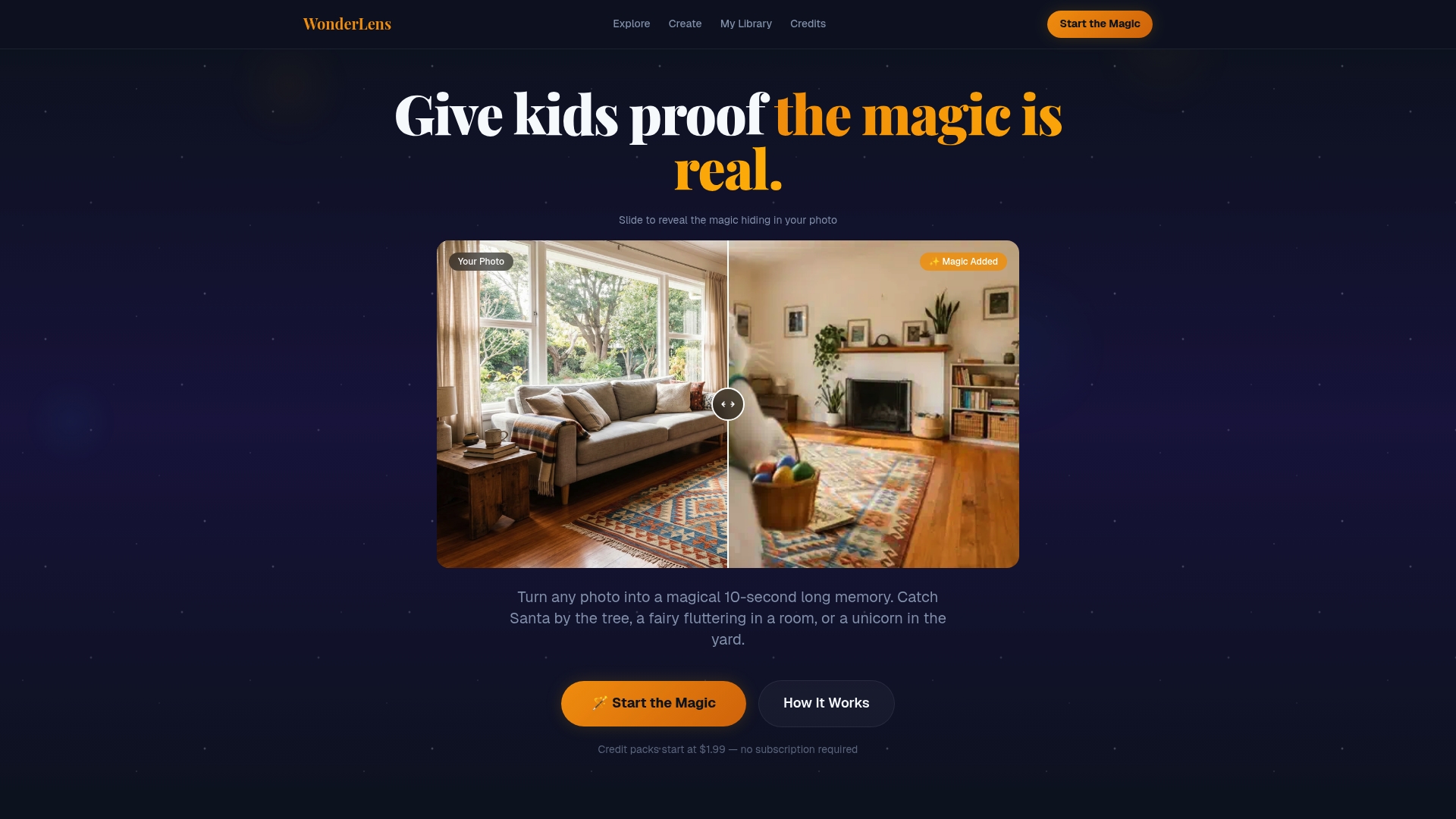
Explore the future of personalized holiday surprises with WonderLens. Start creating stunning animated memories that stand out from simpler alternatives. Why settle for basic stickers when you can bring your family's special moments to life today? Visit our landing page now to get started and see the difference cinematic realism can make.
Frequently Asked Questions
What are some alternatives to Santawashere.app for creating holiday-themed videos?
WonderLens, Google Play, and iCaughtSanta are three strong alternatives. Explore their features to see which best meets your needs for holiday content creation.
How easy is it to use WonderLens for making animated holiday memories?
WonderLens offers a simple three-step process: set the scene, choose a visitor, and watch the magic happen. You can create beautiful, cinematic-quality videos in just minutes.
Can I create unlimited holiday-themed content with iCaughtSanta?
Yes, iCaughtSanta allows for the creation of unlimited photos featuring Santa and other holiday characters. Download the app, take photos, and add festive elements quickly and easily.
How does Google Play support families looking for seasonal entertainment?
Google Play provides access to a wide selection of family-friendly apps, games, movies, and books. Utilize multi-device support to ensure that your family can enjoy entertainment across various platforms.
What is the pricing model for WonderLens and how does it compare to iCaughtSanta?
WonderLens operates on a pay-per-video credit system, starting at $1.99 for one video. In contrast, iCaughtSanta is free to use, making it a budget-friendly option for parents focused on holiday surprises.
Recommended
- Catch Santa Claus in Your Living Room — Realistic Video Proof | WonderLens | WonderLens
- Catch Santa in Your Living Room — Cinematic Video Proof | WonderLens
- 7 creative ways to use animated memories with your kids — WonderLens | WonderLens
- Bring a Real Unicorn Into Your Home — Realistic Video | WonderLens | WonderLens
- Top 3 wiwacam.com alternatieven 2026