7 creative ways to use animated memories with your kids
April 13, 2026
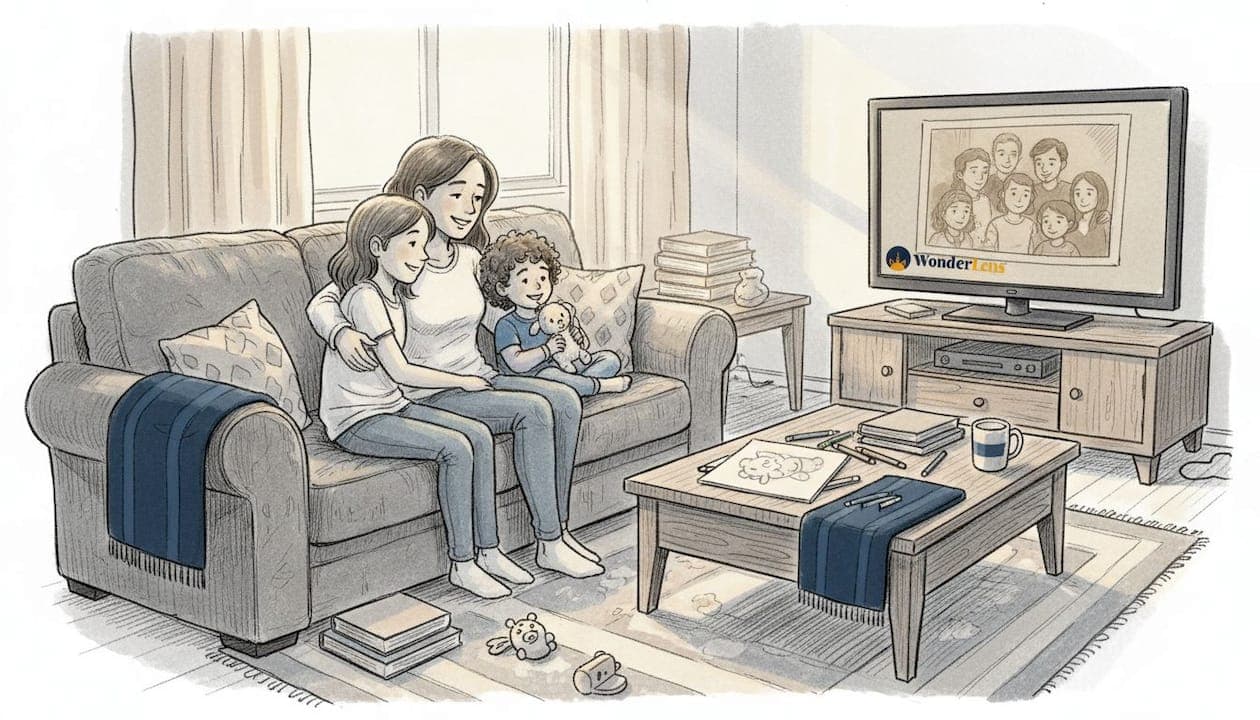
Every parent knows that feeling: you want to make the holidays truly magical, but the usual decorations and traditions start to feel routine. Your kids deserve that wide-eyed wonder, that gasp of pure surprise. Animated memories offer a fresh, creative way to deliver exactly that. Whether you're reviving old family photos, crafting personalized bedtime stories, or placing Santa in your actual living room, these tools turn ordinary moments into something your children will talk about for years. This guide walks you through the best approaches, the right tools, and practical tips to make every holiday and milestone feel genuinely enchanting.
Table of Contents
- How to choose the right animated memory tool
- Turning old family photos into lifelike animations
- Crafting personalized animated stories for your children
- Getting hands-on: Animated storybooks and interactive experiences
- Quick comparison: Which animated memory tool fits your family?
- Why animated memories matter more than picture-perfect videos
- Bring your animated memories to life with WonderLens
- Frequently asked questions
Key Takeaways
| Point | Details |
|---|---|
| Multiple creative options | Families can animate old photos, craft stories, or create interactive books for memorable occasions. |
| Easy-to-use AI tools | Modern apps turn static photos or prompts into moving memories in just a few minutes. |
| Focus on experience | The emotional impact of animated memories outweighs technical perfection, delighting children and strengthening family traditions. |
| Privacy matters | Always use family-owned images and check app safety and sharing settings before posting online. |
How to choose the right animated memory tool
Once you understand the value of animated memories, choosing the right tool for your family becomes the most important step. The market has grown quickly, and not every app delivers the same experience.
Most tools are AI-driven, with some specializing in animating photos and others in narrative story creation. Photo animators take a static image and add lifelike movement to faces, eyes, or whole scenes. Story creators, on the other hand, build entirely new animated videos from prompts or character selections. Both have a place in your family's creative toolkit, but they serve different purposes.
When evaluating any tool, look for these key features:
- Speed: Can it process a photo or story in under five minutes? Slow tools kill the excitement.
- Content variety: Does it offer holiday characters, seasonal themes, and age-appropriate options?
- Kid safety and privacy: Does the app have clear data policies and parental controls?
- Image flexibility: Can it handle low-resolution or older photos without losing quality?
- Ease of use: Can you navigate it without a tutorial?
For families exploring animated photo transformation, the learning curve should be minimal. You want to spend time enjoying the result, not troubleshooting the process.
Pro Tip: Before uploading any old or low-quality photo, use a free photo enhancement tool to sharpen details and improve lighting. This gives the AI more to work with and produces noticeably better animations. Many platforms, including AI-powered creative tools, now bundle enhancement features directly into their workflow.
Turning old family photos into lifelike animations
After considering which tool best meets your criteria, discover how to use photo animators to revive family classics. There is something deeply moving about watching a decades-old portrait suddenly blink, smile, or turn its head.
MyHeritage Deep Nostalgia animates faces in family photos to create short lifelike videos, making it a favorite for holiday surprises involving grandparents or ancestors. The process is straightforward: upload the photo, select an animation style, and download the result in minutes.
MotionAmber transforms static photos into clips with natural movement and delivers high emotional impact, especially around the holidays. It works particularly well with portraits and group shots.
Here is a simple workflow to follow:
- Enhance first: Repair any damage, sharpen blurry areas, and adjust brightness before uploading.
- Upload your photo: Choose a clear, front-facing image for the best animation results.
- Select your style: Pick the movement type that fits the mood, subtle for heritage photos, more expressive for fun holiday clips.
- Download and share: Save the video and share it directly with family via text, email, or social media.
"The first time my daughter saw her great-grandmother's photo come to life, she burst into tears. It felt like a gift from the past." This kind of reaction is exactly what makes animated photo tools so powerful for family storytelling.
You can use these animations to bring family memories to life during Christmas slideshows, birthday tributes, or even as part of animated Santa surprises that blend real family faces with holiday magic. For families interested in creating meaningful memorial videos, animated photos add a deeply personal layer that static images simply cannot match.
Statistic callout: MotionAmber reports a 91.5% success rate in producing high-quality animations from uploaded photos, making it one of the most reliable options available.
Crafting personalized animated stories for your children
Beyond animating classic photos, let's explore creating completely new animated stories with your kids at the center. This approach is perfect for birthdays, bedtime, and holiday surprises where you want a truly one-of-a-kind experience.
Laila AI creates personalized animated stories from text prompts in just 3 to 4 minutes. You type a short description, choose a theme and characters, and the app builds a custom animated video story around your child's name, interests, and the occasion.
Here is how to make the most of it:
- Choose a theme: Pick a holiday, season, or milestone. Christmas, Easter, a birthday, or even a first day of school all work beautifully.
- Add your child's name and details: The more specific you are, the more personal the story feels.
- Select characters: Fairies, dragons, friendly animals, and holiday figures are popular choices. You can even add animated characters from your child's favorite stories.
- Review and customize: Adjust the moral, tone, or ending to match your family's values.
- Share the story: Download the video and play it at bedtime, during a holiday gathering, or as a birthday morning surprise.
For families who love magical fairy stories, this tool opens up a world of creative possibilities that go far beyond what any storybook can offer. You can also draw inspiration from family photo story ideas to weave real moments into fictional adventures.
Pro Tip: Let your child help choose the characters or the story's setting. When kids feel ownership over the story, their excitement during the reveal is even more contagious.
Getting hands-on: Animated storybooks and interactive experiences
For families who want even more involvement, discover how your kids can take the reins and become story creators themselves. Interactive storybook apps flip the experience: instead of watching a finished animation, your child builds it.
My Story Kids' Storybook Maker lets kids create animated stories using their own voice recordings and drawings. The app then adds animation and exports the finished product as either a video or a PDF book. It is ad-free and includes strong parental controls, making it one of the safest options for young creators.
The benefits go well beyond entertainment:
- Creativity: Kids design their own characters, settings, and plots.
- Digital literacy: They learn how storytelling and animation work together.
- Family bonding: Parents and children collaborate on a shared creative project.
- Lasting keepsakes: The finished storybook becomes a treasured memory, not just a disposable video.
Here is a quick comparison of leading interactive animation apps:
| App | Age range | Export options | Parent controls | Price |
|---|---|---|---|---|
| My Story Kids' Storybook Maker | 4 to 10 | Video, PDF | Yes, no ads | Free/paid |
| Book Creator | 4 to 14 | PDF, ePub, video | Yes | Free/paid |
| Toontastic 3D | 6 to 12 | Video | Yes | Free |
| Stop Motion Studio | 8 and up | Video | Moderate | Free/paid |
For more interactive animated experiences and inspiration, browsing curated family projects can spark ideas you would never think of on your own. Check out creative family photo projects for hands-on activity ideas that pair beautifully with these apps. When you are ready to start, exploring magical memories ideas can help you plan your next animated adventure.
Quick comparison: Which animated memory tool fits your family?
Choosing the perfect tool can be tricky. Here is a side-by-side summary to streamline your decision.
| Tool | Best for | Processing time | Pricing model | Standout feature |
|---|---|---|---|---|
| WonderLens | Holiday character videos | Under 1 minute | Credits from $1.99 | Cinematic AI realism |
| MyHeritage Deep Nostalgia | Heritage photo animation | 2 to 3 minutes | Subscription | Lifelike face movement |
| MotionAmber | Photo-to-clip animation | 3 to 5 minutes | Subscription/credits | 91.5% success rate |
| Laila AI | Custom story videos | 3 to 4 minutes | Free/in-app | Personalized narratives |
| My Story Kids' Storybook Maker | Child-led creation | Self-paced | Free/paid | Kid draws and narrates |
Empirical data backs these recommendations: MotionAmber achieves a 91.5% animation success rate, Laila AI has surpassed 12,000 downloads, and MyHeritage holds a 4.8 out of 5 rating on the App Store.
Here is a simple guide for choosing:
- Choose a photo animator when you want to bring existing family photos or heritage portraits to life quickly.
- Choose a story creator when you want a fully personalized narrative built around your child's name and interests.
- Choose a storybook app when you want your child to participate in the creative process from start to finish.
For animated family surprises that blend realism with holiday magic, WonderLens stands apart by placing characters like Santa or the Easter Bunny directly into your home environment with accurate lighting and shadows. For general photography tips that improve your source material, family photo best practices are worth reviewing before you start any animation project.
Why animated memories matter more than picture-perfect videos
Stepping back, let's reflect on what animated memories really mean for your family's story. There is a temptation to chase technical perfection, to want every shadow perfectly rendered and every movement flawlessly smooth. But that misses the point entirely.
Kids do not remember whether the lighting was cinematic. They remember the feeling. The gasp when Santa appeared in their living room. The giggle when grandma's old photo winked at them. That emotional charge is what makes animated memories stick.
Some debate exists around realism and ethics, but parent satisfaction for holiday surprises remains consistently high. The magic is not in the pixels. It is in the effort and intention behind the moment.
Imperfections can actually add authenticity. A slightly wobbly animation made with your child's own drawings carries more meaning than a flawless studio production. The best emotional animated photo stories are the ones that feel personal, not polished. Build traditions around the experience of creating together, and the memories will outlast any single video.
Bring your animated memories to life with WonderLens
Ready to add an animated spark to your family's next holiday? WonderLens makes it effortless to place beloved characters directly into your home, with cinematic-quality lighting, realistic shadows, and genuine movement that kids find completely convincing.
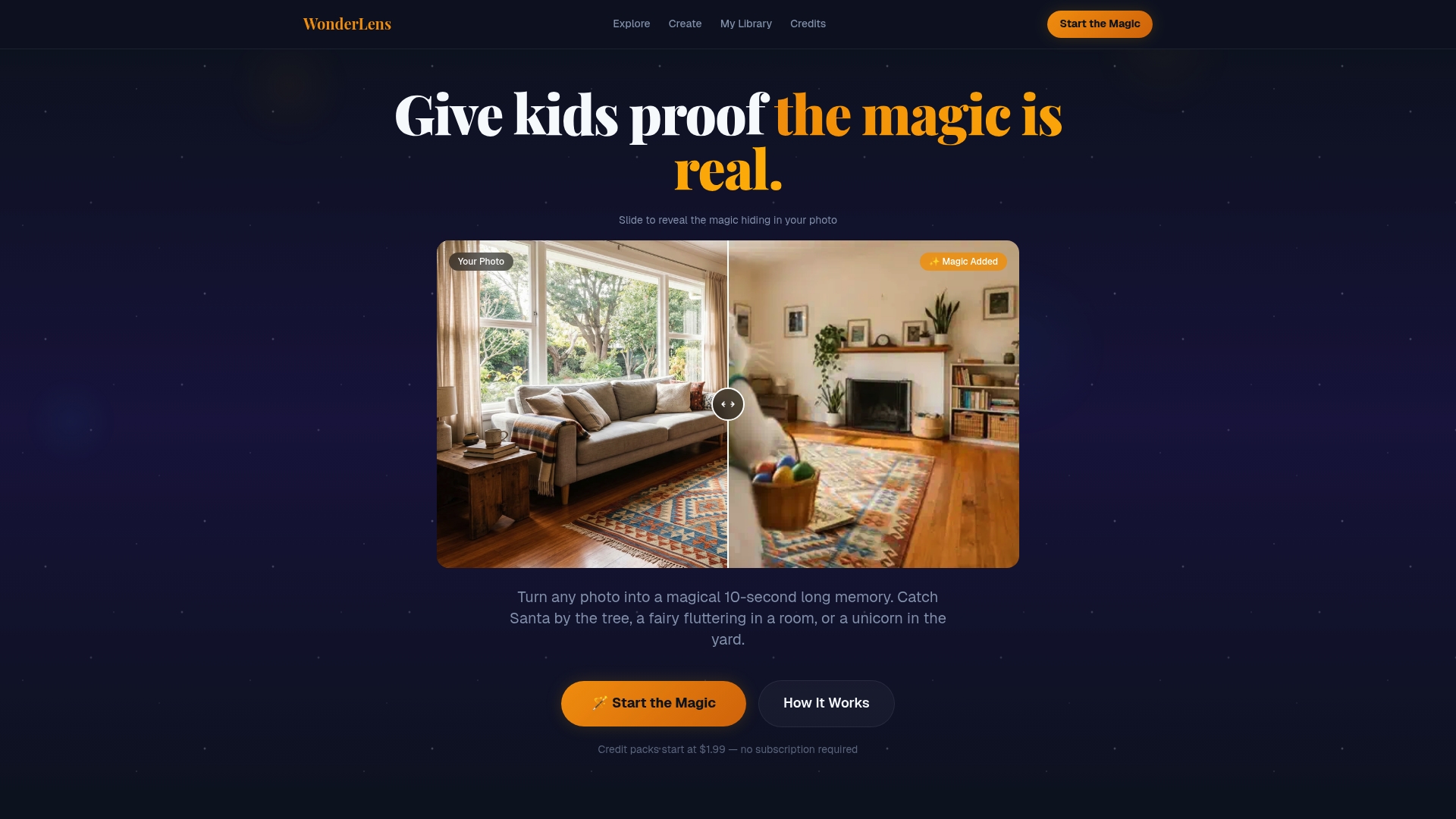
From instant Santa surprises on Christmas morning to Easter Bunny magic hopping through your actual living room, WonderLens turns a simple photo of your space into a 10-second animated memory your child will want to watch again and again. Credits start at just $1.99, so creating something truly magical does not require a big budget. Start making magical memories today and give your kids a holiday moment they will never forget.
Frequently asked questions
Are animated memories safe to share online with kids' faces?
Most major tools offer privacy controls, but always use family-owned photos and review each app's data policy before sharing publicly. Ethical use means only animating photos you own or have explicit permission to use.
What's the best way to animate very old or damaged photos?
Enhance or repair the photo first using a dedicated restoration tool before uploading it to any animation app. Pre-enhancement improves results significantly, especially for low-resolution or faded images.
Which animated memory app is most kid-friendly?
Laila AI and My Story Kids' Storybook Maker both feature strong parental controls, no inappropriate content, and child-centered creative tools that make them safe, engaging choices for young users.
How long does it take to turn a photo into an animation?
Most apps process animations within 3 to 5 minutes for a single photo or story, making it easy to create a surprise even on a busy holiday morning.
Recommended
- Blog — WonderLens | WonderLens
- Add animated characters to family photos: magical memories — WonderLens | WonderLens
- Animated photo transformation: bring family memories to life — WonderLens | WonderLens
- Make Magical Memories | WonderLens
- 7 Inspiring Photography Family Ideas to Capture Precious Moments 2026