Create Cinematic Digital Memories for Kids: A Parent's Guide
April 16, 2026
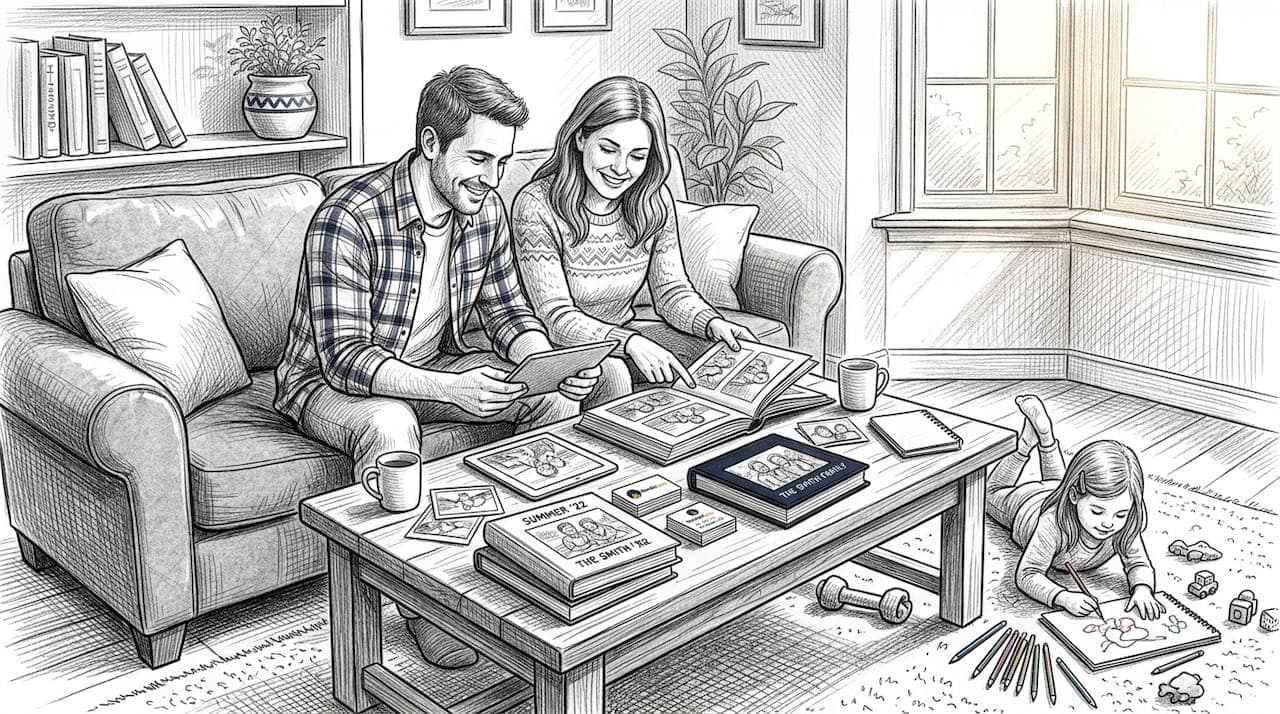
Think digital holiday videos are just generic, forgettable clips? Think again. Today's AI tools let parents do something truly extraordinary: place a friendly dragon in the living room, invite Santa to the kitchen, or have a fairy flutter past your child's face in their own bedroom. These are not sticker filters or basic overlays. AI video tools now transform your real family photos into cinematic, personalized animated moments your kids will beg to watch again and again. This guide covers what digital memory making is, how cinematic quality works, how to stay safe, and exactly how to create magical keepsakes your family will treasure for years.
Table of Contents
- What is digital memory making and why it matters for families
- How cinematic animated family videos are created
- Making memories magical and safe for young children
- Pro tips for creating unforgettable holiday keepsakes
- Why digital memory making is more than just a trend
- Create your family's next magical memory today
- Frequently asked questions
Key Takeaways
| Point | Details |
|---|---|
| Personalized magic | AI lets parents turn family moments into animated memories starring their own kids and favorite characters. |
| Cinematic quality at home | Simple prompts and editing tools help you create movie-like videos for holidays and special occasions. |
| Kid safety first | Review all content for age-appropriateness to keep digital keepsakes fun and safe. |
| Easy creativity | Interactive platforms offer one-click ways to bring imaginative ideas to life with minimal expertise. |
| Family tradition upgrade | Digital memory making transforms old photo traditions into lasting, magical stories everyone will cherish. |
What is digital memory making and why it matters for families
Digital memory making is not just saving a photo to the cloud. It is the art of using AI to turn real family moments into animated, story-driven keepsakes. Think of it as your family's own mini movie studio, right from your phone or laptop.
AI tools for families can transform family photos, videos, and stories into personalized animated videos or storybooks for holidays and special occasions. That means your child's Christmas morning photo can become a short film featuring Santa waving from behind the tree. Your Easter egg hunt footage can transform into a story where the Easter Bunny hops through your very own backyard.
Why does this matter? Traditional memories have limits. A scrapbook is beautiful, but it sits on a shelf. A phone album gets buried under hundreds of newer snapshots. Digital animated memories are shareable, searchable, and frankly, way more exciting to revisit.
Here is a quick comparison of memory formats:
| Memory format | Personalization | Shareability | Wow factor | Longevity |
|---|---|---|---|---|
| Physical scrapbook | High | Low | Moderate | High |
| Static phone album | Low | Medium | Low | Medium |
| Animated digital video | Very high | Very high | Very high | Very high |
| Printed photo book | Medium | Low | Moderate | High |
Some of the most popular types of digital memory creations families are making right now include:
- Animated holiday invitations featuring your child's name and favorite character
- Storybook-style recaps that walk through a birthday or holiday season
- Talking avatar videos where a character delivers a personal message to your kid
- Cinematic scene videos placing fantasy characters inside your actual home
"The magic of digital memory making is not just in the technology. It is in seeing your child's face light up when they recognize their own living room in a magical video."
One of the biggest advantages? Digital creations grow with your family. You can update themes every year, swap characters, and layer in new moments without starting over. Check out the family memory creation blog for fresh ideas each season. You can even explore options like a magical dragon experience or a dinosaur video keepsake to mix things up beyond the usual holiday lineup.
How cinematic animated family videos are created
Now that you see why digital memories are priceless, let's break down what goes into creating blockbuster moments at home.
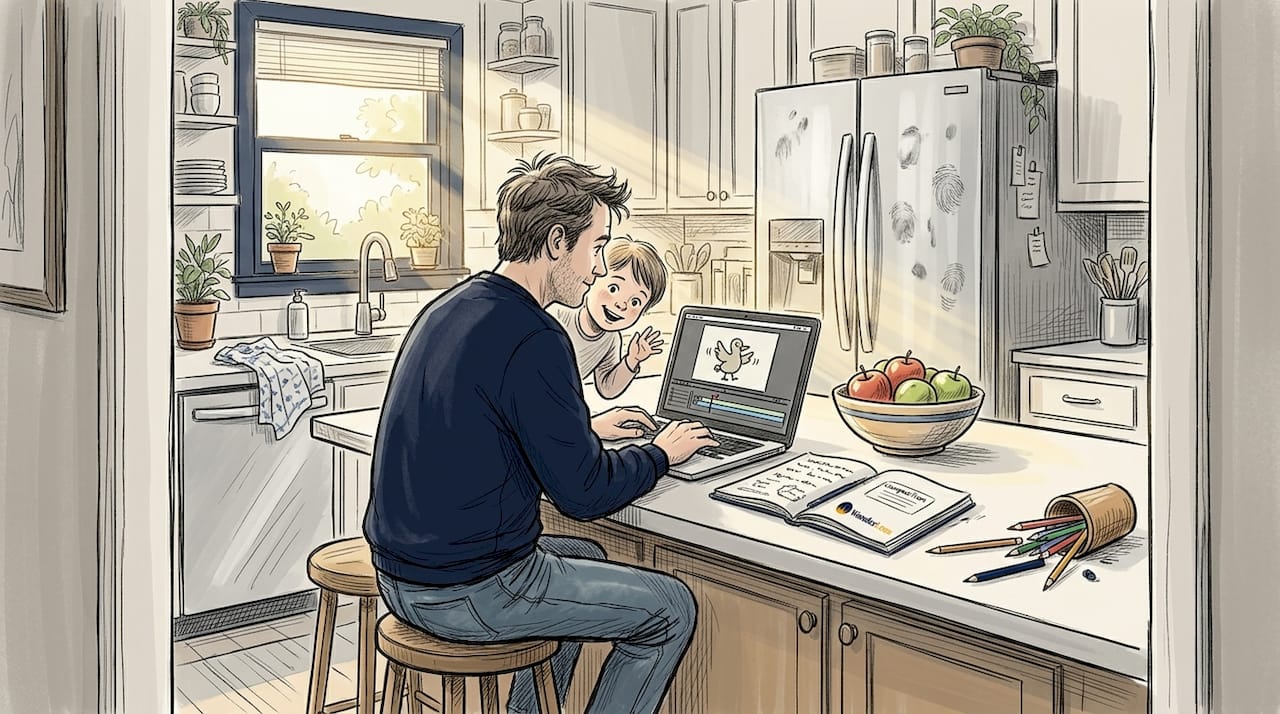
The good news: you do not need to be a filmmaker. Modern AI tools handle the heavy lifting. Cinematic quality is now achievable via AI generators like Google Veo 3, with prompts specifying details like "sitcom-style lighting, warm colors, medium shot" for family scenes. Runway and CapCut round out a solid toolkit for parents who want polished results without a steep learning curve.
Here is a simple step-by-step process to get started:
- Choose your platform. Pick an AI video tool or a dedicated family memory platform like WonderLens.
- Upload your photo or short video clip. A clear, well-lit image of your home or your child works best.
- Pick your character and style. Santa, a fairy, a dragon, or any favorite character your child loves. You can even add a virtual fairy with just a few clicks.
- Set your prompts. Describe the lighting, color mood, and framing. Warm tones and natural settings feel the most magical and realistic.
- Preview your video. Review the output before sharing. Adjust prompts if anything feels off.
- Edit and personalize. Add your child's name, a short custom message, or a festive soundtrack using an editing app.
- Share and save. Send it to grandparents, post it privately, or save it as a family keepsake.
Here is a quick look at popular tools and what they do best:
| Tool | Best for | Ease of use | Cost |
|---|---|---|---|
| Google Veo 3 | Cinematic realism | Moderate | Paid |
| Runway | Creative video effects | Moderate | Free/Paid |
| CapCut | Editing and finishing | Easy | Free |
| WonderLens | Holiday character videos | Very easy | From $1.99 |
Personalization ideas make a real difference. Mention your child's name in the video, reference their favorite toy, or match the character to their current obsession. Kids notice those details immediately, and that personal touch is what turns a cool video into a treasured keepsake.
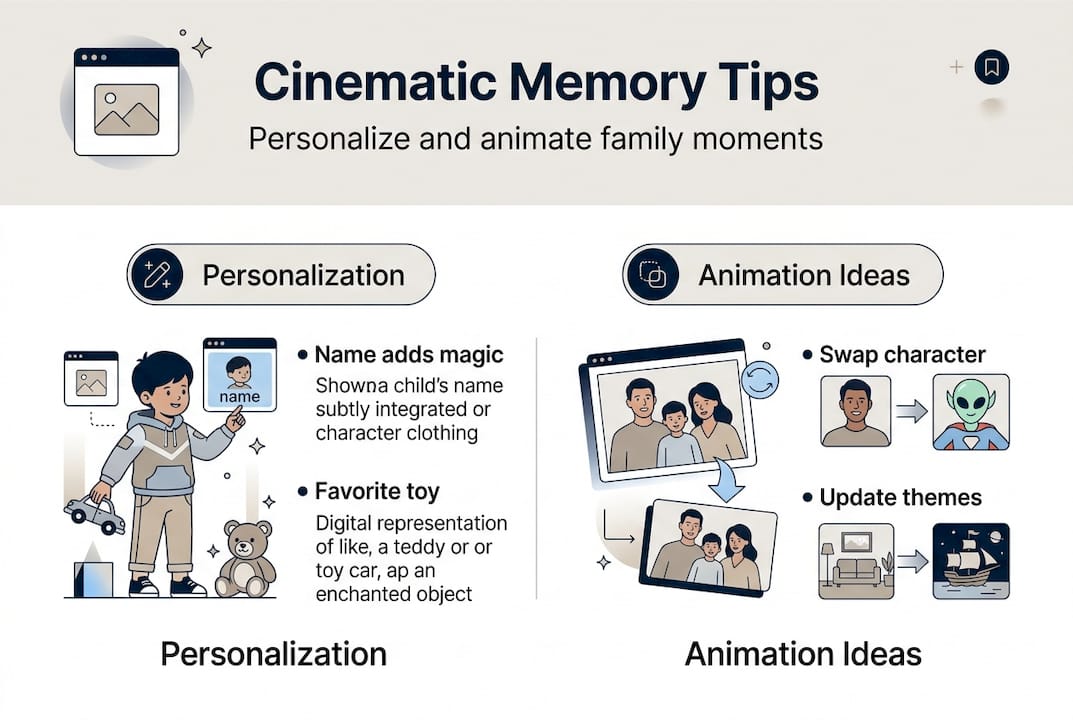
For more inspiration on how to animate characters in family photos or transform family memories into cinematic stories, WonderLens offers a growing library of guides and examples.
Pro Tip: Test at least two or three different prompt variations before settling on a final video. Small changes like "golden afternoon light" versus "bright morning sunshine" can completely change the emotional feel of your scene.
Making memories magical and safe for young children
You've seen the tech magic. Now let's make sure your videos are equally wonderful and safe for your youngest viewers.
Safety matters first. Young children are deeply impressionable, and the content they watch leaves a lasting mark. Age-appropriate content previews are recommended before sharing any animated video with kids. That means watching the full video yourself before pressing play with your little one.
Here are the key steps for keeping digital memories both magical and safe:
- Choose platforms with parental controls. Look for services that let you review every output before it reaches your child.
- Stick to kid-friendly characters. Santa, the Easter Bunny, friendly dragons, and fairies all bring joy without fear.
- Keep messages positive and lighthearted. Celebrate achievements, birthdays, or holiday excitement. Avoid anything spooky or overly intense for young kids.
- Address your child by name. Personalized videos feel like a gift made just for them, which deepens the emotional impact.
- Preview every video, every time. AI outputs can surprise you. Always watch first.
What makes a memory feel truly magical for a child? It is the combination of familiarity and wonder. When your child sees their own bedroom or living room in a video alongside a beloved character like a Santa video memory or an Easter Bunny keepsake, their imagination catches fire. The familiar setting grounds the magic in reality, making it feel genuinely believable.
You can also draw inspiration from creative memory-making traditions, like unique ultrasound memories that parents create to bond with their babies before birth. The instinct to capture and celebrate wonder is deeply human. Digital memory making just gives that instinct a powerful new set of tools.
For broader practical child safety tips as you introduce new digital experiences, nursery and family education resources offer solid grounding alongside your creative adventures.
Pro Tip: Sit with your child for their very first viewing. Watch their face. Their reaction will tell you everything, and it is a memory in itself.
Pro tips for creating unforgettable holiday keepsakes
Armed with safety know-how and creative inspiration, let's get hands-on with advice that takes your holiday videos from good to genuinely unforgettable.
Planning ahead makes a huge difference. The families who create the most memorable digital keepsakes start thinking about themes weeks before the holiday. Gather your favorite recent photos, note your child's current obsessions, and sketch out a loose idea for the story you want to tell.
Here are the top strategies for next-level holiday memory videos:
- Start early. Give yourself time to experiment with prompts and character choices before the big day.
- Use warm, specific prompts. Phrases like "golden candlelight, cozy living room, soft shadows" give AI tools the context they need to generate something cinematic rather than flat.
- Combine tools. Use an AI character video platform for the magical scene, then bring it into CapCut for music, titles, and finishing touches.
- Involve your kids in the planning. Ask them which character they want to visit. Let them pick the color of the fairy's wings or Santa's gift. That co-creation makes the final video even more meaningful.
- Iterate until it feels right. Expert advice on holiday video prompts points to testing multiple outputs and refining your style cues. One small prompt change can dramatically improve the final result.
"The best holiday keepsake is not the most technically perfect video. It is the one that captures how your family actually felt on that day."
For holidays, personalizing Santa cinematic memories with your child's name and a mention of something they achieved this year adds an emotional layer that generic videos simply cannot match. Kids remember being seen and celebrated.
Want to go deeper on creative approaches? The WonderLens guide on how to bring memories to life is packed with practical examples and visual inspiration for every holiday season.
Pro Tip: Save your best prompts in a notes app. Next year, you can build on what worked rather than starting from scratch.
Why digital memory making is more than just a trend
Having covered all the how-tos, here is the part that matters most.
Parents often ask us whether these videos are just a novelty. Our honest answer: they are not. The families who use AI-powered memory tools are not chasing trends. They are redefining what holiday traditions look like for their children.
A static photo captures a face. A cinematic animated video captures a feeling. There is a real difference between your child seeing a photo of Christmas morning and watching a video where Santa waves from their actual fireplace, casting warm golden light across the floor they know.
Most parents underestimate how deeply these moments anchor a child's sense of wonder and belonging. Stories and shared experiences are the fabric of family identity. When you create a new kind of family storytelling ritual, year after year, those videos become the stories your children tell when they grow up.
The true magic is not the AI. It is the new traditions you build around it together.
Create your family's next magical memory today
You now have everything you need to start creating holiday memories that feel truly cinematic and personal. The next step is simply beginning.
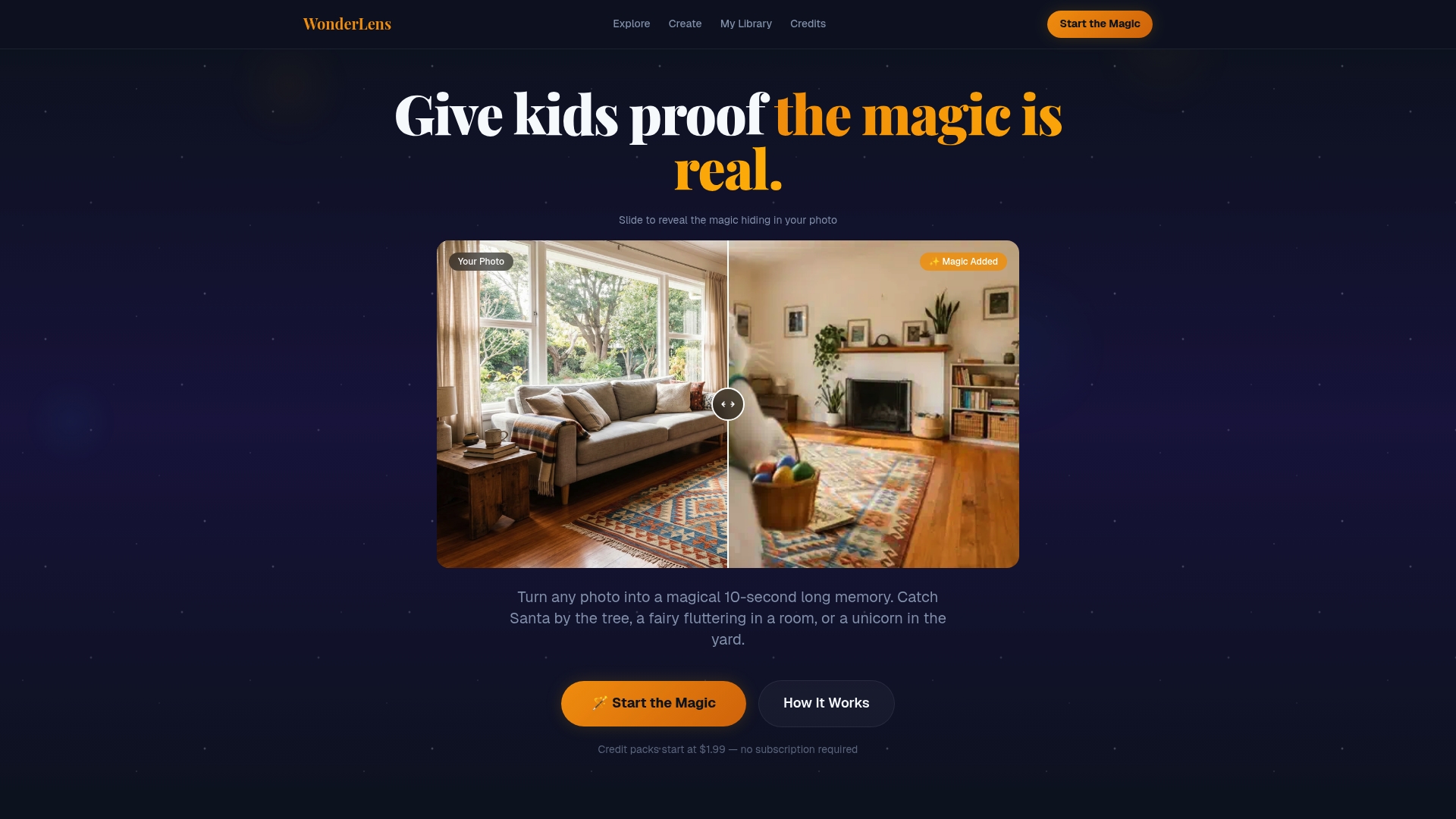
WonderLens makes it easy to place beloved characters directly into your home environment, with realistic lighting, natural movement, and details that genuinely delight kids. Whether you want Santa in your living room, a soaring dragon video experience, or a fairy dancing by the Christmas tree, every video is personalized to your family's space. Credits start at just $1.99, so you can create your first magical moment without a big commitment. Visit the WonderLens magic creator today and give your child a keepsake they will never forget.
Frequently asked questions
What do I need to start making digital holiday memories for my family?
All you need are some favorite photos or short family videos and access to a platform with AI features. AI tools for families can transform those simple uploads into personalized animated videos within minutes.
Is digital memory making safe for young children?
Yes, as long as you choose platforms that let parents review all content before sharing. Age-appropriate previews are the most reliable way to make sure every video is right for your child's stage.
How do I add my child's favorite character to our holiday videos?
Most platforms let you select a character and apply it to your photos or clips using simple prompts. Personalizing holiday videos with your child's name and favorite details makes the result feel genuinely made for them.
Do cinematic AI videos really look magical to kids?
Absolutely. AI generators like Google Veo 3 produce movie-quality lighting and animation that make holiday scenes feel real enough to spark genuine wonder in young children.
Recommended
- Add animated characters to family photos: magical memories — WonderLens | WonderLens
- Animated photo transformation: bring family memories to life — WonderLens | WonderLens
- Blog — WonderLens | WonderLens
- WonderLens — Give Kids Proof the Magic Is Real | WonderLens
- Galería de ultrasonido para padres: crea recuerdos únicos