Top 5 Instaelfie.com Alternatives 2026
May 18, 2026
Creating short, engaging videos from photos for social posts or family celebrations is often slowed by clunky app installs, watermarked exports, or locked templates behind high-priced subscriptions. Many mobile and browser-based tools either restrict advanced effects to paid tiers or lack realistic animation and themed templates that suit everyday creators. This comparison covers pay-per-use, template availability, animation quality, and export limits so you can pick a video maker that fits your posting frequency and production style without unneeded costs.
Table of Contents
- WonderLens
- Vimory
- Sociallize App
- Media.io
- Vimory – Video Memory Maker
- Comparative Analysis of Video Creation Tools
WonderLens
At a Glance
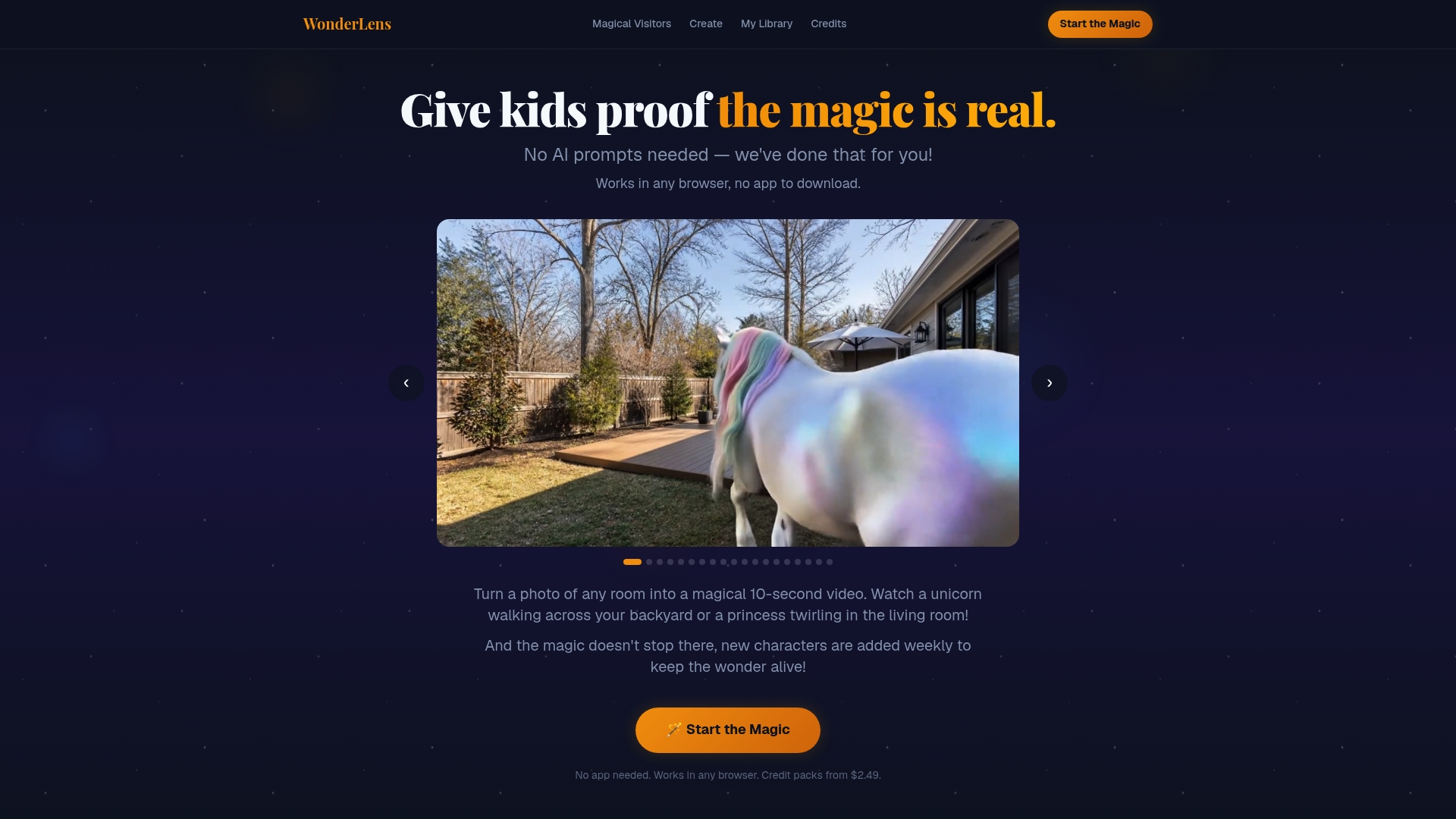
Creates cinematic-quality 10-second videos from a single photo directly in any browser with no app download or AI prompts required. The vendor advertises that new characters are added weekly, so the character roster can expand over time.
Core Features
- Upload a scene photo and pick from characters like unicorns, dragons, Santa Claus, fairy, T-Rex, and the Easter Bunny.
- Realistic lighting and shadows applied so characters look grounded in your room rather than pasted on top.
- Lifelike character motion and short looping animation designed for sharing on social feeds.
- No installation: it runs in any modern browser and uses credit-based pricing so you buy only the videos you want.
Key Differentiator
The clearest technical edge is the focus on photoreal integration: the rendering aims to match scene lighting and cast accurate shadows so characters appear to occupy the same physical space. That emphasis sets WonderLens apart from sticker-style AR filters.
Pros
- Realism that reads on camera. The rendered characters move and cast shadows that match many indoor photos, so the final clip feels cinematic rather than cartoonish.
- Very low friction. You do not need AI prompts or an app; uploading a photo and selecting a character produces a shareable clip in minutes.
- Family-friendly character set. The selection centers on holiday and fantasy figures that parents trust for kids' surprises.
- Pay-only-for-what-you-use model. Buying credits for single videos keeps cost predictable for occasional projects and party surprises.
- Fresh characters arrive regularly according to the vendor, which helps keep holiday content feeling new rather than repetitive.
Cons
- Single short format only: creations are limited to 10-second videos, so WonderLens is not suitable when you need longer animated stories or multi-shot sequences.
Who It's For
Parents and families who want quick, delightful home videos to surprise children for birthdays, Christmas, Easter, or casual family moments. It fits casual creators who value realism and low setup time over longer production control.
Unique Value Proposition
Pay-per-video credits start at $2.49, letting you create a one-off magical moment without a subscription commitment. That per-credit model makes it practical to test different characters or buy a handful of clips for a single holiday season.
Real World Use Case
A parent uploads a living room photo, selects Santa, and purchases one credit. Within minutes they have a 10-second clip to send to family chat and play for a child on Christmas morning, creating a surprise without props or a production crew.
Pricing
Pricing begins at $2.49 per credit with bundled packages available for multiple credits. There are no subscription tiers; you purchase credits as needed for individual videos.
Website: https://wonderlens.ai
Vimory
At a Glance
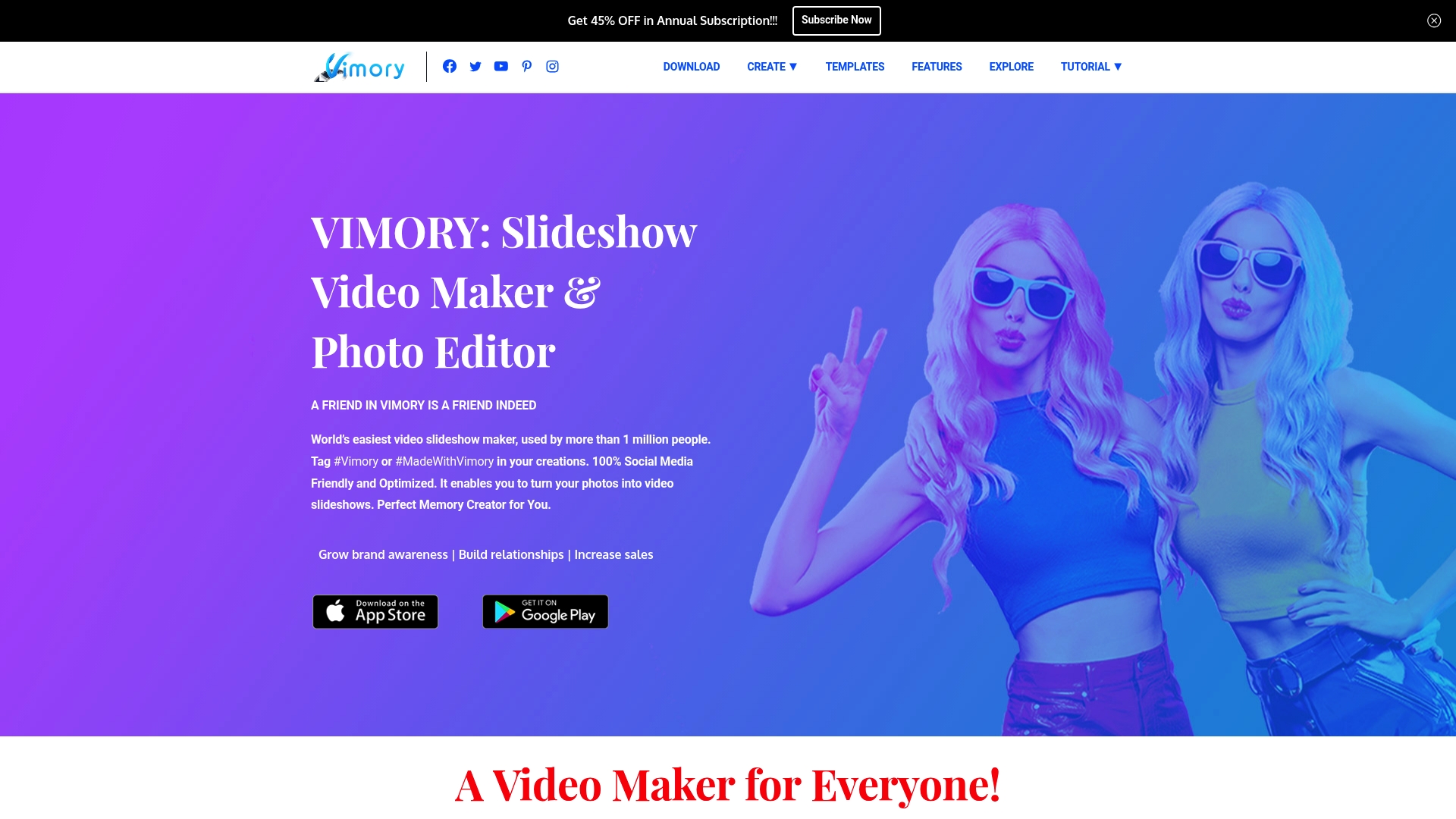
Vimory reports more than 1 million users and pitches itself as a one‑tap way to turn photo folders into short social videos. The app runs on iOS and Android, and the free tier exports with a watermark while paid plans remove it.
Core Features
Vimory focuses on fast, social media ready outputs and a small set of approachable tools.
- Templates for easy video creation that match story and square formats.
- Slide animation effects to add motion between photos without keyframing.
- Particle effects and filters for a dramatic look plus basic photo editing and frames.
The feature set is narrow by design so you can assemble a clip in minutes rather than hours.
Key Differentiator
Vimory frames itself around social posting speed and low friction. The app’s marketing leans on that user figure above to show broad consumer use. If you need an app that prioritizes templates and export presets geared to Stories and Reels, this is the focused option.
Pros
- Social media friendly design speeds up publishing for busy accounts. Templates and presets remove guesswork when you need a polished post quickly.
- Instant photo and video editing lets you crop, filter, and apply motion in a single workflow so edits happen on the device not in a desktop suite.
- Large library of templates and effects means fresh looks without custom motion design skills.
- Easy to use for all skill levels, which lowers the onboarding time for teammates and family members.
- Affordable premium plans keep recurring costs low for small business owners managing multiple channels.
Cons
- Limited third‑party reviews make it harder to read broad user sentiment outside the app store. The available feedback pool is comparatively small.
- The free version includes a watermark, which prevents professional use unless you upgrade.
- Features are basic compared with desktop editors, so fine control over timing and audio mixing is missing for advanced editors.
When It May Not Fit
If you need frame by frame editing, multitrack audio mixing, or raw footage grading, Vimory will feel restrictive. Teams that require shared asset libraries and project permissions will find the app lacks collaboration workflows. Also, users who need watermark‑free exports without paying should look elsewhere.
Who It's For
Casual social posters, small business owners, and creators who want quick promotional clips without learning a timeline editor. Vimory suits people who prefer mobile workflows and reward speed over granular control.
Real World Use Case
A boutique seller shoots product photos, drops them into a template, adds a particle filter and licensed music, and publishes a 10 second clip to Instagram in under ten minutes. The result increases engagement without needing a freelance editor.
Pricing
Free for basic use with watermark. Paid tiers remove the watermark and add extras. The vendor lists $2.99/month or $19.99/year for iOS and a $6.99 lifetime option on Android.
Website: https://vimoryapp.com
Sociallize App
At a Glance
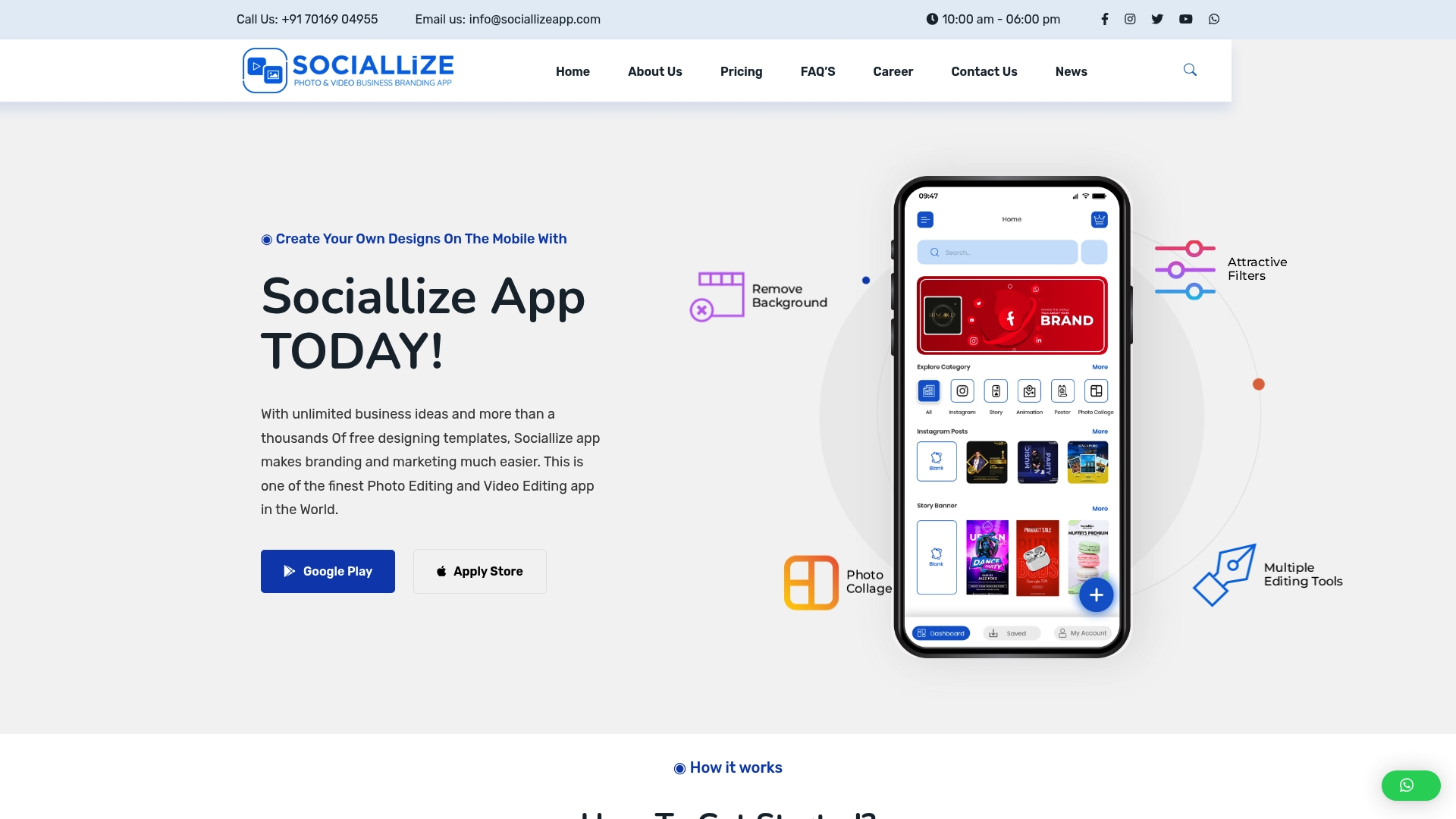
The vendor advertises a library of over 10,000 pre-built templates across more than 100 business and festival categories, positioning Sociallize App as a template-first mobile creator for quick social posts. That template count drives the app's appeal for non-designers who need fast results.
Core Features
- Over 10,000 templates spanning business and festival themes, with ready-made layouts for posts and stories.
- Advanced editing tools including background removal and collage maker to build layered visuals on a phone.
- Customizable templates for branding, direct share to social platforms, and support for multiple social media formats.
Key Differentiator
Sociallize App leans on that large template library and simple editing tools to let users assemble branded content in minutes. Unlike WonderLens, which focuses on cinematic animated videos and in-scene rendering, Sociallize App targets mobile-first social content creation for marketers and small shops.
Pros
-
Fast iteration on campaigns because templates cut design time. You can produce a set of coordinated posts in one session.
-
The app is available on Android and iOS, so teams with mixed devices can collaborate without platform gaps.
-
Template categories cover festivals and business use cases, which saves research time when you need holiday or event collateral.
-
Higher tiers offer unlimited projects, removing friction for agencies or creators who publish daily.
Cons
-
Several user reports mention inconsistent customer support response times, which can slow problem resolution for paid subscribers.
-
Payment and withdrawal issues appear in user reviews, introducing potential friction for creators who rely on timely payouts.
-
The app is resource intensive. On lower-end devices performance can drop, and editing large files may feel sluggish.
When It May Not Fit
If you require desktop-grade, pixel-level editing or feature parity with professional design suites, the app's mobile-first focus will feel limiting. Also, if you need ironclad payout or task reliability for monetized workflows, the payment and task concerns reported by users make this a riskier choice.
Who It's For
Small business owners, solo marketers, event organizers, and freelance content creators who prioritize speed over granular control. Sociallize App suits teams that publish frequently from phones and want branded templates without hiring a designer.
Real World Use Case
A boutique used Sociallize App to produce holiday sale posters and short promo videos, then scheduled posts across Facebook, Instagram, and WhatsApp directly from the app. The result was a consistent seasonal campaign produced without an external design resource.
Pricing
Plans start at ₹365 per year for the Starter plan which allows four images per day, up to ₹2500 per year for Pro with unlimited projects and additional features. A free trial period is available for first-time users.
Website: https://sociallizeapp.com
Media.io
At a Glance
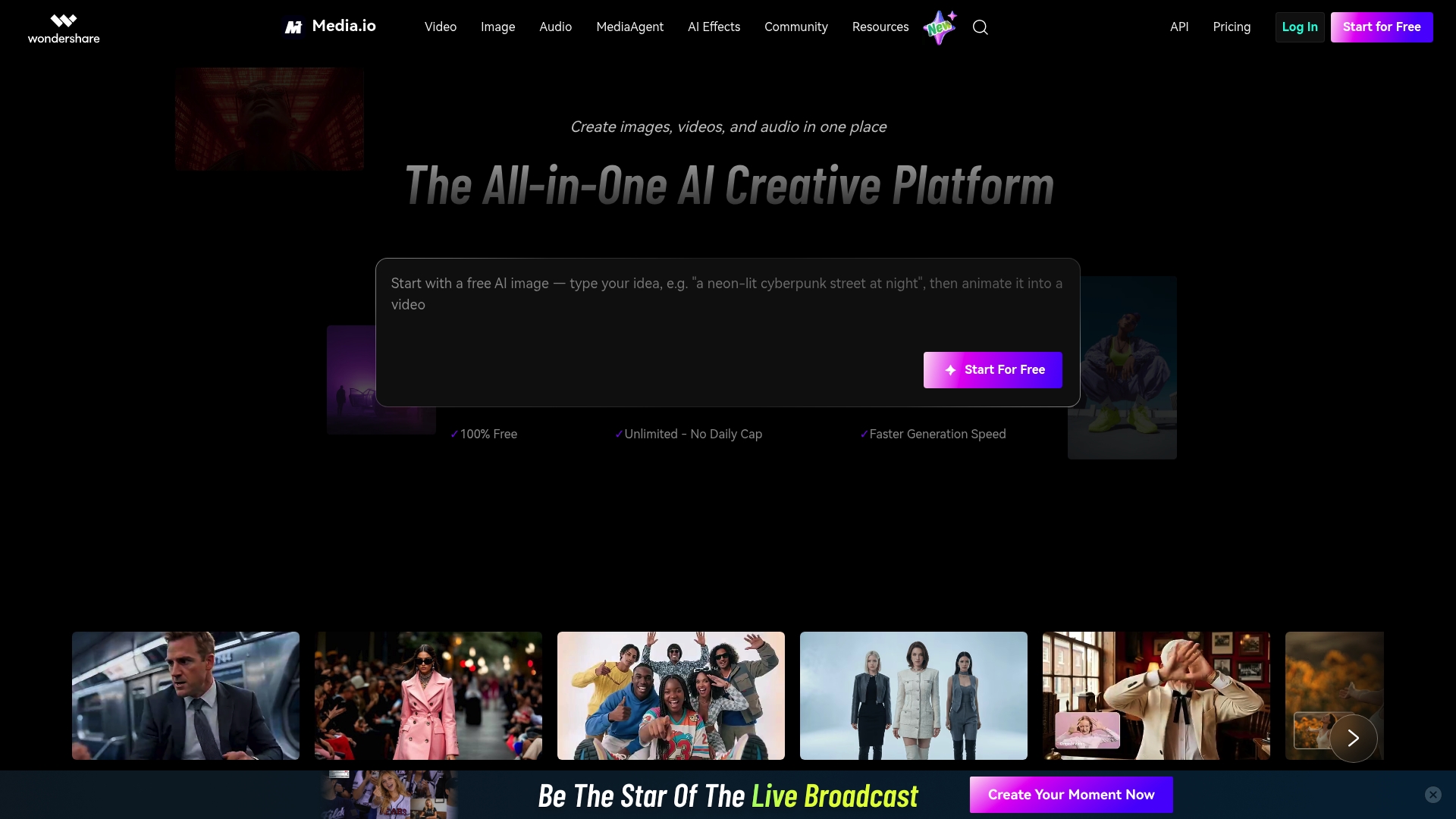
Runs entirely in the browser while letting you turn text and images into video, edit photos, and generate audio without installing software. The vendor positions Media.io as an all-in-one browser-based AI media toolkit, which explains its broad feature mix.
Core Features
- AI-powered video creation from text and images for short social clips and simple promos.
- Image editing, upscaling, and object removal to clean and repurpose photos quickly.
- Audio generation and editing, including music beds and sound effects for short form content.
- Viral effects and creative filters for images and videos to match trending social formats.
- Multi-format processing with watermark removal, noise reduction, and AI effects across media types.
Key Differentiator
Media.io centers on browser-only access to a wide suite of creation tools, which reduces setup friction for quick content bursts. That breadth targets creators who want a single web app for video, image, and audio tasks.
Compared with WonderLens, Media.io focuses on fast content production for social and marketing use. WonderLens emphasizes cinematic, photorealistic animated holiday scenes for families, while Media.io aims for volume and speed across formats.
Pros
- Fast browser access means you can start a short promo or clip from a phone or laptop without installs. Good for last-minute publishing.
- Broad toolset covers the common needs of creators: video from prompts, image cleanup, and basic audio, so you avoid switching tabs.
- API support and learning resources let small teams slot the tools into lightweight workflows or prototype integrations.
- Extensive library of filters and models helps match trending formats without custom editing skills.
- Some users report quick processing and satisfactory results on straightforward tasks, making it useful for draft content.
Cons
- User reviews report misleading free trial and subscription practices, which is a recurring complaint across public feedback.
- Several reviewers describe difficulties canceling subscriptions and unexpected charges after trials.
- Output quality is inconsistent across tools; polished or professional-grade results cannot be guaranteed for every use case.
- Customer support is reported as unresponsive or unhelpful by multiple users, making problem resolution slow.
When It May Not Fit
If your work requires reliably cinematic renders, nuanced shadow and lighting integration, or agency-grade final cuts, Media.io may fall short. Teams that need ironclad billing and white-glove support should be cautious given the subscription complaints above.
Who It's For
Content creators, social marketers, and small teams who need rapid, browser-based media production for social channels. Use it for prototypes, short promo clips, and quick visual experiments rather than polished commercials.
Real World Use Case
A social influencer generates several short clips from text prompts, applies trending filters, adds a custom music bed, and publishes within an afternoon. The speed helps maintain a daily posting cadence for campaigns.
Pricing
The vendor did not provide pricing details in the product data. Media.io offers browser workflows and APIs, but prospective buyers should review current plans on the vendor site and watch for trial billing terms before subscribing.
Website: https://www.media.io/
Vimory – Video Memory Maker
At a Glance
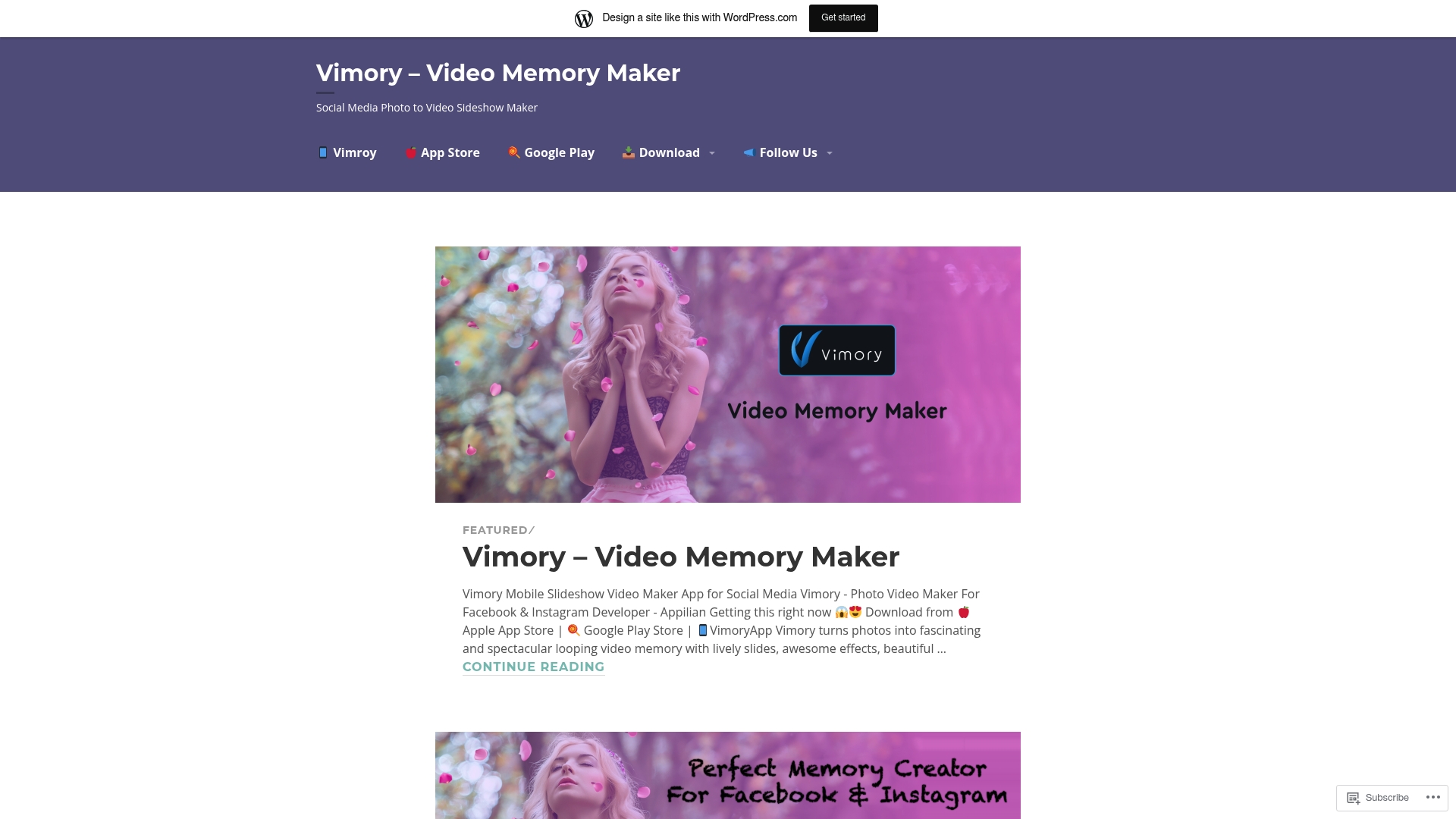
The app centers on themed templates for fashion, travel, romance, and special occasions, letting you turn photo sets into quick social videos on iPhone and Android. Try a template and export in minutes when you need a ready-to-post clip fast.
Core Features
Primary workflows focus on speed and templates. Create photo to video slideshows with lively effects and choose from a wide catalog of themed templates.
- themed templates for occasions and topics
- music integration for background tracks
- iOS and Android support for on-device editing and direct social sharing
Pick a theme, add music, and export. That process is the point.
Key Differentiator
A large template library plus a minimal learning curve is the app's main angle. Where many mobile editors hide presets in menus, Vimory places theme choices front and center so you spend time styling not setting up.
If you value speed over deep timeline control, this is the distinguishing experience.
Pros
-
Fast social posting. The app reduces steps from photos to shareable video, which is handy when you need a last-minute story or post.
-
Easy for beginners. The user-friendly interface keeps controls visible and simple, so noneditors get usable results quickly.
-
Template variety. Many occasions are covered so you can find a near-ready look without building from scratch.
-
Mobile first. Editing on the phone and sharing directly to platforms is straightforward which suits casual creators and small business owners.
Cons
-
Third-party reviews suggest limited editing flexibility which frustrates users wanting frame by frame control.
-
Some users report periodic stability problems or crashes during longer edits.
-
Most decorative templates and premium effects require in-app purchases or a subscription which restricts the free tier.
These tradeoffs are common for apps that favor simplicity.
When It May Not Fit
If you need advanced timeline editing, color grading, or multi-layer compositing the app will feel too narrow. Professional editors will miss fine control over transitions.
If your work depends on predictable app stability under complex edits, test the workflow before committing to a paid plan.
Who It's For
Casual social media creators, hobbyists, and small business owners who need attractive, themed videos without desktop software. It works best when photo quality and creative input are already strong.
Real World Use Case
A parent assembles a birthday slideshow by selecting a birthday template, dropping in party photos, picking a backing track, and exporting a short clip to share on Instagram. The end result looks polished with minimal fuss.
Pricing
Free to download with limited features. Additional templates and effects are unlocked through in-app purchases or subscription options for recurring access.
Website: https://vimoryapp.home.blog
Comparative Analysis of Video Creation Tools
In assessing video creation tools tailored for casual and social use, WonderLens and its competitors offer distinct approaches. Each choice highlights specific strengths and potential tradeoffs, catering to diverse user requirements.
Realism and Creative Depth
WonderLens is unique for its ability to create lifelike animations integrated directly into user-provided photographs, achieving high photorealism with realistic shadows and lighting adjustments. This feature is particularly appealing for users seeking immersive and magical video content, such as families creating holiday-themed clips. Media.io, by contrast, excels in offering a diverse set of editing options across multiple media types, albeit sacrificing deep realism for versatility. Sociallize App focuses on the aesthetic aspects of social media branding and template-driven workflow, whereas Vimory offers speedy template-based creation specifically for casual posts and slideshows, lending itself well to quick iterative outputs.
Pricing and Accessibility
For occasional users, WonderLens’s credit-based model may be preferable as it avoids subscription commitments, appealing to individuals aiming to use the service sporadically to create seasonal or occasional videos. In contrast, Vimory and Sociallize App provide subscription-based models with varying pricing tiers, both limiting free usability yet offering scalability for regular creators. Notably, Vimory includes a lifetime access option on Android, presenting a cost-effective choice for dedicated users.
Best Fit Scenarios
- WonderLens.ai: For families or creators seeking high-quality magical animations integrated into personal photographs quickly without additional installations.
- Media.io: Ideal for content creators who need a browser-based platform capable of producing diverse media projects efficiently.
- Vimory: Best suited for small business owners or personal users aiming to create casual multimedia slideshows and similar short videos with minimal input effort.
- Sociallize App: Perfect for marketers and agencies requiring coordinated branded content with extensive ready-made templates.
Our Pick
WonderLens stands out for users priotizing photorealistic effects and short animation that visually enhance the moment shared. Its lack of lengthy production complexity makes it accessible for quick and intentional storytelling, even though individuals seeking extended or collaborative solutions might favor competitors like Media.io for broader functionality.
Cinematic 10-Second Video Creation Tools Comparison
Discover which tool offers seamless workflows to produce high-quality animated video content easily.
| Product Name | Core Feature | Key Differentiator | Best For | Pricing | Notable Limitation |
|---|---|---|---|---|---|
| WonderLens | Cinematic animated videos | Photorealistic character integration | Families and casual creators | $2.49 per credit | Limited to 10-second videos |
| Vimory | Social media templates | Speed-focused social content creation | Casual users and small businesses | $2.99/month or $19.99/year | Free tier includes watermark |
| Sociallize App | 10,000+ templates for branding | Large template library for quick results | Small business owners and marketers | ₹365/year (Starter), ₹2500/year (Pro) | Performance issues on low-end devices |
| Media.io | Browser-based media toolkit | Broad editing capabilities in browser | Content creators and social marketers | Not disclosed | Output quality inconsistency |
Create Magical Moments with WonderLens as Your Top Instaelfie.com Alternative
If you want to bring the magic of your favorite fantasy characters right into your home photos but struggle with complicated editing or generic filters, WonderLens offers a truly unique solution. This platform turns a simple snapshot into a realistic cinematic-quality 10-second video featuring characters like Santa Claus, unicorns, and dragons with natural lighting and shadows that make the animation look like it is actually there.

Explore how WonderLens makes surprising your children for holidays or special occasions effortless and memorable. Purchase credits starting at just $1.99 and watch your photos come alive with stunning characters designed to create unforgettable digital keepsakes. Visit WonderLens and start crafting your own magical animated moments today.
Frequently Asked Questions
How does Wonderlens create cinematic-quality videos from a single photo?
Wonderlens generates cinematic-quality 10-second videos by applying realistic lighting and shadows to rendered characters, making them appear naturally integrated into the scene. This unique feature allows characters like unicorns and T-Rexes to move realistically, making the videos lifelike and shareable. Users looking for a quick, delightful home video experience will find this approach highly effective.
What is the difference between Wonderlens and Vimory regarding video length?
Vimory specializes in creating videos from photo folders with a focus on speed and ease of use, while Wonderlens limits its creations to 10-second videos that emphasize photorealistic character integration. For users who seek longer animated stories or detailed multi-shot sequences, Vimory may be a better fit, whereas Wonderlens excels when quick, magical video moments are needed.
Can I use Wonderlens for creating holiday-themed videos?
Wonderlens is highly suitable for creating holiday-themed videos as it features a family-friendly character set that includes figures like Santa Claus and the Easter Bunny. Its focus on holiday and fantasy figures makes it a popular choice for parents wanting to surprise their children during festive occasions. Families can expect to produce delightful clips without complex setups.
Does Wonderlens support browser-based access without downloading an app?
Wonderlens operates entirely within modern browsers, allowing users to upload photos and generate videos without the need for app downloads. This browser-based approach enhances accessibility, making it easy for casual and family users to create shareable clips quickly and effortlessly. Users can dive right into video creation without installation hassles.
What is the pricing structure for Wonderlens videos?
Wonderlens uses a credit-based pricing model starting at $2.49 per credit, allowing users to purchase only the videos they want without a subscription commitment. This pay-per-video structure makes it budget-friendly for those looking to create occasional projects or surprises. Users can easily experiment with different characters without financial pressure.