Top 3 liveimage.ai Alternatives 2026
May 2, 2026
Creative minds are always searching for the next tool that can bring their visions to life more easily. Technology keeps moving forward and fresh solutions are popping up every year. With so many new options on the market it can be tough to know which ones actually deliver results you can trust. Whether you are working on personal projects or professional tasks the right platform makes a huge difference. If you are curious about how some of the rising stars stack up you are in the right spot. Surprising features and unexpected advantages could be waiting in this comparison.
Table of Contents
WonderLens
At a Glance
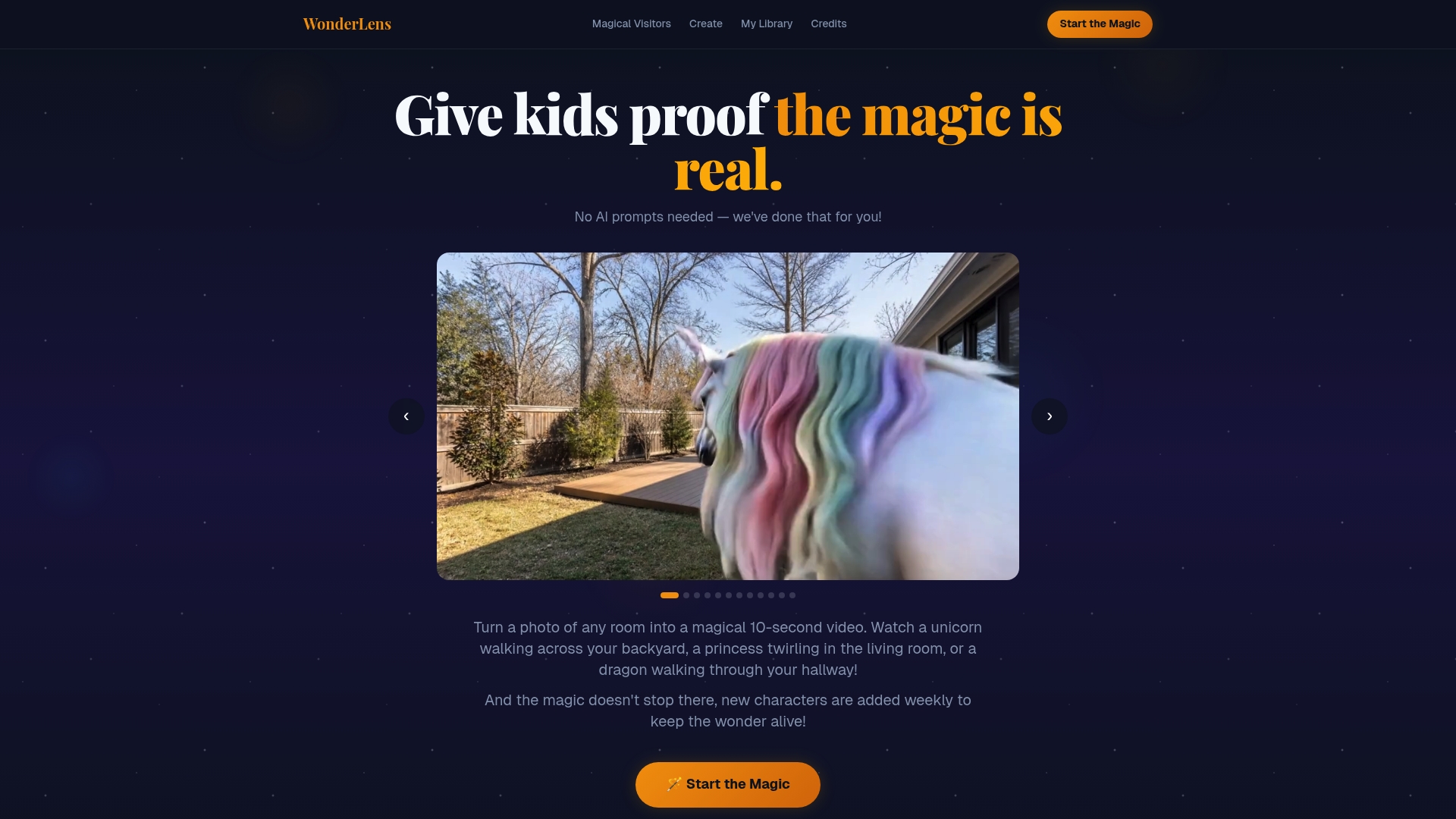
WonderLens converts a simple room photo into a 10-second cinematic clip that places family-friendly characters into your home. This is the top-tier choice for parents who want realistic, shareable holiday surprises without learning prompts or complex editing.
Core Features
WonderLens transforms photos into 10-second videos with animated characters using advanced cinematic rendering. Users pick from a library including unicorns, dragons, fairies, and Santa Claus and generate a finished clip without any AI prompt engineering.
The platform adds new characters regularly and stores media in private storage for family-safe sharing. The process is web based and designed to be quick and simple: upload, choose a visitor, and generate.
Pros
- Realistic, cinematic-quality animations: The rendered visitors look like moving guests rather than flat stickers, producing believable motion and lighting.
- User-friendly process: You only upload a photo, choose a visitor, and generate the video, so parents can produce magic in minutes.
- No subscription required: You pay per video which keeps costs predictable for occasional holiday surprises.
- Perfect for special occasions: The product is geared toward making memorable holiday moments like catching Santa on camera.
- Family-friendly and secure: The service markets itself as safe for children and stores photos and videos privately.
Who It's For
This is aimed at families and grandparents who want quick, impressive surprises for children during holidays and birthdays. If you value ease of use and realistic results over manual editing, this is the obvious choice.
Unique Value Proposition
WonderLens sets the standard by combining cinematic rendering with a family-first workflow. There is no learning curve for prompts which eliminates frustration for nontechnical parents. The focus on short, high impact clips means you get polished moments that children react to instantly.
What separates WonderLens from other options is its complete service model. It pairs a regularly updated character library with private media handling and a simple credit system. That combination gives you flexibility to create single moment keepsakes or build a small tradition without committing to a subscription. Sophisticated buyers choose WonderLens because it delivers consistent, realistic output repeatedly while minimizing setup and privacy concerns.
Real World Use Case
A family photographs their living room on Christmas Eve, uploads the image, and selects Santa from the visitor list. In a few minutes they receive a 10-second clip of Santa placing gifts. The parents play the clip for their children as a surprise and then save it as a digital keepsake.
Pricing
Credit packs start at $2.49 for one credit, which creates one 10-second video. Larger packs include $5.99 for 3 credits and $8.99 for 5 credits. The pay per video approach keeps costs clear for occasional users and allows families to buy only what they need.
Website: https://wonderlens.ai
Dzine
At a Glance
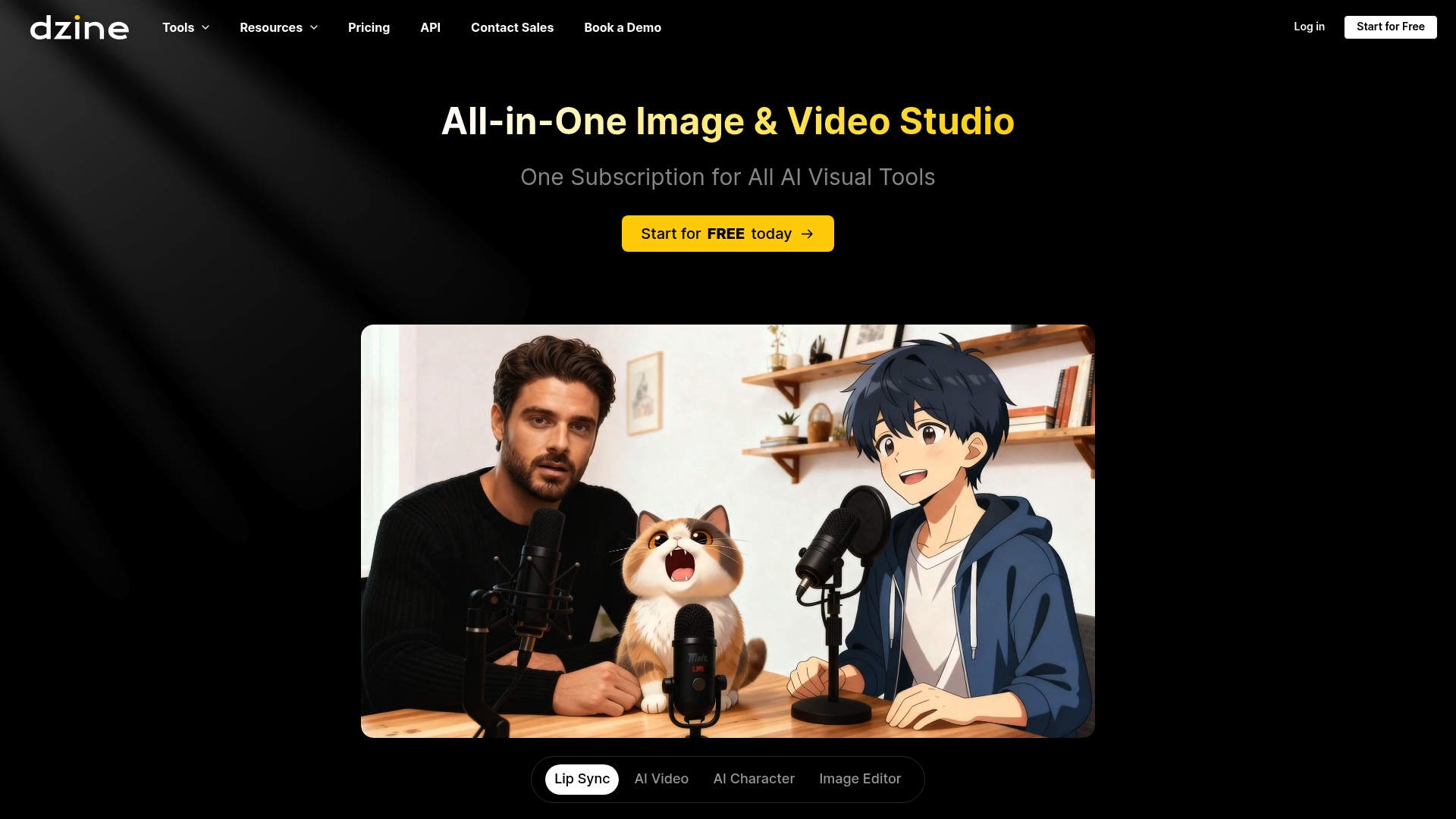
Dzine is a versatile image and video creation tool that gives users fine control over composition and style while remaining approachable for many skill levels. It works well for creators who want precise visual control without a steep technical barrier.
Core Features
Dzine centers on Predefined styles and flexible editing tools that speed up creativity. The platform includes Layering, positioning, and sketching tools plus AI assisted editing and High-resolution exports up to 6144px × 6144px for print quality results.
Pros
- User-friendly interface. The layout and toolset reduce friction so both beginners and experienced users can start creating quickly.
- Advanced composition control. Layering and positioning tools allow deliberate placement of elements for polished results.
- Wide AI toolset. The suite covers image, video, and graphic design workflows so creators can handle multiple project types in one place.
- High-resolution export options. The ability to export up to 6144px × 6144px supports print and detailed digital displays.
- Support for multiple models and assets. Access to varied models and assets helps match different creative styles and project requirements.
Cons
- Complexity in advanced features may overwhelm absolute beginners because deeper controls require time to learn.
- Some capabilities require paid plans or credits which means access to the full toolset is not completely free.
- Limited free credits at signup restrict how many high quality exports new users can produce before subscribing or buying credits.
Who It's For
Dzine fits content creators, digital artists, designers, marketers, and video producers who need both creative freedom and technical control. Professionals and hobbyists who value high resolution output and a unified toolset for image and video work will get the most value.
Unique Value Proposition
Dzine combines approachable design tools with advanced composition controls and AI assisted editing so users keep creative intent while accelerating production. The platform stands out by offering a single environment for both static image creation and short video generation.
Real World Use Case
A marketing team uses Dzine to rapidly produce high quality product images and engaging video ads for multiple campaigns. This workflow saves time and preserves creative control by letting the team iterate styles and export print ready assets from the same project.
Pricing
Dzine offers tiered subscription plans named Beginner, Creator, Master, and Master Pro with both monthly and annual billing options. New users receive free credits at registration and additional credits are available through subscriptions and purchases.
Website: https://www.dzine.ai
ZenCreator
At a Glance
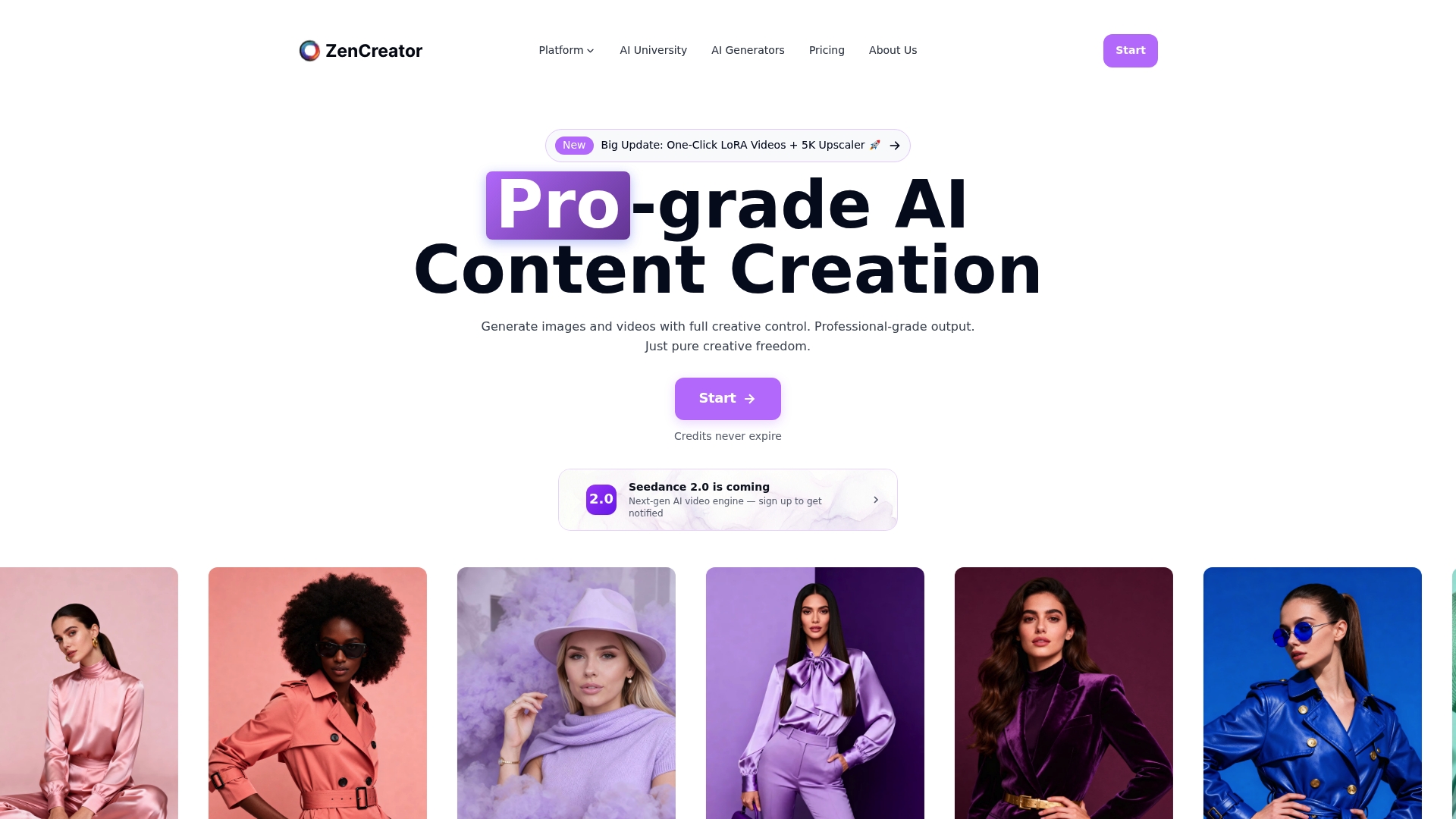
ZenCreator is a professional AI content creation platform that delivers studio-grade quality for images and videos while giving users creative control over outputs. Parents looking to craft personalized holiday videos will appreciate the platform's focus on high resolution and flexible tools.
Core Features
ZenCreator combines AI image and video generators, photo editing, face generation and swapping, influencer creation, and high-resolution upscaling into one interface and a shared credit system. Credits never expire and the platform supports secure payments including credit cards and cryptocurrencies.
Pros
- Comprehensive toolset: ZenCreator offers a wide range of creation tools that cover images, video, face work, and influencer assets in one place.
- Studio-grade output: The platform produces high quality results that work well for campaign visuals and memorable family clips.
- Shared credits that never expire: The crediting system stays valid across tools which reduces pressure to use purchases quickly.
- Cross industry support: The service supports social media, e commerce, gaming, and entertainment use cases which makes it versatile for many projects.
- Secure and flexible payments: Users can pay with credit cards or cryptocurrencies which adds convenience for different buyers.
Cons
- The platform pricing may be costly for high volume users over time which could limit frequent creators on a tight budget.
- Tool complexity requires a learning period so new users will spend time mastering advanced functions before achieving peak results.
- Limited free usage or trial options are reported which makes it harder to test the full capabilities before purchase.
Who It's For
ZenCreator fits content creators, marketers, influencers, gaming developers, and agencies that need professional AI powered content generation for high quality images and videos. Parents who want a cinematic keepsake for holidays will find the studio quality useful if they are comfortable investing time to learn the tools.
Unique Value Proposition
ZenCreator stands out by bundling advanced generation and editing features with a shared credit system and no expiration on credits which simplifies long term use. The combination of generation, swapping, and upscaling in one platform reduces the need for multiple tools.
Real World Use Case
A social media manager or a parent can use ZenCreator's AI Image Generator to create customized high resolution visuals for a holiday campaign or a short magical video of a favorite character in the living room. This saves time compared to organizing a photoshoot.
Pricing
Credits packages start at $19.99 for 200 credits with larger packages available that provide better value per credit. Credits never expire which lets users buy ahead and use tokens when projects or holidays arise.
Website: https://www.zencreator.pro
AI-based Creative Tools Comparison
The comparison table below highlights three AI-powered platforms, showcasing their key features, advantages, disadvantages, and pricing to help users make an informed decision:
| Platform | Strengths | Weaknesses | Applications | Pricing |
|---|---|---|---|---|
| WonderLens | Realistic animations; Simple to use; No subscription | Limited to video animation; Family-centric focus | Creating family-focused holiday videos | $2.49/video minimum |
| Dzine | Extensive creative tools; High-resolution export | Learning curve for advanced tools; Some paid features | Graphic design; Video and Image creation | Various monthly plans |
| ZenCreator | High-quality outputs; Credits without expiration | Advanced tools may require learning; High initial cost | Professional and personal video and image creation | Credits from $19.99 |
This table synthesizes all reviews, providing a streamlined view for readers looking to select the best tool for their creative needs.
Discover the Magic of Personalized Holiday Videos with WonderLens
Struggling to find an easy, realistic way to create memorable animated holiday scenes at home? Many alternatives fall short by requiring complex editing or lacking lifelike results. WonderLens solves this by transforming your simple room photos into short cinematic clips featuring beloved characters like Santa, fairies, and dragons. This web-based platform removes the guesswork with a user-friendly process and a family-friendly environment focused on high-quality animations and privacy.
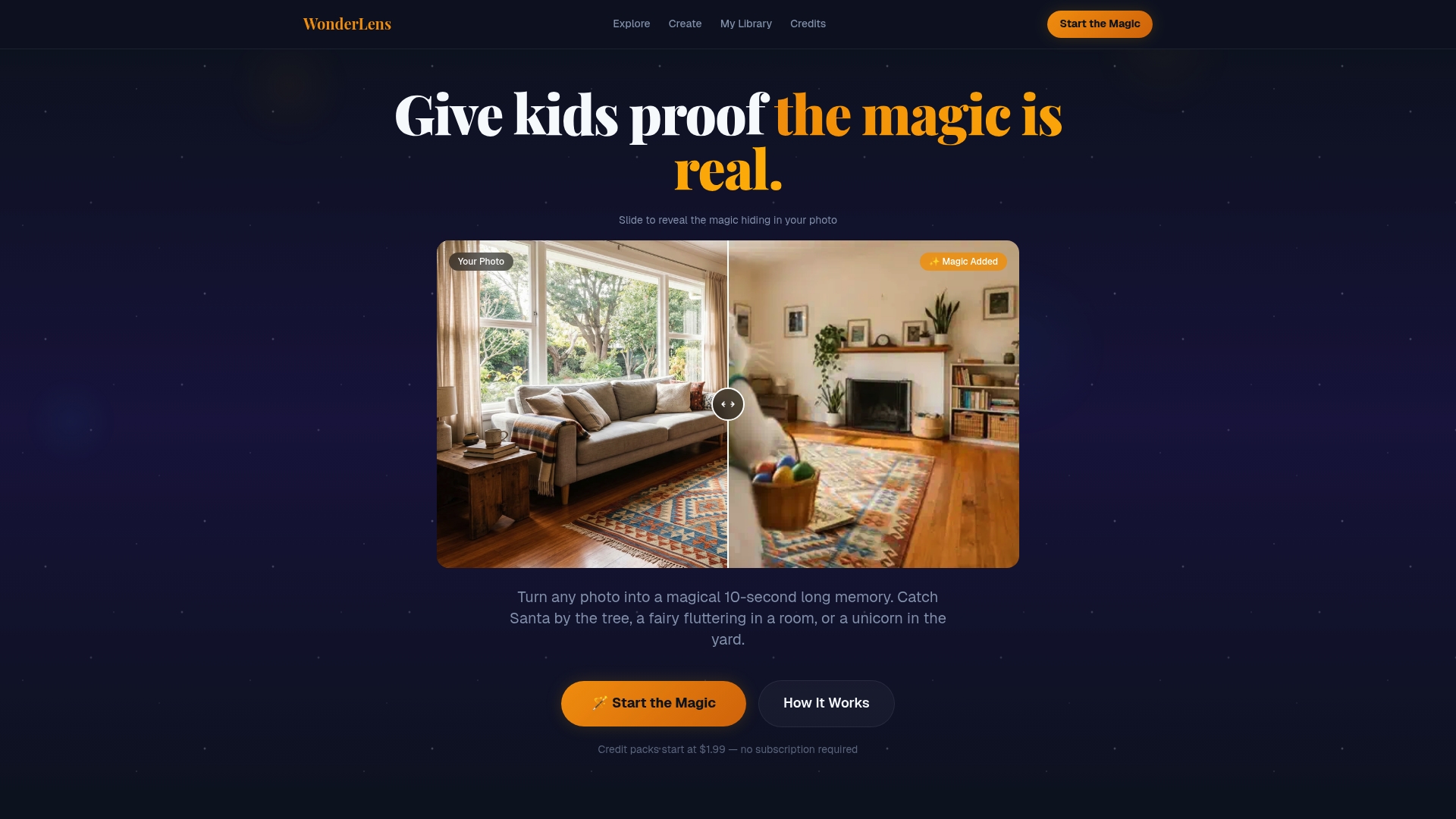
Experience the joy of surprising your children with magical moments that last beyond the season. Whether you want a one-time keepsake or to start a new family tradition, WonderLens offers pay-per-video credit packs with no subscriptions or hidden fees. Start creating your own holiday magic today at WonderLens and see how easy it is to bring fantasy home with realistic, cinematic videos.
Frequently Asked Questions
What are the key features of liveimage.ai alternatives in 2026?
The key features of liveimage.ai alternatives typically include advanced image generation, user-friendly interfaces, and high-resolution outputs. To choose the best option, compare features like character libraries, privacy settings, and pricing structures in the alternatives you're interested in.
How can I evaluate which liveimage.ai alternative best meets my needs?
Evaluate your needs by listing the specific features you require, such as ease of use, output quality, and pricing. Then, create a comparison chart to visually assess how each alternative stacks up against your requirements.
Are any alternatives to liveimage.ai better for family-friendly content creation?
Some alternatives focus on family-oriented content creation, featuring character options geared towards children. Review the character libraries and safety features of each option to determine which aligns most with family-friendly needs.
What are the pricing models for liveimage.ai alternatives?
Alternatives to liveimage.ai often use various pricing models, including pay-per-use, subscriptions, or credit packs. Examine the pricing details of each alternative to select one that offers a budget-friendly option for your specific usage.
How does the ease of use compare among liveimage.ai alternatives?
Ease of use can vary significantly among alternatives, with some designed for quick, simple processes, while others offer advanced editing tools. Test the user interfaces of different options to find one that feels intuitive and meets your technical comfort level.