AI Christmas Videos: Create Magical Holiday Memories Fast
April 18, 2026
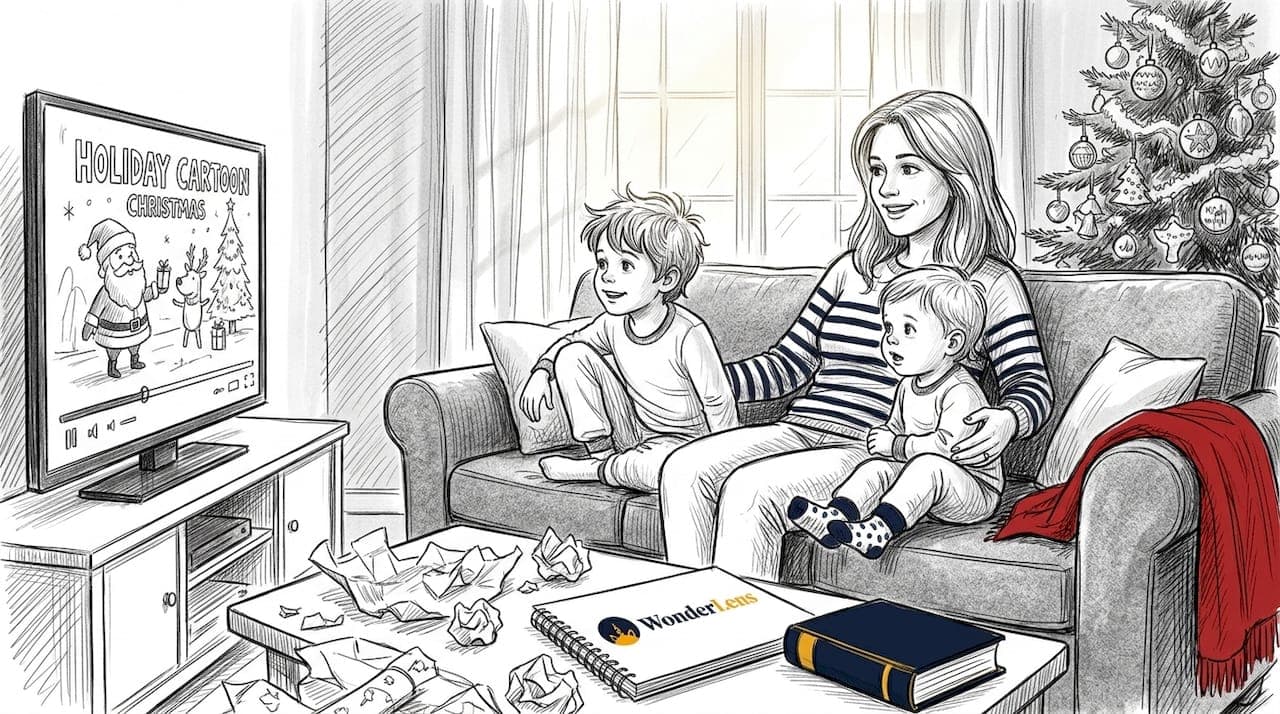
Think creating a personalized Christmas video for your child takes a professional animator, expensive software, and hours of your time? It doesn't. AI has completely changed what's possible for everyday parents. Today, you can put Santa in your actual living room, have him say your child's name, and share a cinematic 10-second clip that will have your little one gasping with delight. This article walks you through the real benefits, the things worth knowing before you start, and the best practices that make these videos feel genuinely magical rather than gimmicky.
Table of Contents
- How AI transforms Christmas video creation for families
- Emotional and educational benefits for kids
- Important safety and privacy considerations
- How to get the most from your AI Christmas videos
- A fresh perspective: Magic, balance, and meaningful memories
- Bring the magic to your home with WonderLens
- Frequently asked questions
Key Takeaways
| Point | Details |
|---|---|
| Effortless personalization | AI tools let you make unique animated Christmas videos using your child’s name and wishes with no technical expertise or equipment needed. |
| Emotional and learning value | Kids feel special and engaged, while interactive videos can boost learning and positive family routines. |
| Privacy and safety first | Keep experiences safe by limiting personal info shared, setting boundaries, and discussing how AI works with your child. |
| Balance digital with real moments | Use AI to add magic, but blend with crafts, stories, and quality offline holiday traditions for meaningful family memories. |
How AI transforms Christmas video creation for families
With the landscape changing so rapidly, let's explore exactly what AI brings to holiday storytelling.
Not long ago, creating a personalized animated Christmas video meant hiring someone with motion graphics skills or settling for a generic, cookie-cutter message that felt nothing like your family. AI has flipped that entirely. Now, personalized animated Christmas videos can feature Santa addressing your child by name, referencing their wish list, and appearing inside a scene built from your own home photos. That level of personalization used to cost hundreds of dollars. Today, it costs a few minutes of your time.
Speed is one of the biggest wins. Most AI video tools generate a finished clip in 30 seconds to a few minutes. You don't need a camera crew, a green screen, or any design experience. You upload a photo of your living room, pick your character, and the AI handles lighting, shadows, and movement so everything looks like it actually belongs in your space. Tools like adding animated characters to real photos have become accessible to any parent with a smartphone.
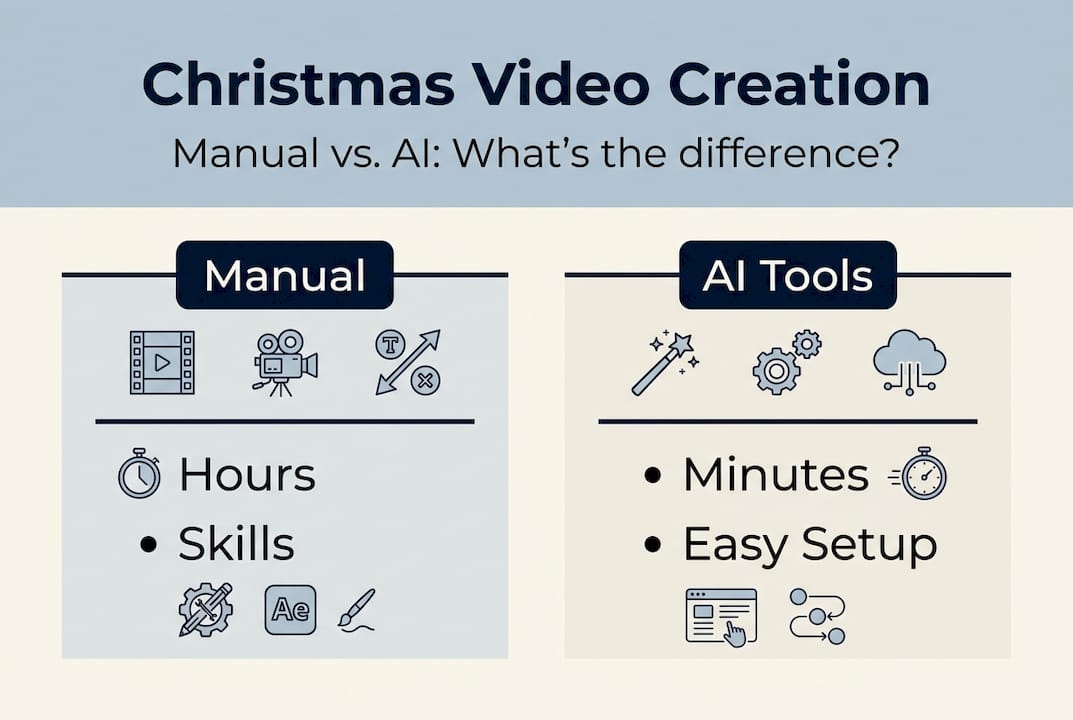
Here's a quick comparison of what creating a holiday video used to look like versus what AI makes possible now:
| Feature | Manual video creation | AI video creation |
|---|---|---|
| Time required | Several hours to days | 30 seconds to 5 minutes |
| Skills needed | Animation, editing, design | None |
| Equipment | Camera, lighting, software | Phone or computer |
| Personalization | Limited | Name, wishes, home setting |
| Cost | $100 to $500+ | Starting at $1.99 |
Research into animation tools confirms that AI pipelines are now fast and capable enough to produce lyric-aligned, character-driven animations that rival professional output. What that means for you as a parent is simple: pro-level magic is no longer reserved for studios.
The key benefits worth highlighting:
- Personalization at scale: Santa can say your child's name and mention their favorite toy.
- No learning curve: If you can upload a photo, you can make the video.
- Realistic visuals: AI matches lighting and shadows so characters look like they're really there.
- Shareable instantly: Download and send to grandparents within minutes.
Exploring animated photo transformation options gives you a sense of just how cinematic these results can look. And if you want to go deeper on the creative side, the cinematic digital memories guide is a great place to start.
Emotional and educational benefits for kids
Beyond convenience, what makes these videos so powerful for children and families?
The emotional reaction children have to a personalized Christmas video is something most parents don't fully anticipate until they see it. Kids don't just smile. They freeze, point at the screen, and then look back at you with wide eyes. Parents consistently report that their children jump off the couch in excitement when Santa appears to know their name and their wishes. That moment of pure belief is rare, and AI makes it repeatable every holiday season.
Beyond the joy, there are real educational benefits. AI-infused animated videos improve preschoolers' vocabulary learning through interactive storytelling, real-world visual links, and personalized engagement. When a child hears their name spoken by a character they love, their attention locks in. That focused attention is exactly the state where learning happens most naturally.
Here's a look at the emotional and educational outcomes families are seeing:
| Outcome type | Example |
|---|---|
| Emotional | Excitement, wonder, family bonding |
| Behavioral | Rewatching videos, sharing with siblings |
| Educational | Vocabulary growth, active listening |
| Relational | New holiday traditions, nightly rituals |
As child learning specialist Dr. Rona Novick has noted, personalization in media dramatically increases a child's focus and emotional investment, making the content far more memorable than generic alternatives.
Three unexpected benefits parents often mention:
- New bedtime rituals: Many families make watching the video part of Christmas Eve traditions.
- Increased sibling collaboration: Kids love watching together and talking about what Santa said.
- Stronger family memories: The video becomes a keepsake, not just entertainment.
For more ideas on building these moments into your family life, creative uses for animated memories offers practical inspiration. And if you're thinking about how to make these experiences truly lasting digital memories, small touches like saving the video to a family album go a long way.
Important safety and privacy considerations
As magical as these experiences can be, thoughtful use of technology ensures they remain positive.
Using AI video tools responsibly starts with a few simple habits. Privacy is the first thing to think about. You're uploading photos of your home and potentially sharing your child's name, so choosing a platform with clear privacy policies matters. Stick to using first names only, and store finished videos in a private folder rather than posting them publicly.
Screen time is worth thinking about too. Short videos, in the 30 to 60 second range, are ideal for young children. They capture attention without overstimulation, and they leave kids wanting more rather than zoning out. Blending the video experience with offline play, like acting out what Santa said or drawing a picture of the scene, keeps things balanced.
Experts do raise valid concerns. AI toys and videos can blur the line between reality and fantasy for young children, and some child advocates warn about the risk of displacing imaginative play or human connection if screen-based magic becomes the default. These are real considerations, not reasons to avoid the technology entirely, but reasons to use it intentionally. Advocacy groups recommend parents stay actively involved rather than using AI content as a passive babysitter.
Four key safety steps to follow:
- Use first names only and avoid including last names, addresses, or school names in any video.
- Store videos privately and share only with trusted family members.
- Keep videos short to match your child's attention span and avoid overstimulation.
- Talk to your child about how the video was made, in age-appropriate terms, to build healthy media literacy.
Pro Tip: Before sharing any video online, review the background for visible addresses, school logos, or identifying details. A quick crop or blur keeps your family's privacy protected.
For a deeper look at responsible digital memory-making, the parent's guide to digital memories covers this topic with practical, family-friendly advice.
How to get the most from your AI Christmas videos
Now, let's make sure your experience is as magical and memorable as possible.
The best AI Christmas videos aren't just technically impressive. They feel personal, warm, and connected to your family's real life. Getting there takes just a little intentionality. Start by choosing a photo of a space your child knows well, like the living room where the tree sits or the fireplace where stockings hang. Familiar surroundings make the magic feel real rather than staged.
Short, focused videos in the 30 to 60 second range work best for younger kids. Longer clips can lose their attention, and the wonder tends to peak in those first few seconds anyway. Keep it brief and let the moment breathe.
Five best practices for magical, balanced Christmas videos:
- Use a well-lit, familiar room as your background so the AI can match lighting naturally.
- Include your child's name in the video script for instant personalization.
- Watch together as a family rather than handing over a device solo.
- Pair the video with an offline activity, like writing a reply letter to Santa afterward.
- Save the video as a yearly keepsake to revisit in future holiday seasons.
Pro Tip: Let your child help choose the character or the room for the video. When kids are involved in the setup, their excitement and sense of ownership over the magic doubles.
Explaining AI to your child in simple terms, something like "we used a special computer program to make Santa visit our living room," builds trust and curiosity rather than confusion. It also opens up great conversations about creativity and technology. For more inspiration on building magical animated memories your family will return to year after year, and tips on making digital memories special, you'll find plenty of ideas to spark your creativity. You can also find Christmas tips for the whole family that blend digital fun with real-world holiday traditions.
A fresh perspective: Magic, balance, and meaningful memories
Stepping back, here's what years of using these tools has revealed that you won't find in most guides.
The families who get the most out of AI Christmas videos aren't the ones who use the technology the most. They're the ones who use it most intentionally. A single, perfectly timed video watched together on Christmas Eve creates a stronger memory than five clips watched alone on a tablet. The magic isn't in the AI. It's in the shared moment the AI helps you create.
There's also something genuinely valuable about telling your child how it was made. Parents sometimes worry that explaining the technology will break the spell. In practice, the opposite tends to happen. Kids who understand that a parent took the time to create something special for them feel more loved, not less amazed. The wonder shifts from "Santa is real" to "my parent made something magical just for me," and that's a memory that lasts far longer.
Technology evolves fast. The tools available today are already remarkable, and they'll be even better next year. But the memories your family builds come from the moments you choose to create together, not from the software. Explore even more creative ways to weave these videos into traditions that your kids will carry with them long after childhood.
Bring the magic to your home with WonderLens
Ready to create your family's most magical Christmas memory yet? Here's how to get started.
WonderLens makes it easy to place Santa, dragons, and other beloved characters directly into your home, with cinematic lighting and realistic movement that makes every video feel genuinely extraordinary. No design skills, no expensive equipment, just a photo of your living space and a few clicks.
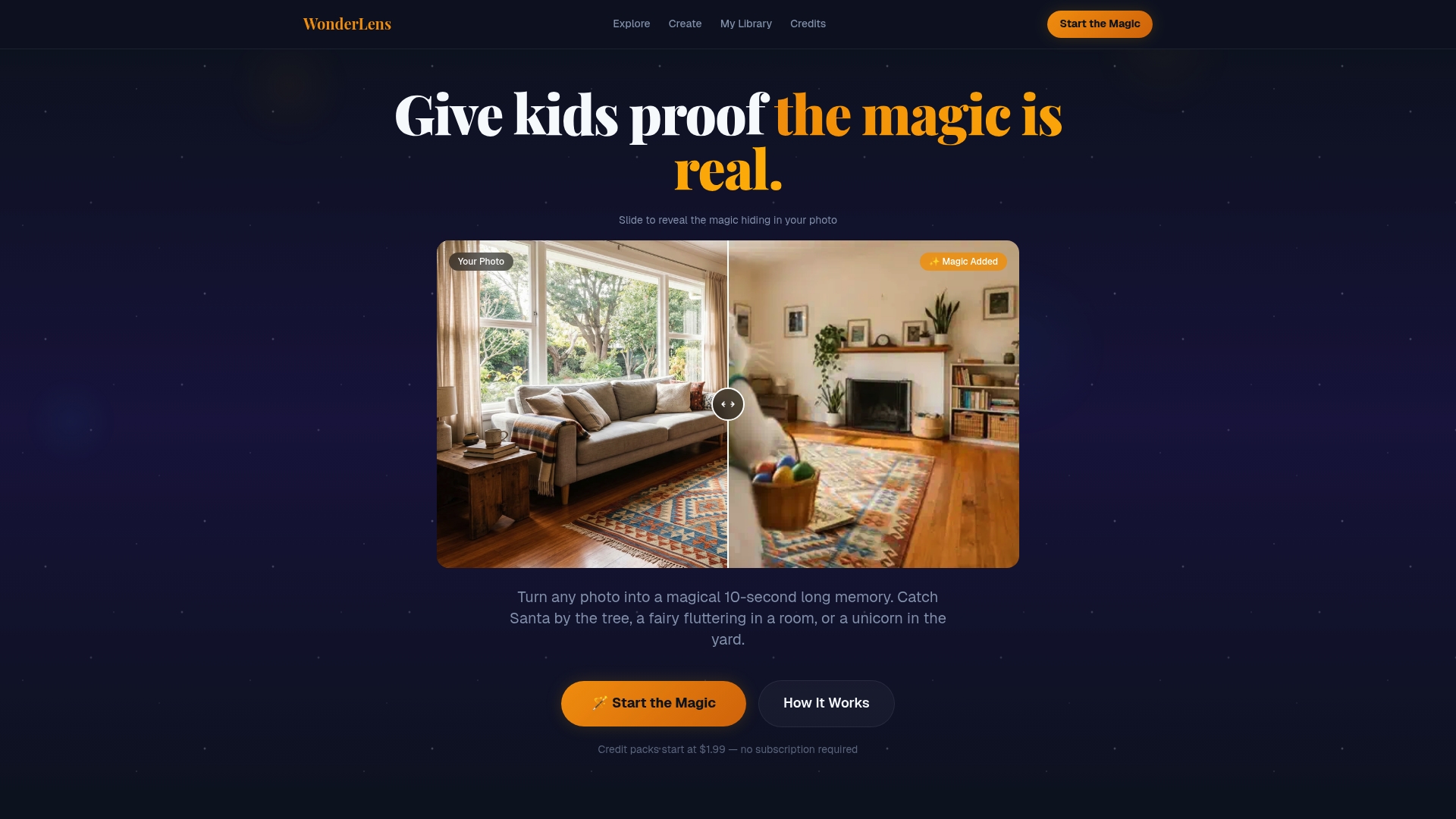
You can see Santa in your living room with WonderLens, or dive into the full range of Santa video magic to find the perfect moment for your family. Want to go beyond Santa? Explore magical characters like dragons and fairies to create a holiday world your child will never forget. Credits start at just $1.99, making it one of the most affordable ways to create a memory that lasts a lifetime.
Frequently asked questions
Are AI Christmas videos safe for young children?
When used thoughtfully, keeping videos short, using first names only, and discussing AI openly with your child, AI Christmas videos are safe and genuinely engaging for young children.
Do I need tech skills or special equipment to make an AI Christmas video?
No special skills or equipment are needed. User-friendly AI tools let you create personalized videos in under 5 minutes from your phone or computer.
How can AI videos support my child's learning?
AI Christmas videos boost engagement and vocabulary through personalized interaction. Personalized video content turns screen time into meaningful learning moments for preschoolers.
How long should an AI Christmas video be for young kids?
Thirty to sixty seconds works best for short attention spans. Short videos keep the experience joyful and focused without overstimulation.
Recommended
- Catch Santa Claus in Your Living Room — Realistic Video Proof | WonderLens | WonderLens
- Add animated characters to family photos: magical memories — WonderLens | WonderLens
- Why animated Easter videos boost family engagement — WonderLens | WonderLens
- Make Magical Memories | WonderLens
- Weihnachten mit FITTASTE