Top 5 MagicPhoto.co Alternatives for 2026
June 2, 2026

Finding a personalized animated video maker that delivers lifelike results without requiring technical editing skills or complex prompt engineering frustrates both parents and small creators. Many services hide advanced features behind high subscription fees or demand a steep learning curve before outputting shareable content. This review covers pricing, workflow simplicity, and feature access across five leading platforms so you can pick a tool that matches your animation needs and budget without wasted trials.
Table of Contents
- WonderLens
- Pixley
- MagicShot.ai
- Magic Hour AI Photo Editor
- Mago
- Detailed Comparison of Personalized Animated Video Makers
WonderLens
At a Glance
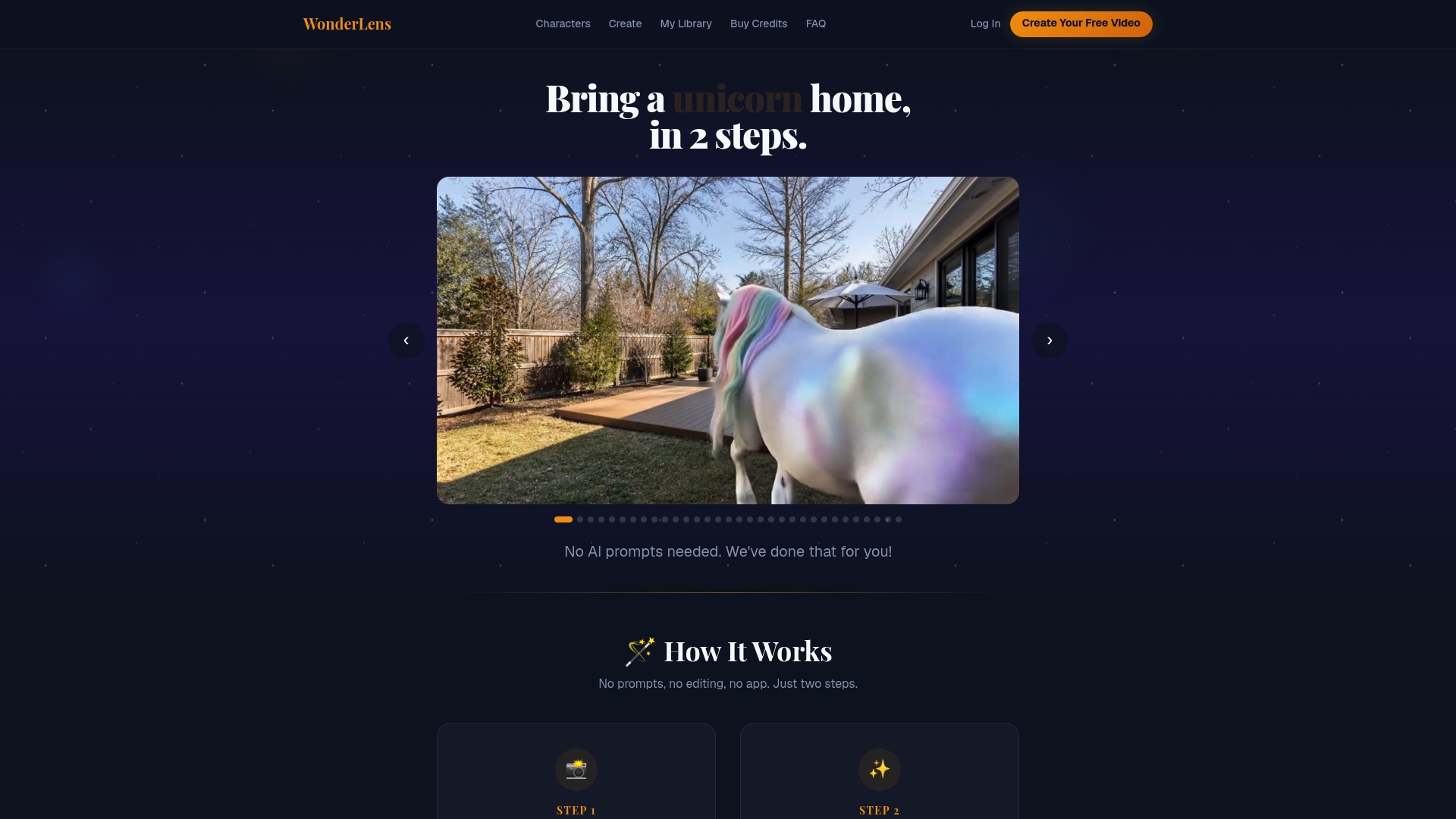
According to the company, the first video is free and additional videos are purchasable via credits starting at $2.49. The service transforms a single photo into a short, ten second cinematic clip that places characters with lifelike shadows and motion in your actual room.
Core Features
- Realistic character placement in user photos that matches perspective and floor contact points.
- Lifelike movement and shadows that respond to room lighting and simple physics for believable motion.
- Wide roster of characters including unicorns, dragons, Santa, and the Easter Bunny for holiday or everyday use.
- Web-based delivery so you don’t need an app download; create and download short shareable videos from any browser.
Key Differentiator
The product automatically generates highly realistic animated videos of characters in your real environment without prompts or manual editing. That automatic pipeline turns a family photo into a ready-to-share memory with no learning curve or multi-step editing required.
Pros
-
High realism: Dynamic shadows and matched lighting make the characters feel anchored in a scene rather than pasted on.
-
Simple two-step workflow: Upload a photo and pick a character; this reduces setup to something a busy parent can finish between tasks.
-
Family-safe moderation: Content and characters are curated for kids so you can share results without extra filtering.
-
No subscription model: Pay as you go, which keeps ongoing cost low for occasional holiday or birthday use; the pricing above is vendor-reported.
-
Quick shareables: The vendor advertises ten second videos produced within minutes, which suits surprise reveals and social posts.
Cons
- Limited customization compared to prompt-based AI tools; you cannot finely control pose, dialogue, or complex scene edits in the current workflow.
Who It's For
Parents and families who want low-friction, believable animated moments for holidays, birthdays, or to prove a Santa or Easter Bunny visit. It fits people who prefer a guided, edit-free experience over tools that require prompts or technical setup.
Unique Value Proposition
The two-step, no-edit workflow means a parent can produce a polished ten second clip without learning prompts or animation tools. For families prioritizing speed and realism over granular control, that workflow turns a single photo into a shareable keepsake in minutes.
Real World Use Case
A parent uploads a living room photo, selects Santa, and within minutes receives a ten second clip showing Santa placing presents under the tree with realistic shadows. The family uses the clip to surprise the kids at bedtime and to post a short holiday memory on social media.
Website: https://wonderlens.ai
Pixley
At a Glance
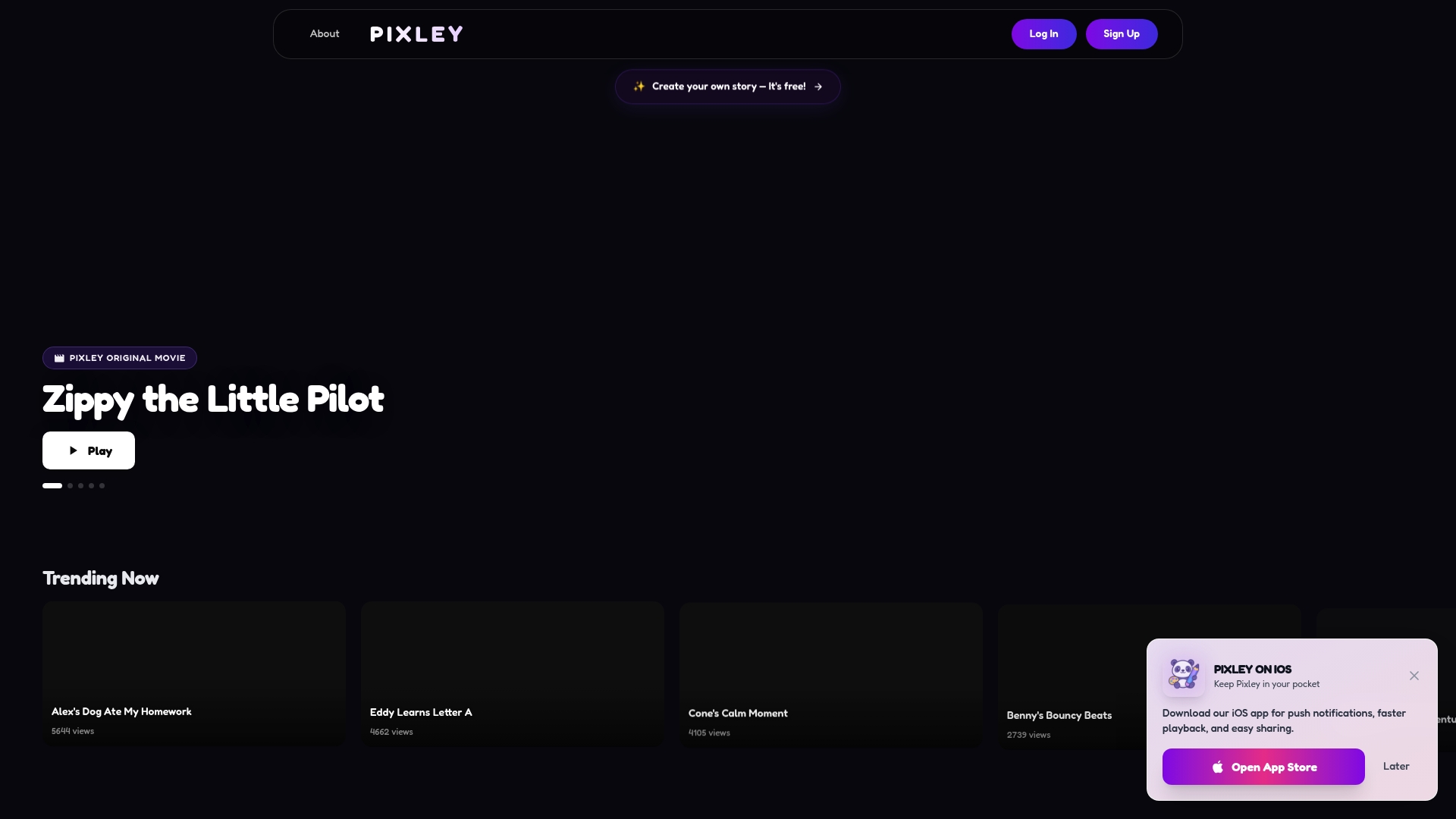
Available as an iOS app with push notifications, faster playback, and sharing tools, Pixley centers on original animated movies and interactive storybooks for young audiences. The product data highlights a library of trending stories and adventure series but offers limited detail beyond the app experience.
Core Features
- Original children's movies and stories presented as short animated titles and series aimed at kids.
- Interactive storybooks and animations that mix readalong elements with visual motion and character beats.
- iOS app features include push notifications, faster playback, and built-in sharing to send clips to family.
Key Differentiator
Pixley focuses on original, child-focused storytelling rather than repackaging public domain tales. The vendor emphasizes a curated library of animated titles and interactive books delivered through a mobile app, which makes discovery and sharing the central experience.
Pros
- Content variety for children lets parents pick from movies, serialized adventures, and interactive books that fit short attention spans.
- The iOS app offers practical conveniences for caregivers traveling with kids, such as faster playback and direct sharing to messages or social apps.
- The product data lists pricing as Free, which lowers the barrier for trial and casual use by families.
- Bright, colorful art and story covers make the library easy to scan for age appropriateness and tone.
Cons
- No clear details on subscription tiers or long term access limits beyond the Free claim, which complicates budgeting for repeat use.
- The available information lacks specifics on features like parental controls, offline playback, or content ratings.
- There are no third-party reviews or independent user feedback in the product data, making real world reliability harder to judge.
When It May Not Fit
If you need explicit parental controls, age segmentation, or documented content moderation, Pixley may not meet those needs given the sparse feature descriptions. If you must verify long term cost or academic licensing, the missing pricing and licensing details create a gap. Libraries and schools that require clear usage terms should look elsewhere.
Who It's For
Parents, caregivers, and early childhood educators who want a simple way to find colorful animated stories and short films on mobile devices. It fits people who prioritize easy sharing and immediate playback over detailed platform policy and enterprise licensing.
Real World Use Case
A parent packing for a plane loads the Pixley iOS app, browses a short adventure series, and shares a 30 second clip with relatives while the child watches a readalong story. The quick playback and sharing features keep the trip calm and provide a conversation starter for family chat groups.
Website: https://pixleyai.com
MagicShot.ai

At a Glance
MagicShot.ai assembles more than 50 AI creative tools under one subscription, from automated model and product photoshoots to text-to-3D and voice matching. Its toolkit aims to replace multiple specialist apps with a single web interface for rapid content output.
Core Features
- AI-powered image, video, and audio generation and editing tools covering shoots, upscaling, background removal, and enhancements.
- Automated photoshoots for models, weddings, babies, and products plus an AI art gallery and community sharing features.
- Video tools for TikTok ads, trailers, voice matching, and text-to-3D conversion with multiple view generation for images.
- Generators for logos, icons, SVGs, signatures, tattoos, and book covers along with over 30 voice options for voiceovers.
Key Differentiator
MagicShot.ai packages an unusually broad set of creative engines in one product. Rather than stitching together separate image, video, and audio apps you get a single credit system and a familiar interface for producing social posts, product shots, and quick ads without switching tools.
Pros
- Fast creation. The combined toolset speeds campaign turnarounds by removing file handoffs between editors and video tools.
- Wide coverage. From logo generation to multiview 3D renders the platform supports concept to final asset in one place.
- Accessible interface. The product data stresses an intuitive UI that lowers the learning curve for nontechnical creators.
- Voice and video depth. Over 30 AI voices and voice matching let you generate polished voiceovers without external narration services.
- Flexible plans. Tiered subscriptions trade credits and model access so hobbyists and small teams can scale usage predictably.
Cons
- Content rules restrict explicit political or harmful material which limits some creative directions for editorial or activist projects.
- Credits expiry. Unused credits reportedly deprecate at each billing cycle and credit rollover is not clearly documented.
- Marketplace clarity. The AI model marketplace and rapid model updates may make consistent output quality harder to predict across releases.
Who It's For
Content creators, marketers, and small business owners who need frequent visual and short video output without studio equipment. Ideal when you want rapid iterations for social campaigns, product listings, or promotional trailers on a tight timetable.
Real World Use Case
A small marketing team uses MagicShot.ai to produce nightly social clips and refreshed product images during a seasonal push. They generate banners, short ad videos, and voiceovers from the same workspace and deliver assets to ad platforms in hours rather than days.
Pricing
Monthly plans are quoted from $5.25 to $22.50, billed annually with discounts. Each tier provides a set of credits that cover images, videos, and tool usage and higher tiers unlock access to newer AI models.
Website: https://magicshot.ai
Magic Hour AI Photo Editor
At a Glance
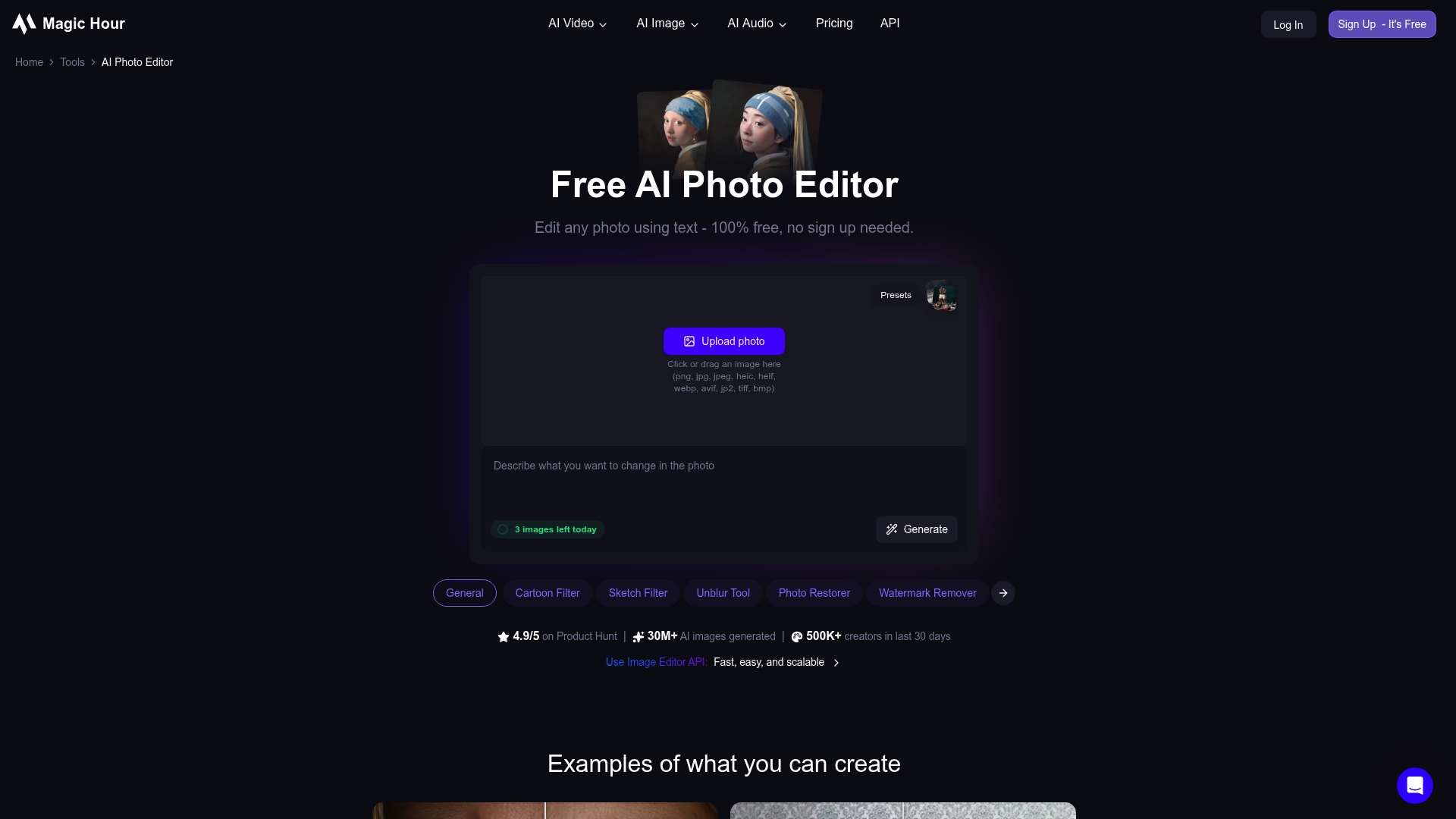
Magic Hour's marketing materials claim over 30 million AI images generated and a 4.9/5 Product Hunt rating. The editor runs in your browser with no sign up required, letting anyone edit or transform photos without installing software.
The free access model makes quick experimentation low friction for creators and small teams who need fast results for social posts and product shots.
Core Features
Magic Hour offers text driven edits, image to image transformations, and a broad set of retouching tools for faces and hair. Object removal, background removal, and style filters like oil painting or cartoon effects are available in the same interface.
It also includes photo restoration, high resolution upscaling, batch generation for variants, and an API option for scaling workflows into automated pipelines.
Key Differentiator
No sign up or software download required is the product's actual hook. That direct browser access removes the onboarding gate that typically slows casual creators and producers, so you can go from idea to shareable image in under a minute once you learn the controls.
Pros
- User friendly interface: Non technical users can open the site and perform basic retouching within minutes with minimal trial and error.
- Versatile toolset: From background removal to makeup adjustments and style transfer, the app covers both practical edits and creative effects in one place.
- No sign up required: You can start editing right away which lowers the barrier for testing concepts or rescuing a single image quickly.
- Batch generation and upscaling: Producing multiple styled variants and exporting high resolution files speeds content workflows for small shops.
- Rapid creative iteration: The tool makes it easy to produce several looks in seconds and choose the one that fits your brand.
Cons
- Rendering speed can lag for complex edits and large files which interrupts a fast paced workflow.
- Users report occasional network errors and glitches that require retries or reuploads during sessions.
- Free credits are limited; subscription or credits are required for consistent high resolution exports.
- There are privacy questions for highly sensitive images even though the vendor emphasizes secure processing and automatic deletion.
When It May Not Fit
If you need reliable, high volume batch processing for hundreds of images a day the processing speed limits above will slow your pipeline. Teams needing guaranteed uptime or enterprise grade privacy controls will likely need a different solution.
If your workflow requires offline editing or on premises control this browser based approach will not meet that need.
Who It's For
Content creators, social media managers, small e commerce teams, and hobbyists who want fast, creative edits without learning a full photo editor. It is ideal when you need quick style variants or background removal for marketing assets.
Real World Use Case
A small e commerce brand removes product backgrounds, applies consistent color filters, and upscales hero images in a single afternoon. Using batch variants they pick the best five looks for A B testing and publish the winners to their store and ads the next day.
Website: https://magichour.ai/products/ai-photo-editor
Mago
At a Glance
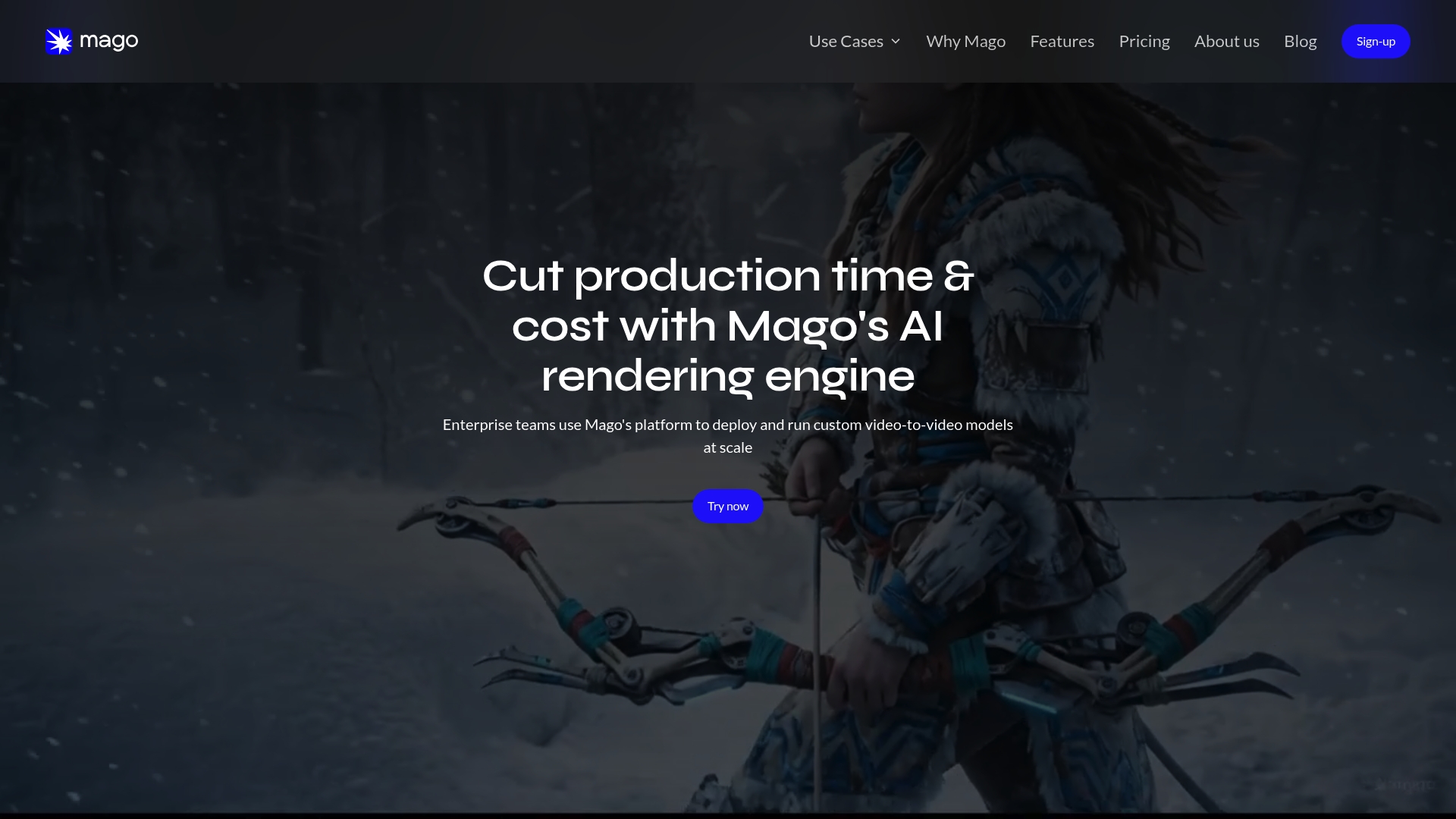
The studio plan costs €150/month and includes 40,000 credits, so pricing and credit packs are clearly oriented toward studio budgets rather than casual users. The vendor advertises studio-grade outputs and enterprise deployment options for teams that need private cloud or on-premise setups.
Core Features
- AI rendering infrastructure for animation and VFX that plugs into existing pipelines for playblasts, previs, and plates.
- Video-to-video stylization and first-frame style transfer for quick creative checks without full renders.
- Integrated image-to-image workflows with granular control and relighting for full scene adjustments.
- ControlNets for high-precision editing, plus motion tracking for cameras and characters.
Key Differentiator
Mago is built around studio workflows with customizable models and enterprise deployment choices. That focus gives technical directors the levers they need to keep creative control while automating repetitive rendering tasks in production environments.
Pros
-
Flexible pipeline integration reduces friction. API access and production file format support let studios slot Mago into existing render farms or DCC workflows.
-
High control for advanced users. The product supports ControlNets and custom models so artists can script predictable stylization across shots.
-
Enterprise deployment options. Private cloud or on-premise choices help studios keep sensitive plates and assets inside their firewall.
-
Studio-oriented feature set. Relighting, compositing, and flawless motion tracking make it useful beyond simple filters or social clips.
-
Rapid creative iteration. First-frame style transfer and image workflows let teams test looks in minutes rather than waiting for full renders.
Cons
-
Complexity for hobbyists. The platform assumes familiarity with advanced VFX and animation workflows, so independent creators will face a learning curve.
-
Business-oriented pricing. Credit packages and the studio plan are aimed at teams, which means the per-project cost can be high for solo artists.
-
Beta status. Features are described as evolving; some workflows may change and require pipeline updates as the product matures.
When It May Not Fit
If you are a casual creator who wants simple consumer-style effects, Mago will feel heavyweight. Small studios with tight fixed budgets should model credit consumption carefully before committing to the studio plan. Solo hobby projects will likely be cost-inefficient.
Notable Integrations
-
API access for pipeline integration enables scripted renders and automation.
-
Support for common production file formats so assets move between DCC tools, compositors, and Mago without manual conversion.
Who It's For
Professional 3D animation and VFX studios, post houses, and independent artists who require studio-grade control and are comfortable modifying pipelines. Teams that need private deployment or granular model supervision will find the feature set relevant.
Real World Use Case
A small animation studio integrates Mago into its previs pipeline to convert playblasts into stylized renders. Directors approve looks using first-frame transfers, then artists push the approved style across shots, cutting iteration time and reducing heavyweight final renders.
Pricing
Flexible plans include a free tier with credit packages: €10 for 10,000 credits, €28 for 30,000 credits, and €77 for 90,000 credits. The studio plan is €150/month with 40,000 credits and private support. Enterprise pricing is custom.
Website: https://mago.studio
Detailed Comparison of Personalized Animated Video Makers
Analyzing the landscape of animated video creation tools reveals unique strengths in each contender. Here, we explore trade-offs to identify the best fit for diverse needs.
Accessibility of Tools
WonderLens excels in accessibility with its browser-based platform requiring no app installations, paired with its straightforward two-step process. This feature caters to users seeking immediacy and simplicity. In contrast, Pixley necessitates iOS devices, potentially limiting reach but offering app-specific features like built-in sharing. If device compatibility is central, WonderLens provides greater flexibility.
Magic Hour AI offers the convenience of direct browser edits without registration, enabling swift access to its services. While this method suits quick, one-off projects, WonderLens’s commitment to user-friendly animated video creation through cloud processing ensures a workflow for polished family-centric outputs.
Content Scope
MagicShot.ai stands out for its vast toolkit, covering extensive creative uses like 3D rendering, voiceovers, and photo shoots, beneficial for professional creators or businesses targeting media campaigns. However, the tradeoff appears in a potentially steep learning curve for novice users. WonderLens positions itself as an uncomplicated alternative, focusing exclusively on creating lifelike animated videos, thereby serving its intended family market effectively.
Best Fit by Specific Scenarios
- WonderLens: Ideal for streamlined, two-step animated content creation on any device, especially for parents or individuals desiring quick, shareable family moments.
- Pixley: Best for caregivers utilizing iOS who value personalized, exploratory children's stories over video realism.
- MagicShot.ai: Suited for small businesses or content agencies requiring multi-functional creative solutions beyond animated videos.
- Magic Hour AI: for individuals needing fast, browser-based access to edit or transform photos without significant initial commitment.
Our Pick for Effortless Family-Centric Videos
WonderLens is the preferred choice for creating credible animated family-focused videos effortlessly. By automating realism-enhanced renderings through a minimal learning curve process, WonderLens supports families in sharing meaningful keepsakes efficiently. However, those pursuing expanded creative functionalities might explore other contenders like MagicShot.ai for broader versatility.
Personalized Animated Video Makers Comparison
When deciding on a tool for creating personalized animated videos, understanding key features like usability, scope, and pricing helps inform the best choice for your needs.
| Product Name | Core Use Case | Key Differentiator | Ideal For | Pricing | Notable Limitation |
|---|---|---|---|---|---|
| Wonderlens | Transform photos into short videos | Automatic realistic character placement | Families seeking personalized experiences | First video free, then $2.49 each | Limited customization compared to manual tools |
| Pixley | Animated movies and interactive storybooks for kids | Focused on child-themed stories | Parents wanting variety in kid-friendly media | Free | Lacks detailed feature information |
| MagicShot.ai | All-in-one AI-powered creative tools | Broad range of 50+ creative options | Content creators needing integrated solutions | $5.25 to $22.50 monthly | Expiry of unused credits each month |
| Magic Hour AI Photo Editor | Intuitive photo editing and style transfer | Browser-based with no sign-up needed | Hobbyists needing quick photo edits | Free with paid upgrades | Rendering speed can lag |
| Mago | AI for VFX and animation pipelines | Studio-oriented controls and deployments | Professional animation and VFX teams | €150/month | Too complex for casual users |
Discover a Magical Alternative to MagicPhoto.co with WonderLens
If you are searching for magicphoto.co alternatives that bring your family photos to life with stunning realism and ease WonderLens transforms your still images into captivating 10-second videos featuring beloved fantasy characters like Santa unicorns and dragons. Designed specifically for parents and families WonderLens offers a simple two-step process that adds lifelike shadows and motion directly into your home environment without complicated editing.
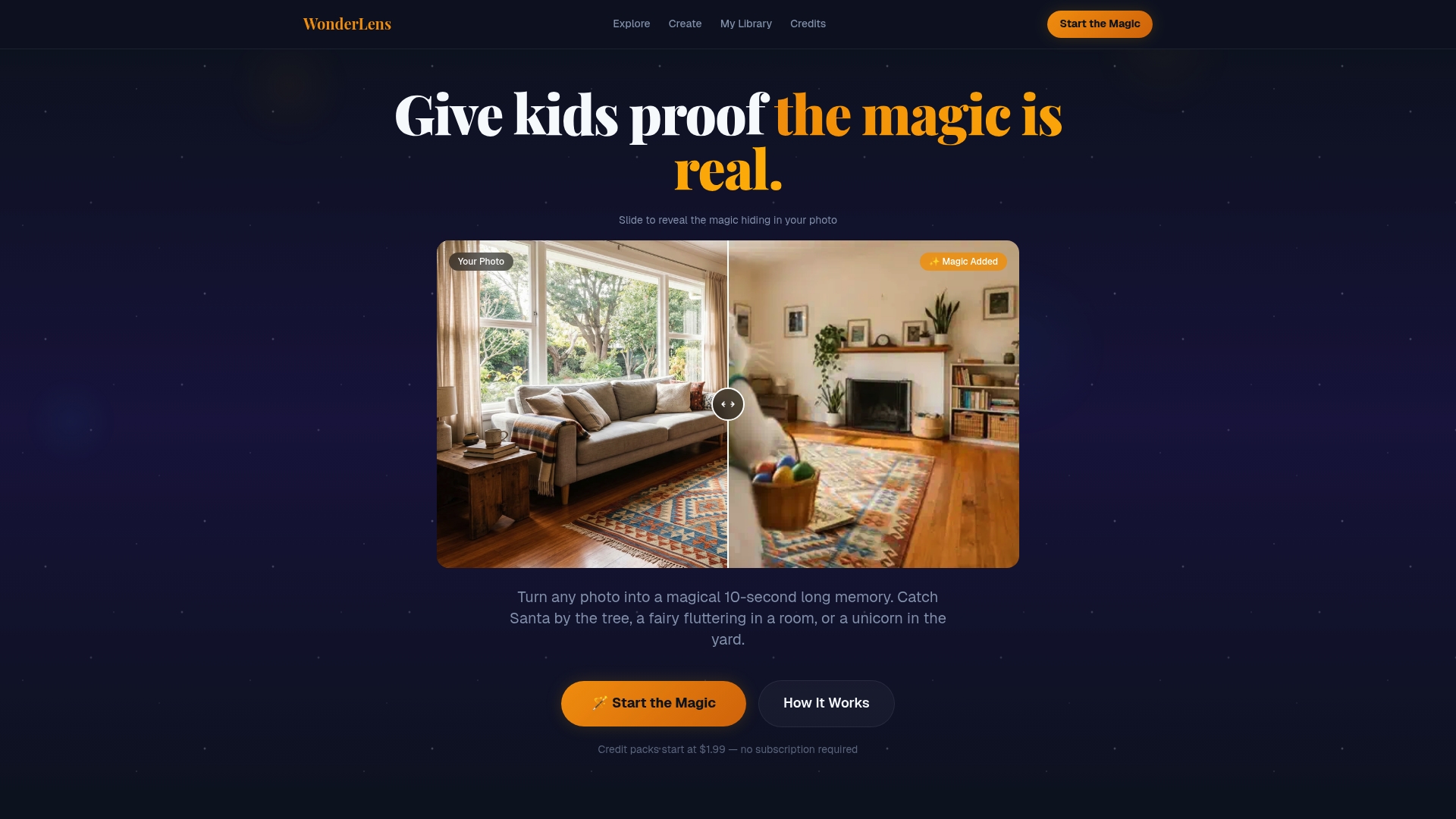
Create cherished holiday memories that surprise and delight your children with truly immersive animations. Say goodbye to basic stickers and hello to cinematic-quality magic with WonderLens. Visit WonderLens now to start turning your photos into shareable moments packed with wonder. Upload your first photo and see your favorite characters magically appear in minutes.
Frequently Asked Questions
How does Wonderlens ensure realistic character placement in videos?
Wonderlens achieves high realism by placing characters in user photos with matched perspective and floor contact points. The platform's feature of realistic character placement makes animations feel anchored in a scene. To experience this remarkable realism, you can easily create your video by uploading a photo.
What is the difference between Wonderlens and Pixley?
Pixley excels in children's entertainment with original animated movies and interactive storybooks, specifically targeting engaging storytelling for young audiences. Conversely, Wonderlens provides a simpler, no-edit workflow to quickly create personalized animated clips for family occasions. If you’re looking for family-focused animated moments, Wonderlens is your best fit.
Which platform offers a more straightforward video creation process?
Wonderlens offers a simple two-step video creation process, requiring only a photo upload and character selection. This feature makes it attainable for busy parents looking to create memorable animated videos in minutes. If you're short on time and want quick results, Wonderlens is ideal for you.
Can I create videos without downloading an app using Wonderlens?
Yes, Wonderlens is a web-based platform that allows users to create and download videos directly from their browser without any app downloads required. This convenient feature means you can make animated videos from any device quickly. This web access also makes it accessible whenever you need it.
Which platform has better safety features for family usage?
Wonderlens prioritizes family safety by curating content and characters appropriate for kids, allowing you to share results without additional filtering. This family-safe moderation makes it a reliable choice for parents looking to create animated clips for their children. You can confidently use Wonderlens for family-friendly content.