How to make Easter fantasy videos for magical memories
April 25, 2026

Easter morning is full of excitement, but let's be honest — baskets and egg hunts can start to feel familiar after a few years. You want something that makes your child's eyes go wide, something they'll talk about for weeks. That's exactly where personalized animated fantasy videos come in. Imagine your little one watching a fluffy Easter Bunny hopping right through your living room, twitching its nose and leaving a golden trail of spring magic. This guide walks you through everything you need to create those unforgettable moments, from choosing the right tools to sharing the finished video on Easter morning.
Table of Contents
- What you need to make Easter fantasy videos
- Step-by-step: Creating your Easter fantasy video
- Personalizing your video with your child's imagination
- Sharing, saving, and celebrating: Using your video for family fun
- A new era for Easter: Why embracing tech can build family magic
- Make every holiday magical with WonderLens
- Frequently asked questions
Key Takeaways
| Point | Details |
|---|---|
| Easy video creation | You can make a personalized Easter fantasy video for your child in just minutes with user-friendly apps. |
| Personal touch | Adding your child's photo or story ideas makes the experience magical and unique. |
| Safe sharing | Share videos privately with family or use for special Easter activities to keep celebrations secure and fun. |
| Family bonding | Creating and watching these videos together builds stronger family memories and traditions. |
What you need to make Easter fantasy videos
Now that you know why animated fantasy videos make Easter special, let's get you set up for success.
The good news is that you don't need expensive equipment or any design experience. Most tools are designed for busy parents who want results fast. Here's a breakdown of what's available and what each one does best.
Popular apps and platforms
Several AI-powered tools make it surprisingly easy to create Easter fantasy videos. The Laila AI-powered Storytelling app is a standout option, creating personalized animated stories for kids in under 4 minutes with kid-safe, customizable themes. It's built specifically for young audiences, so the content stays age-appropriate without any extra filtering on your end.
Kling AI for Easter animations is another popular choice for parents who want cinematic-quality results with minimal setup. WonderLens takes a different approach, placing realistic fantasy characters directly into photos of your actual home, complete with accurate lighting and shadow rendering that makes the Easter Bunny look like it truly belongs in your space.
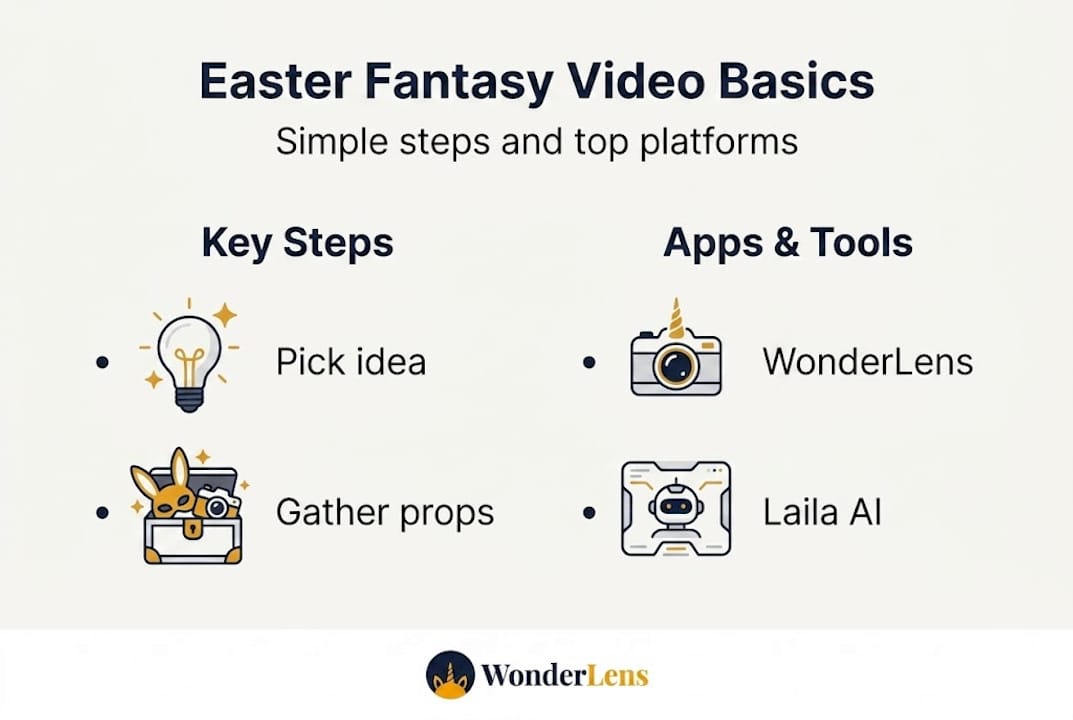
Here's a quick comparison to help you choose:
| Platform | Best for | Creation time | Starting cost | Key feature |
|---|---|---|---|---|
| WonderLens | Home-based fantasy scenes | Under 2 minutes | $1.99 per video | Realistic lighting and shadows |
| Laila | Story-driven animations | Under 4 minutes | Free with in-app options | Kid-safe, customizable themes |
| Kling AI | Cinematic video prompts | Around 10 minutes | Free tier available | High-quality motion rendering |
What to gather before you start
Having a few things ready before you open any app will save you time and frustration. Here's what you'll want on hand:
- A smartphone or tablet with a decent camera and updated operating system
- A clear photo of your home (living room, backyard, or wherever you want the magic to happen)
- A photo of your child, ideally well-lit and facing forward
- A short story idea or prompt, such as "the Easter Bunny visits Emma's pink bedroom and leaves glowing eggs"
- Your child's favorite colors, toys, or pets to weave into the story
Boosting family engagement with animated videos starts with preparation. The more specific your inputs, the more personal and magical the output. Using your actual home as the backdrop is especially powerful because your child will immediately recognize their own space, which makes the whole experience feel real.
One more thing to keep in mind: child safety and privacy matter. Always review the platform's privacy policy before uploading photos of your child. Stick to platforms that clearly state they don't store or share user images with third parties.
Pro Tip: When choosing a fantasy character, think about what your child is already obsessed with. A child who loves unicorns will be far more excited by a unicorn delivering Easter eggs than a standard bunny. Matching the character to your child's current interests makes the video feel like it was made just for them.
Your Easter celebration checklist can include the video as a centerpiece activity, not just a bonus. Plan it into your morning alongside the egg hunt for maximum impact.
Step-by-step: Creating your Easter fantasy video
With everything prepared, you're ready to bring your Easter fantasy to life step by step.
Most platforms follow a similar workflow, and once you've done it once, the whole process feels quick and intuitive. Here's a walkthrough that applies to tools like WonderLens, Laila, and Kling AI.
-
Open the platform and create your account. Most apps offer a free trial or starter credits. WonderLens starts at $1.99 per video, while Laila offers a free tier. Sign up takes less than two minutes.
-
Upload your home photo or select a background. For WonderLens, upload a photo of your living room or backyard. The AI analyzes the lighting, shadows, and depth of the space so the fantasy character blends in realistically. For Laila, you can choose a themed background or upload your own.
-
Choose your fantasy character. Pick the Easter Bunny, a fairy, a unicorn, or whatever fits your child's imagination. WonderLens renders the character with matching light and shadow so it catches the same golden glow as the rest of the room.
-
Write your prompt or story. This is where the magic starts. A simple prompt like "Easter Bunny hops across the living room and places glowing eggs near the fireplace" gives the AI enough to work with. For Laila, you can build a full short story starring your child by name.
-
Generate and preview the video. Hit create and wait. Kling AI allows zero-skill Easter animations in around 10 minutes using free prompts, while WonderLens typically delivers results in under 2 minutes. Preview the video before downloading.
-
Download and save. Once you're happy with the result, download the video in the highest resolution available. Save a backup copy to your cloud storage so you don't lose it.
Creating magical memories with Easter animations doesn't require any technical skill. The platforms handle the hard part. Your job is to bring the creative vision and personal details.
Common mistakes to avoid:
- Blurry or dark photos produce poor results. Use a well-lit, sharp image of your home.
- Vague prompts lead to generic videos. Be specific about what the character is doing and where.
- Wrong file format can cause upload errors. Most platforms accept JPG and PNG for photos.
Pro Tip: Include a favorite toy or family pet in your prompt. Telling the AI that "the Easter Bunny hops past Max the golden retriever sleeping on the couch" creates a video your child will watch over and over because it feels like their actual life.
For a visual tutorial on how AI holiday video tips translate across seasons, the same techniques that work for Christmas videos apply beautifully to Easter. You can also add animated characters to existing family photos for a slightly different creative approach.
Personalizing your video with your child's imagination
Following the steps is easy, but making the video truly magical means adding a personal touch.
There are two main ways to personalize an Easter fantasy video, and each creates a different kind of magic. The first is the image-to-video approach, where you upload a photo of your child and the AI places them alongside the fantasy character. The second is the story-based approach, where you write a custom narrative and your child becomes the hero by name.
Here's how the two methods compare:
| Approach | What it does | Best for | Platforms |
|---|---|---|---|
| Image-to-video | Places child's photo into animated scene | Visual, realistic magic | WonderLens, Kling AI |
| Story-based animation | Stars child by name in a written tale | Narrative, imaginative magic | Laila |
For personalization, use image-to-video by uploading your child's photo with the Easter Bunny, or use story apps like Laila to star your child in a fantasy Easter tale. Both approaches work beautifully, and combining them creates something truly one-of-a-kind.
Here are some creative ways to make the video feel even more personal:
- Use your child's favorite color as the color of the Easter eggs or fairy wings in the scene
- Name the fantasy character after something your child loves, like "Clover the Easter Bunny"
- Include a beloved toy in the background of the photo you upload
- Reference a real event in the story prompt, like "the Easter Bunny visits the backyard where Sophie had her birthday party"
- Add a sibling or pet to the scene for a whole-family moment
Talking through the idea with your child beforehand builds anticipation and makes the reveal even sweeter. Ask them what they think the Easter Bunny's favorite color is, or what kind of magic eggs they'd leave behind. Their answers become the raw material for your prompt.
You can explore ready-made options like the Easter Bunny video on WonderLens if you want a quick, polished starting point. For more inspiration, check out creative animated memories tips or browse ideas for starring your child in a fantasy tale.
The most memorable videos are the ones that feel like they could only exist for your specific child, in your specific home. That level of personalization is what separates a cute video from a genuine keepsake.
Sharing, saving, and celebrating: Using your video for family fun
Once your video is ready, it's time to make it a centerpiece of your Easter celebration.
A beautifully made video deserves a thoughtful reveal. How and when you share it matters just as much as the video itself. Here are some creative ways to use your Easter fantasy video:
- Easter morning reveal: Play the video on the TV while your child is still in pajamas, before the egg hunt begins. The Easter Bunny "visiting" your living room sets the tone for the whole day.
- Scavenger hunt clue: Use a short clip as the first clue in your egg hunt. The Easter Bunny in the video can point toward where the first egg is hidden.
- Bedtime story video: Save a calmer, story-based version to watch as a wind-down activity on Easter night. It extends the magic without adding more sugar.
- Video message from the Easter Bunny: Frame the video as a personal message delivered just for your child, complete with their name in the story.
- Family group share: Send the video to grandparents, aunts, and uncles via a private family group chat so everyone can share in the moment.
When it comes to sharing safely, keep these guidelines in mind. Use private family groups on messaging apps rather than public social media. If you use a sharing link, make sure it's password-protected or set to "only people with the link." Avoid posting videos that clearly show your home's layout or your child's full name in a public setting.
"Shared family experiences, especially ones built around storytelling and imagination, create some of the strongest emotional bonds in early childhood. The medium doesn't matter as much as the meaning behind it."
Saving your video for the long term is just as important as sharing it in the moment. Download the highest-resolution version available and back it up to a cloud service like Google Photos or iCloud. Create a dedicated folder labeled by year so you can build a collection over time. Imagine showing your child their Easter Bunny videos from ages three through eight when they're a teenager. That's a memory archive worth building.
Boost family engagement by making the video part of a larger Easter tradition, not just a one-time novelty. When kids know the Easter Bunny "visits" their home every year in a video, it becomes something they look forward to with the same excitement as the egg hunt itself. Tools claim 3-10 minute creation times with high user ratings for ease, which means even a busy Easter morning prep schedule has room for this tradition.
A new era for Easter: Why embracing tech can build family magic
As you share and celebrate, it's worth considering the bigger impact of these new Easter rituals.
Some parents worry that using AI tools for holiday moments feels impersonal or screen-dependent. We'd push back on that. The technology is just the canvas. The imagination, the personal details, the conversation you have with your child about what the Easter Bunny should look like — that's all you. That's all family.
Co-creating a fantasy video with your child is a form of storytelling. It's the same impulse that drove generations of parents to read bedtime stories, build elaborate gingerbread houses, and leave glitter footprints from the front door to the Christmas tree. The format evolves, but the intention stays the same: to make your child feel like the world is full of wonder.
The process itself, sitting together to pick a character, describe a scene, and watch the result appear, is quality time. It's collaborative and imaginative. Reframing it as family storytelling rather than passive screen time changes everything. Explore Easter animation memories to see how other families are weaving these videos into their traditions in meaningful, lasting ways.
Make every holiday magical with WonderLens
Ready to start a new holiday tradition with even more magic?
WonderLens makes it easy to bring fantasy characters to life in your actual home, with cinematic-quality lighting and movement that kids absolutely believe in. The Easter Bunny is just the beginning.
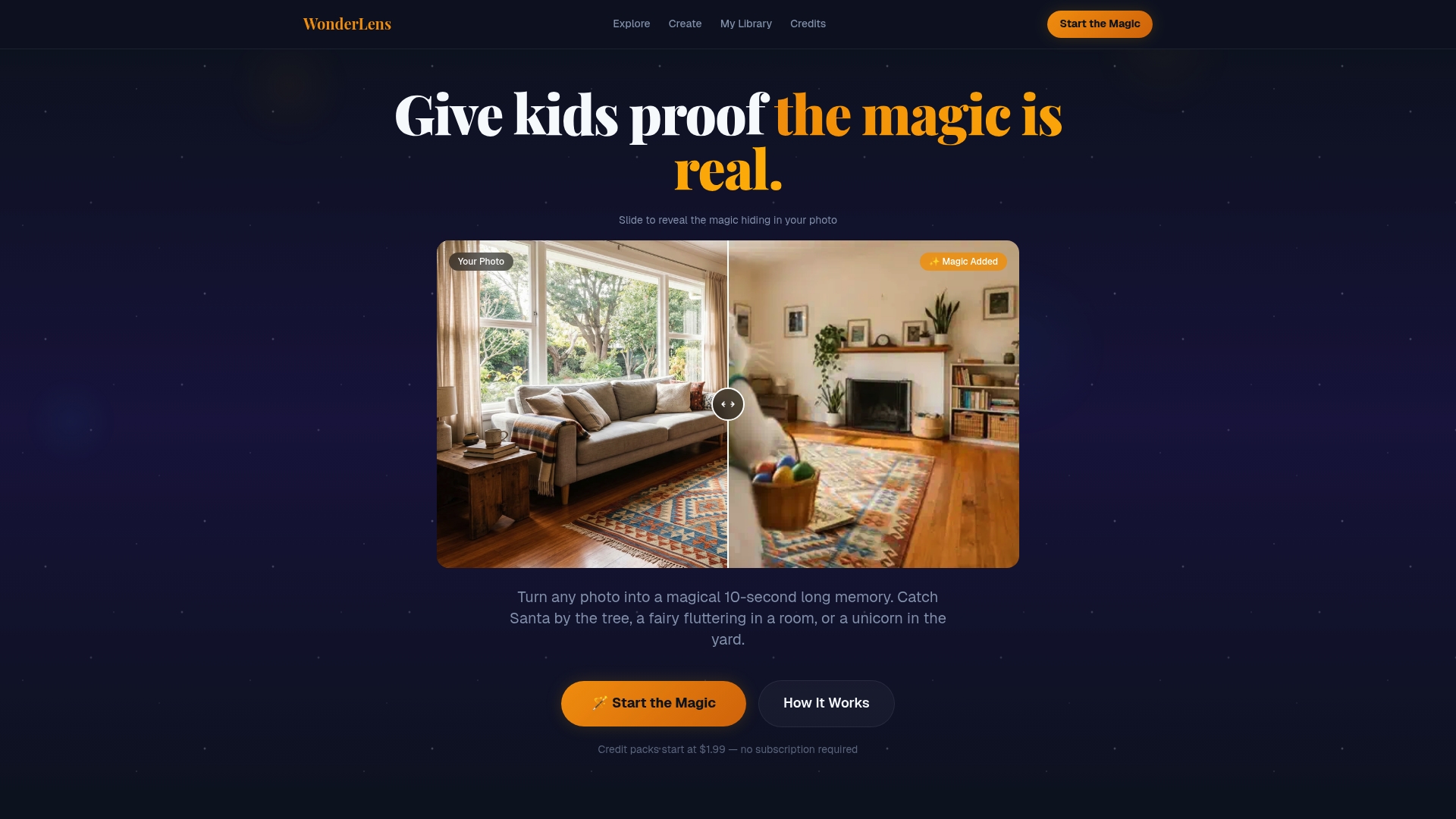
You can also bring Santa Claus in your living room for Christmas, summon dragon video magic for a birthday surprise, or fill your home with fairies and unicorns any time the mood strikes. Every video starts at just $1.99, and you can stock up on WonderLens credits to keep the magic going all year long. It's the easiest way to turn an ordinary afternoon into a memory your child will never forget.
Frequently asked questions
What apps can I use to make Easter fantasy videos easily?
Apps like Laila, Kling AI, and WonderLens let you create Easter fantasy videos quickly, even with no animation skills. Laila creates personalized stories in under 4 minutes, while Kling AI delivers cinematic results in around 10 minutes.
How can I put my child's photo into an Easter fantasy video?
Use image-to-video features on platforms like WonderLens or upload your child's photo in story apps like Laila to star them in an Easter adventure. Both approaches create a personalized, memorable result.
Is it safe to share Easter fantasy videos online?
Share videos privately via family groups or password-protected links, and avoid posting publicly to protect your child's privacy and home details.
How long does it take to make an animated Easter video?
Most tools create videos in 3 to 10 minutes, with high user ratings confirming they're easy enough for parents with no technical background.
Recommended
- Catch the Easter Bunny in Your Home — Realistic Video Proof | WonderLens | WonderLens
- How to make magical Easter memories at home with kids — WonderLens | WonderLens
- Why animated Easter videos boost family engagement — WonderLens | WonderLens
- How Easter animations create magical memories for families — WonderLens | WonderLens