12 Creative Holiday Surprise Examples Kids Will Love
August 11, 2026

A short, realistic 10-second personalized animated character video is the fastest, most repeatable way to create a magical holiday surprise your child will actually remember. Three things make it work every time:
- A clear room photo with a visible anchor (Christmas tree corner, bed headboard, favorite chair) so the character appears to truly inhabit your space
- One personal detail woven into the script (a name, a favorite toy, a recent achievement)
- A brief contingent line that makes the character feel aware of your child specifically
Wonderlens makes ordering one of these personalized holiday videos effortless — your first video is free.
Key Takeaways
Personalized 10-second animated character videos are the most repeatable, research-backed format for creative holiday surprises because they combine environment-anchoring, contingency, and brevity in a single shareable clip.
| Point | Details |
|---|---|
| 10-second length is optimal | Short clips fit into routines, lower cognitive load, and match children's attention spans. |
| Room photo is the magic ingredient | A clear anchor (tree, bed, chair) lets AI render realistic shadows and scale for believability. |
| One personal detail changes everything | Naming a specific toy or achievement creates the "how did it know?" reaction that children remember. |
| Safe sharing requires three steps | Use family-only sharing, strip location metadata, and keep your account private before distributing. |
| Wonderlens makes it fast and affordable | Credits start at $1.99, the first video is free, and the full workflow takes under 20 minutes. |
Table of Contents
- What are the best creative holiday surprise examples you can use right now?
- Why do short personalized clips feel so magical to kids?
- How do you make a high-impact 10-second animated surprise?
- What parents must know about safety, privacy, and age fit
- How much does a Wonderlens video cost?
- How to deliver the clip and build a lasting holiday tradition
- How does Wonderlens compare to other personalized animated video options?
- Questions parents ask most about personalized holiday surprise videos
- How to tailor the surprise for different ages and sibling groups
- Why short, realistic clips are the best holiday surprise format
- Your child's holiday surprise is three steps away
- Sources
What are the best creative holiday surprise examples you can use right now?
These twelve templates are copy-ready. Each one includes a character, a one-line script timed to roughly 10 seconds, a photo cue, and a delivery idea. Paste, edit the name, and send.
Magical & Cozy (ages 3–7)
- Santa by the tree. Script: "Hi [Name]! I just stopped by to check on your list — I saw your drawing of a reindeer on the fridge and I love it. See you soon!" Photo cue: lit Christmas tree in the corner. Timing: Christmas Eve bedtime.
- Gentle fairy in the bedroom. Script: "Good morning, [Name]! I sprinkled a little magic near your pillow last night. Did you feel it?" Photo cue: bed with a colorful pillow visible. Timing: Christmas morning, before they come downstairs.
- Cozy pet visitor (bunny). Script: "[Name], I hopped all the way here just to say happy holidays — your room smells like cinnamon and I love it!" Photo cue: living room rug with holiday décor. Timing: morning of a school holiday.
Playful & Adventurous (ages 5–10)
- Friendly dragon by the fireplace. Script: "Hey [Name]! I heard you've been really brave this year. I brought you a tiny flame of good luck — don't tell the elves." Photo cue: fireplace or mantle. Timing: 12-days-of-clips countdown, day 1.
- Superhero check-in. Script: "[Name], the city is safe tonight — thanks to you being so kind at school. Keep it up, hero." Photo cue: bedroom door or hallway. Timing: evening, after a big day.
- Silly alien visitor. Script: "Greetings, [Name]! I traveled 400 light-years to see your LEGO collection. Impressive." Photo cue: desk or play area with toys visible. Timing: weekend morning reveal.
Wonder & Fantasy (ages 4–9)
- Unicorn in the backyard. Script: "Hi [Name]! I galloped through the snow just to leave a little sparkle near your window. Merry Christmas!" Photo cue: window with outdoor light or snow visible. Timing: Christmas morning.
- Wizard by the bookshelf. Script: "[Name], I've been watching your reading — you've grown so much this year. Here's a spell for sweet dreams." Photo cue: bookshelf or reading nook. Timing: bedtime, December 23.
- Elf on a mission. Script: "Psst, [Name] — Santa sent me to double-check your room. Everything looks perfect. You're on the nice list!" Photo cue: bedroom with holiday décor. Timing: embedded in advent calendar, day 20.
Heartfelt & Sibling-Friendly (all ages)
- Santa addressing two siblings. Script: "[Name1] and [Name2], I heard you two shared your cookies last week. That's the real Christmas magic right there." Photo cue: shared living room or playroom. Timing: Christmas Eve, played on the family TV.
- Fairy for a toddler. Script: "Hi little [Name]! I flew by just to say you are so loved. Sweet dreams, little one." Photo cue: crib area or nursery corner. Timing: nap time or bedtime.
- Friendly alien for a skeptical older kid. Script: "[Name], I know you're too smart to believe in magic — but I'm real, and I think you're pretty great." Photo cue: their desk or gaming setup. Timing: morning of winter break.
Pro Tip: Pick the single most specific detail you can — not just "your toys" but "your blue LEGO spaceship." That one concrete reference is what makes children gasp and ask, "How did it know?"
Why do short personalized clips feel so magical to kids?
The answer is contingency. When a character appears to notice your child's actual environment, children treat it as a social partner rather than a screen. Research on contingent character interactions shows that conversational, responsive formats produce meaningfully higher overall engagement and perceived responsiveness compared with non-contingent formats. That is a meaningful gap for a 10-second clip.
Parasocial and contingent media research reinforces this: when characters reply in ways that feel tailored to the child, parasocial bonds strengthen and emotional investment rises. Mentioning the child's real room anchors that feeling of contingency even in a pre-recorded clip.
Brevity matters too. A systematic review of brief animations found promising evidence that short animated clips can support expressive language in children aged 3–9 compared with static images. Ten seconds fits inside a morning routine, a bedtime ritual, or an advent countdown without disrupting it.
A small family study of the AnimAlte co-viewing system found that structured prompts during parent-child viewing sessions improved vocabulary learning outcomes. Watching together and asking "Did you see what Santa said about your drawing?" extends the magic and deepens the memory.
Practical takeaways for ordering your clip:
- Include one visible room anchor in your photo (tree, bed, favorite chair)
- Write one contingent line that names something real ("I saw your drawing," "I heard about your soccer game")
- Watch the clip together and pause to talk about it
- Keep the script under 30 words so the pacing feels natural
How do you make a high-impact 10-second animated surprise?
Follow this checklist and you can go from idea to finished clip in under 20 minutes.
- Choose your character. Match the character to your child's current obsession: dragons for adventure lovers, fairies for dreamers, superheroes for kids who love heroes.
- Take the room photo. Shoot in natural or warm lamp light. Frame a clear anchor (tree corner, bed headboard, bookshelf). Avoid cluttered backgrounds that compete with the character.
- Write your script. Use this formula: greeting + child's name + one personal detail + short farewell. Example: "Hi Emma! I spotted your purple backpack by the door — you've been working so hard. See you Christmas morning!"
- Upload and select. On Wonderlens, upload the photo, choose your character, and paste the script into the text field.
- Preview carefully. Check that the character's shadows align with your room lighting and that the name is pronounced correctly in the audio.
- Download and plan your delivery. Save the file and decide: morning reveal on the family TV, a text to your phone for a bedtime watch, or queued in an advent playlist.
Photo tips: A well-lit corner with one clear focal point (a glowing tree, a lamp-lit nightstand) gives the AI renderer the anchors it needs for realistic shadow and scale integration. Avoid photos taken in full darkness or with a busy, multi-patterned wall directly behind where the character will stand.
Pro Tip: Record a short voice note of your child's reaction right after the reveal. Paired with the archived clip, it becomes a keepsake you'll replay every year.
What parents must know about safety, privacy, and age fit
Short personalized clips are low-risk when you follow three steps: use family-only sharing (a private link or direct download, not a public social post), strip location metadata before sharing the photo externally, and keep your Wonderlens account private.
Age guidance at a glance:
| Age group | Script tone | Personalization level | Sharing tip |
|---|---|---|---|
| Toddlers (2–4) | Soft, slow, simple words | First name only, familiar object | Watch together on a tablet; no sharing outside family |
| Preschool (4–6) | Warm and playful | Name + one toy or color preference | Family group chat only |
| Early elementary (6–8) | Conversational, slightly witty | Name + recent achievement or interest | Download and archive; avoid public posts |
A 2025 review of ethical AI character design recommends stylized, non-intimidating character designs and transparent cues about artificiality for children's media. Telling older children "this is a magic video we made for you" after the reveal keeps the experience honest and age-appropriate.
Privacy checklist:
- Download the finished video to your device rather than sharing a cloud link
- Before uploading your room photo, check that no identifying details (house numbers, school logos) are visible
- If sharing with grandparents or relatives, use a private messaging app rather than social media
- Discuss the video with your child after watching, especially for ages 6 and up
Pro Tip: On iPhone, go to Settings > Privacy > Location Services and turn off location access for your camera app before shooting the room photo. This strips GPS coordinates from the image file automatically.
Joint viewing amplifies the experience. Watching alongside your child and reacting together extends the emotional memory and helps younger children process the fantasy safely.
How much does a Wonderlens video cost?
Credits start at $1.99, and your first video is free — no subscription required. You purchase credits in packs and spend one credit per generated video.
What one video includes:
- One 10-second cinematic animated clip
- AI-rendered lighting and shadow integration matched to your room photo
- Audio with the character voicing your script
- Downloadable file ready to share or archive
Order steps:
- Visit Wonderlens and create a free account
- Upload your room photo
- Choose your character (Santa, dragon, fairy, superhero, alien, and more)
- Paste your script into the text field
- Preview the clip and confirm audio and shadow alignment
- Download your finished video
During holiday peak periods (late November through December 24), allow a little extra processing time and order a few days ahead. Revision and refund policies are listed on the Wonderlens site; review them before your first purchase.
How to deliver the clip and build a lasting holiday tradition
Delivery timing is what turns a fun video into a memory. Here are eight ways to reveal the clip:
- Morning reveal: Queue the video on the family TV so it plays when your child walks downstairs on Christmas morning
- Bedtime surprise: Send the clip to your phone and play it as the last thing before lights-out on Christmas Eve
- Advent countdown slot: Drop a new character clip on days 1, 7, and 24 of December
- Hidden in a playlist: Add the clip to a holiday music playlist on a smart TV; let the surprise find them
- Text from "Santa's helper": Send the download link via a family group chat with a note: "Someone left this for you"
- Digital photo frame loop: Load the clip onto a digital frame set to loop in the kitchen
- Sibling double reveal: Play both sibling clips back-to-back and watch them react to each other's
- Grandparent share: Send the clip privately to grandparents so they can reference it on a video call
Three mini-traditions worth building:
- Annual morning visit. Same character, same room, new personal detail each year. Archive by year and watch the collection grow.
- 12-days-of-clips countdown. A new character every other day from December 13 to 24. Mix moods: cozy fairy, silly alien, brave dragon.
- Bedtime check-in. One clip on Christmas Eve, played after pajamas and before the final story. Consistent ritual, maximum anticipation.
For keepsakes, archive each year's clip in a labeled folder ("Christmas 2026 — Emma + Dragon") and pair it with a photo of your child's reaction. These digital holiday traditions compound beautifully over years. For sibling groups, order individual clips so each child hears their own name and detail, then play them in sequence as a shared event.
How does Wonderlens compare to other personalized animated video options?
Most families weighing their options encounter a few broad categories: DIY video editing apps, generic e-card services, and dedicated AI character video platforms. Here is how they stack up on the dimensions that matter most to parents.
DIY video editing apps (general-purpose tools like iMovie or CapCut with overlay effects) give you full creative control but require significant time, design skill, and sourcing of licensed character assets. The result rarely achieves the cinematic shadow-and-lighting realism that makes a child genuinely gasp.
Generic e-card and personalized video services (broad holiday card platforms) typically offer name-insertion into a fixed template. The character does not appear in your home, and the personalization is limited to a name on a pre-built scene. Fast and affordable, but the "it knows my room" magic is absent.
Dedicated AI character video platforms like Wonderlens place a fully animated, cinematically rendered character directly into a photo of your actual home. The AI matches the character's shadows and scale to your room's lighting, creating the environment-anchored contingency that research links to stronger emotional engagement. The trade-off is that you need a good room photo and a short script, but the 20-minute workflow makes that manageable.
For families who want the strongest emotional reaction from their child, the environment-anchored approach consistently outperforms generic templates. The AI photo experience space has matured rapidly, and realistic home-integrated character video now sits at the premium end of what families can access without professional production costs.
Questions parents ask most about personalized holiday surprise videos
Will my child be scared by a realistic character appearing in their room? Most children aged 3 and up respond with delight rather than fear, especially when a parent watches alongside them. For toddlers, choose soft, stylized characters (fairy, bunny) over dramatic ones, and watch together so you can narrate the magic in real time.
Is it safe to upload a photo of my home? Wonderlens processes your photo to generate the video and does not publish it publicly. Strip location metadata from your photo before uploading (see the privacy checklist above) and keep your account credentials private.
Can I use the same video for multiple children? Each child deserves their own clip with their own name and personal detail — that specificity is what creates the "how did it know?" reaction. Ordering individual clips per child is straightforward on Wonderlens, and credits start at $1.99.
What if my child asks if it's real? For younger children, lean into the magic. For ages 6 and up, a gentle "we made this special video just for you" after the reveal keeps the experience honest while preserving the warmth. The ethical AI character design research recommends transparent cues about artificiality as children grow.
Can I use these videos for holidays other than Christmas? Absolutely. Easter (bunny character), Halloween (friendly ghost or dragon), and birthdays (superhero or unicorn) all work beautifully with the same format.
How to tailor the surprise for different ages and sibling groups
Age shapes everything: the character choice, the script tone, the delivery moment, and how much personalization lands.
Toddlers (ages 2–4) respond best to familiar, soft characters — a bunny, a gentle fairy, or a friendly elf. Keep the script to a single sentence with their name and one warm observation ("I love your cozy blanket"). Play it on a tablet at close range, with a parent holding them. Complexity is the enemy here; pure warmth wins.
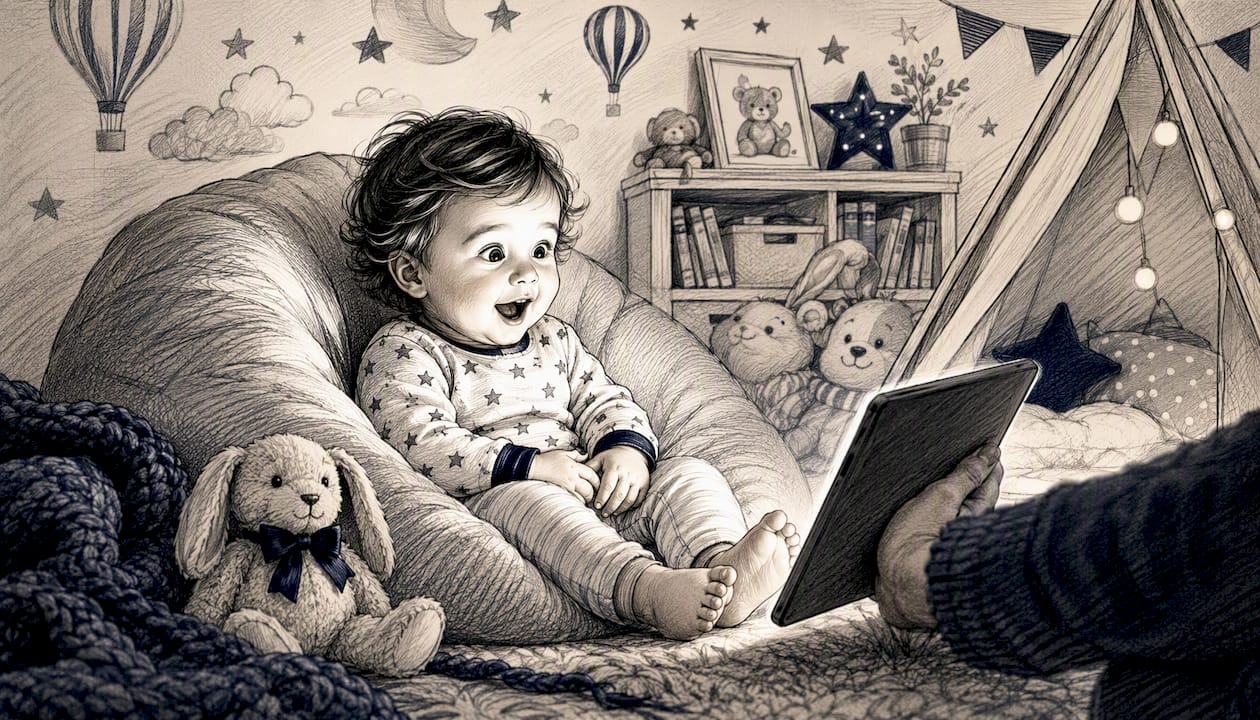
Preschoolers (ages 4–6) are in the sweet spot for full magic belief. They can handle a slightly longer script (two sentences), a more dramatic character like a dragon or unicorn, and a delivery with a little buildup ("Close your eyes... okay, open them!"). Mention a specific toy or color they love.
Early elementary (ages 6–8) appreciate wit and specificity. A superhero who references their soccer game, or an alien who comments on their LEGO collection, lands harder than generic praise. This age group also enjoys being "in on it" slightly — telling them afterward that you made it together can deepen the bond rather than break the spell.
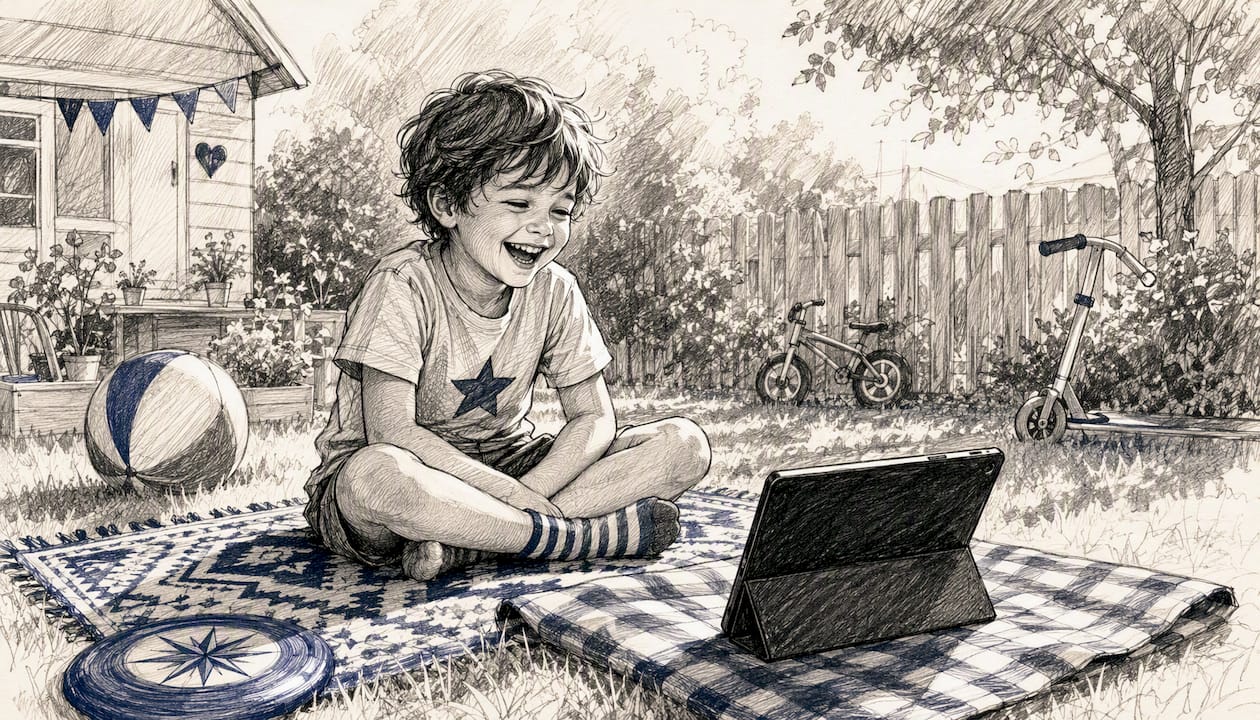
Sibling groups need individual clips. A shared clip that names both children works for a joint reveal moment, but each child should also receive one clip addressed solely to them. Order the shared clip first for the group reveal, then play the individual clips one at a time. Older siblings often become the most enthusiastic believers when they see their younger sibling's reaction first.
For family entertainment that scales across ages, the personalized video format is unusually flexible: the same platform, the same 10-second format, and a different character and script for each child creates a completely distinct experience per kid.
Why short, realistic clips are the best holiday surprise format
The conventional wisdom says bigger is better for holiday surprises: elaborate scavenger hunts, room transformations, mountains of wrapped gifts. But the moments children actually replay in their memories are rarely the grandest ones. They are the specific ones.
A 10-second clip where Santa says your child's name and mentions the drawing on the fridge hits differently than a generic holiday movie, because it is about them. The research on contingent character interactions is clear on this: specificity and perceived responsiveness drive emotional investment far more than production scale. A clip that costs $1.99 and takes 20 minutes to make can outperform a two-hour holiday event if it gets the personalization right.
What I find most compelling about this format is its repeatability. A room transformation happens once. A personalized animated clip becomes an annual tradition, a growing archive, a shared secret between parent and child that compounds in meaning every year. The magic does not diminish with repetition — it deepens, because each year's clip captures exactly who your child was at that age.
Your child's holiday surprise is three steps away
The fastest path from idea to a child's wide-eyed reaction: pick a character, upload a room photo, and paste a 10-second script. Wonderlens handles the cinematic rendering — matching shadows, lighting, and scale to your actual space — so the result looks genuinely magical, not like a sticker slapped onto a photo.

Credits start at $1.99 and your first video is free. Start with the dragon character page for an adventurous surprise, or browse all characters at Wonderlens to find the perfect match for your child. Upload your photo, paste one of the scripts from this article, preview, and download — most parents finish in under 20 minutes.
Sources
- Contingent interaction with a television character promotes children's science learning and engagement
- Parasocial and contingent interactions in children's media (excerpted research findings)
- Effect of brief animation on children's language development: systematic review
Recommended
- Creative Tips for Christmas Surprises That Families Love. WonderLens | WonderLens
- How to Surprise Kids at Christmas: Fun Ideas That Work. WonderLens | WonderLens
- Step by Step Holiday Surprises for Families: 2026 Guide. WonderLens | WonderLens
- Why animated holiday surprises matter: the parent's guide to magical moments — WonderLens | WonderLens