Personalized Video for Kids: Magic Your Family Will Replay
July 29, 2026
A personalized video is a data-driven, one-to-one clip that dynamically inserts viewer-specific elements — a child's name, a chosen character, or images of your actual home — directly into the scene so it feels made just for them.
- TL;DR: Your photo + your child's name + a fantasy or holiday character = a short, shareable clip that looks like Santa, a unicorn, or a dragon actually visited your living room.
- Quick example: Wonderlens places an animated Santa in your family's photo, complete with matching lighting and shadows, and the clip plays back as a 10-second cinematic memory that your child can watch again and again.
Table of Contents
- What is personalized video, and how does it work?
- Why do personalized videos feel so magical to kids?
- How to create a personalized holiday or fantasy video for your child
- What to expect on cost, length, and quality
- What should parents check for privacy and safety?
- Creative tips to make the video truly magical
- How Wonderlens creates realistic personalized videos
- Great occasions for personalized character videos beyond the holidays
- Key Takeaways
- Why these short clips matter more than parents expect
- Wonderlens makes your first magical video free
- Useful sources and further reading
What is personalized video, and how does it work?
The simplest way to think about it: a master video template holds placeholder spots for names, faces, and background images. When you fill in your child's details, the platform's AI merges that data into the template and renders a unique clip just for your family. No separate recording is needed for each viewer.
Here is the workflow, step by step:
- Prepare your inputs. Gather a clear photo of your home interior and your child's name or a short personal message.
- Connect your data. The platform reads your inputs — think of it like a mail merge, but for video. Even a simple form entry is enough; no large database is required.
- AI renders the unique clip. The engine composites the chosen character into your photo, matching the room's lighting and shadows so the scene looks real.
- Download and share. Your finished MP4 is ready to play on any device.
Because the template stays constant and only the personal data changes, one master file can generate many individualized videos. A family creating clips for multiple kids, or a grandparent sending personalized holiday surprises to several grandchildren, benefits from exactly that scalable template workflow.
Why do personalized videos feel so magical to kids?
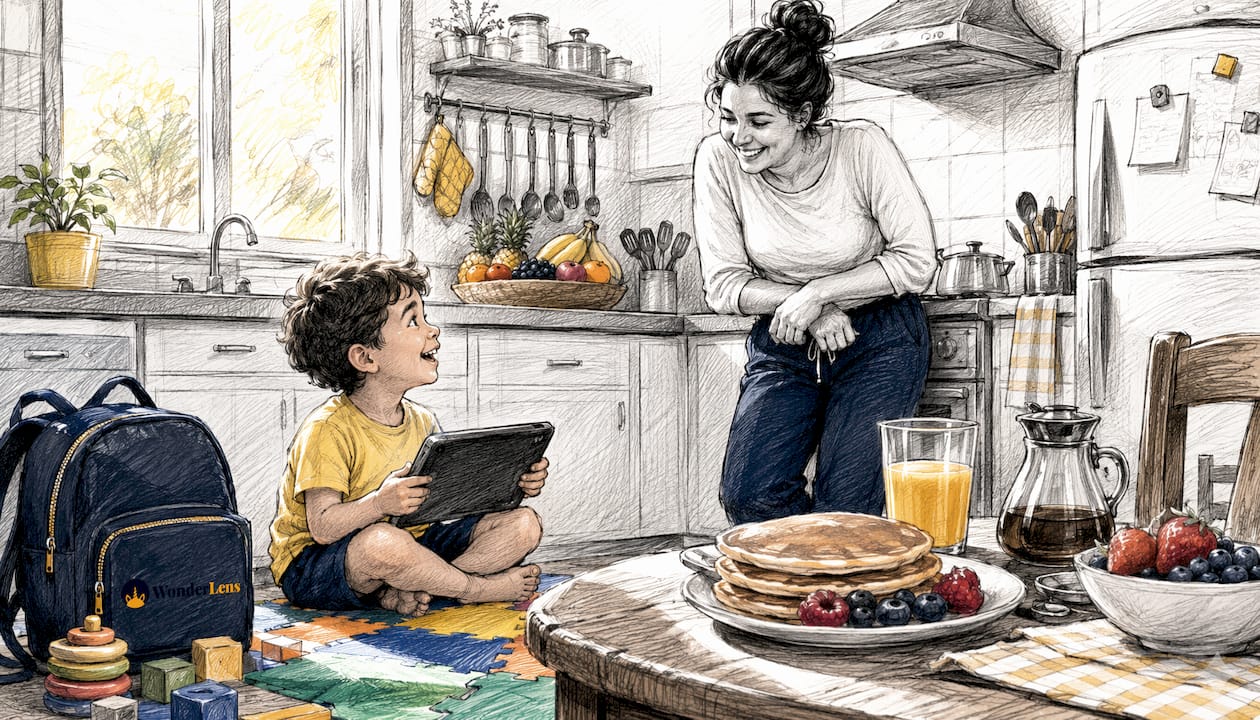
The emotional punch comes from specificity. When a child sees their own living room in the clip and hears their name spoken by a beloved character, the video stops feeling like content and starts feeling like proof. Physical gifts can delight, but they rarely create that "wait, was that REAL?" moment.
Personalization variables visible in the first five seconds have an outsized impact on engagement — seeing your name or a familiar detail that early signals relevance and keeps young viewers locked in.
Modern gifting trends favor replayability and emotional relevance over purely practical items, which is exactly why parents keep choosing personalized video keepsakes over another toy that gets forgotten by January.
- Replayable on demand — kids ask to watch it again, and again
- Travels instantly to grandparents, cousins, or anyone who missed the moment
- Creates a shared family memory tied to a specific holiday or milestone
- Outlasts physical decorations without taking up shelf space
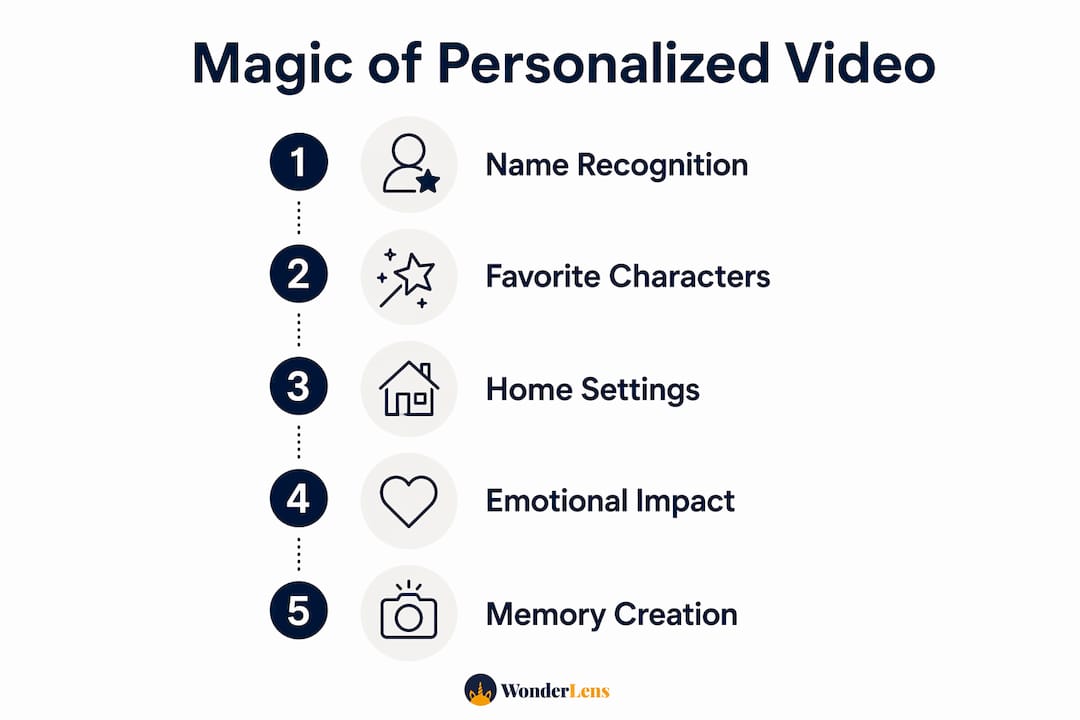
Pro Tip: The three personalization variables that drive the biggest emotional response are the child's name spoken aloud, a recognizable room in your home, and the child's favorite character. Nail all three and you have a clip they will request for weeks.
How to create a personalized holiday or fantasy video for your child
The whole process takes about 10–15 minutes from idea to shareable file. Here is the checklist:
- Choose your occasion. Christmas, Easter, a birthday, a "just because" dragon visit — pick the character and theme first.
- Gather your photo. A well-lit interior shot of your living room or playroom works best. Shoot in landscape orientation, JPEG or PNG.
- Pick your character and message. Select from available characters (Santa, Easter Bunny, fairy, unicorn, dragon, superhero, and more) and add a short personalized line — your child's name plus one specific detail works perfectly.
- Preview the clip. Review the rendered preview before downloading to catch any lighting mismatches or framing issues.
- Download and share. Save your MP4 and send it via text, email, or social — or play it on the family TV for maximum impact.
Pro Tip: The single biggest quality killer is a dark or blurry photo. Shoot near a window in natural daylight, and make sure the room looks the way your child knows it — familiar furniture in frame makes the magic land harder.
Common pitfalls to avoid: photos taken at night (mismatched lighting makes the character look pasted in), extreme wide-angle shots (perspective mismatch), and overly long messages that slow the pacing of a short clip.
What to expect on cost, length, and quality
Most family-focused personalized character clips are brief and are priced per video or per credit pack. That brevity is a feature, not a limitation — short runtimes keep young attention locked and make the clip easy to replay.
- Credit-based pricing: Wonderlens credits start at a low cost, with a free first video so you can see the quality before spending anything.
- Complexity vs. cost: A single character in a single scene costs one credit. More elaborate requests may use additional credits.
- Realistic render vs. sticker overlay: High-quality AI personalization matches the character's lighting and shadows to your room so the result reads as intentional. Basic AR filters or sticker overlays skip that step, and the difference is immediately visible — the character floats rather than inhabits the space.
- File format: Finished clips download as MP4, playable on any phone, tablet, or smart TV.
When emotional connection and memory are the primary goals, a short, high-quality clip beats a longer, lower-quality one every time. Prioritize rendering quality over clip length.
What should parents check for privacy and safety?
Before uploading your family's photos to any platform, run through these quick checks:
- Parental consent flow: Does the service require you, the adult, to initiate and approve the creation? It should.
- Data deletion policy: Can you request that your uploaded photo and personal details be deleted after the video is generated?
- Storage and encryption: Are uploaded images stored securely, and for how long?
- Sharing controls: Is your finished video private by default, or publicly accessible? You should control who sees it.
- Who can view downloads: Confirm the download link is not publicly indexed or shareable without your permission.
U.S. parents should know that the Children's Online Privacy Protection Act (COPPA) places strict obligations on services directed at children under 13, including requirements around parental consent before collecting personal information. Always read a platform's privacy policy before uploading a child's photo or name, and choose services that explicitly describe their data handling and deletion practices.
For safe sharing, send the finished video directly to family members rather than posting it to a public social media feed. A private group message or family chat keeps the magic in the right hands.
Creative tips to make the video truly magical
Emotional specificity wins every time. Mentioning your child's favorite stuffed animal, best friend's name, or beloved pet in the character's message turns a fun clip into something that feels written just for them.
- Frame your photo so a recognizable piece of furniture or decoration is visible — the couch they jump on, the Christmas tree they decorated
- Keep the character's spoken message to one or two sentences; shorter lines land with more punch
- Time the reveal as a surprise — play it on the TV while they walk into the room
- Add a replayable ending by choosing a character action that loops naturally (a wave, a wink, a tail swish)
- Use a personalized audio story alongside the video for a layered sensory experience
- Shoot your photo at the same time of day the surprise will happen so the lighting matches
- Save the clip to a shared family album so it becomes part of your holiday tradition each year
- For fantasy characters like dragons, choose a room with a high ceiling in the photo — it makes the scale feel believable
Pro Tip: Record a short audio clip of yourself or a sibling saying the child's name, then reference that name in the character's message. Hearing a familiar voice alongside the animated character creates a layered authenticity that purely synthetic audio can't match.
How Wonderlens creates realistic personalized videos
Wonderlens produces cinematic 10-second animated character clips that integrate lighting, shadows, and lifelike movement directly into your uploaded home photo. The result looks like Santa, a fairy, or a dragon actually stepped into your space — not like a sticker dropped on top of it.
Key platform details parents care about:
- First video free: Try the full experience before purchasing any credits
- Credits from $1.99: Single-pay, no subscription required
- Browser-based: No app download needed — works on any device with a web browser
- Character roster: Santa, Easter Bunny, fairies, unicorns, dragons, superheroes, and more
- Realistic rendering: Advanced AI focuses on lighting, shadow integration, and natural animation to preserve realism — the character catches the same golden glow your room does
- Family-safe design: Built for parents creating content for young children
Wonderlens is designed so that the character inhabits your home, not just overlays it. The AI matches the room's ambient light and casts realistic shadows under the character's feet, which is the detail that makes kids stop and stare.
View animated family memory examples to see the rendering quality before you create your first clip.
Great occasions for personalized character videos beyond the holidays
Christmas and Easter are the obvious starting points, but the format works beautifully for a much wider range of family moments:
Birthdays are a natural fit — a favorite superhero or unicorn appearing in your child's bedroom to wish them a happy birthday lands differently than a store-bought card. You can tie the character's message directly to the child's age or a wish they made.
Milestone moments like a first day of school, losing a first tooth, or finishing a big reading challenge give you a reason to create a clip that marks the occasion permanently. A dragon congratulating your child by name for finishing their first chapter book is the kind of memory that gets replayed at family gatherings years later.
"Just because" surprises are underrated. A fairy appearing on a random Tuesday to say your child has been kind and brave this week costs one credit and takes ten minutes — but the reaction is the same as a holiday reveal. Spontaneous magic often hits harder than scheduled magic because kids aren't anticipating it.
You can also use creative animated memory ideas for sibling announcements, moving-day excitement, or a grandparent's visit reveal. The character becomes the messenger, and the personalized video becomes the keepsake.
Key Takeaways
Personalized video works because it places a child's own name, home, and favorite character together in one short, replayable clip — and that combination of specificity and magic is what makes it stick.
| Point | Details |
|---|---|
| What it is | A data-driven clip that inserts your child's name, home photo, and chosen character into one unique video. |
| Ideal length and cost | Most family clips run 10 seconds; Wonderlens credits start at $1.99 with a free first video. |
| Quality matters | Realistic lighting and shadow integration separate cinematic renders from basic sticker overlays. |
| Privacy check | Verify parental consent, data deletion, and private sharing controls before uploading any child's photo. |
| Try Wonderlens | Create a free first clip at Wonderlens to see cinematic character rendering in your own home photo. |
Why these short clips matter more than parents expect
There is a tendency to treat a 10-second animated video as a small thing. It is not. What you are actually creating is a moment of genuine wonder — the kind children describe to their friends at school the next day, the kind that becomes part of how your family tells the story of a particular Christmas or birthday.
The personalization trend in gifting keeps growing because people have figured out that emotional specificity outlasts novelty. A toy is forgotten. A clip of a dragon landing in your child's bedroom, saying their name, and spreading its wings in the golden afternoon light of your actual living room? That gets replayed. That gets remembered.
What I find most compelling about the format is how low the barrier is compared to the emotional payoff. Ten minutes of preparation, one clear photo, and a single credit purchase can produce something a child talks about for months. Most parents underestimate that ratio until they see the reaction.
Wonderlens makes your first magical video free
Your child's reaction to seeing Santa, a unicorn, or a dragon step into your living room is worth more than the few minutes it takes to create the clip.

Wonderlens is the fastest way to get there: browser-based, no subscription, and your first video is completely free. Credits start at $1.99 for additional clips, and the whole creation process takes about 10 minutes from photo upload to finished MP4.
- Upload a well-lit photo of your home interior
- Choose your character and add your child's name
- Preview the rendered clip and download your MP4
- Play it as a surprise on the family TV or share it directly with grandparents
Family-safe, single-pay, and built for parents who want cinematic quality without complexity. Create your free personalized video at Wonderlens today and see the magic land in real time.
Useful sources and further reading
- What Is Personalized Video and Why It Works — Wideo: covers the data-driven template and mail-merge workflow behind personalized video.
- Personalized Video Glossary — Sendspark: explains personalization variables, AI rendering, and early-engagement impact.
- What Is Personalized Video — Seen.io: practical overview of data sources and scalability for non-technical users.
- Personalized Video Gifts in 2026: Why They Keep Growing — PrankWish: gifting trend context and emotional specificity guidance.
- Is a Personalized Video Gift Worth It? — PrankWish: honest use-case guide for when video outperforms physical gifts.
- Wonderlens — the platform referenced throughout for cinematic AI character video creation; start with the free demo clip.
- Tips for Personalized Holiday Videos — Wonderlens blog: practical holiday creation workflow tips.
- 10 Magical Memories to Create With Personalized Animated Videos — Wonderlens blog: real-life examples and emotional impact stories.
- Benefits of Cinematic Video Memories for Families — Wonderlens blog: research-backed benefits and family testimonials.
Recommended
- 10 Magical Memories to Create With Personalized Animated Videos — WonderLens | WonderLens
- Tips for Personalized Holiday Videos Families Will Love. WonderLens | WonderLens
- How to create magical videos kids will truly love — WonderLens | WonderLens
- Step by Step Magical Video Guide for Families. WonderLens | WonderLens