Best Santacam.shop Alternatives for Families in 2026
July 20, 2026

What are the best alternatives to santacam.shop?
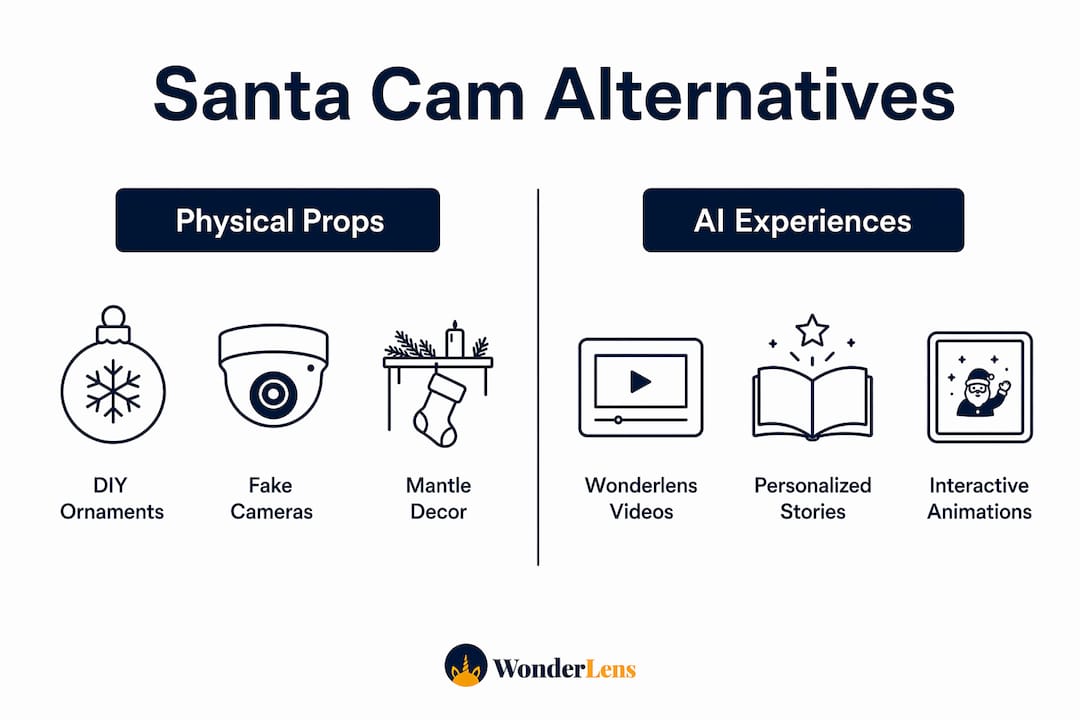
The best santacam.shop alternatives fall into three clear categories: handcrafted DIY ornaments, low-tech physical props with blinking LEDs, and AI-powered digital platforms that place Santa directly into your home photos and videos. Each option brings something different to your holiday traditions, so the right pick depends on whether your family loves crafting, prefers a quick setup, or wants a fully personalized digital experience.
Here's a quick look at what's available:
- DIY Santa Cam ornaments: Clear ornaments painted black with red LED lights and vinyl decals, crafted at home for a personal touch
- Pre-made physical props: Ready-to-hang ornaments and stickers from shops like Waymaker Designs and Another 24 Hours, featuring realistic lens effects and optional personalization
- Fake security cameras: Realistic units with pre-wired blinking LEDs from home improvement stores, dressed up with festive decals
- AI photo apps: Mobile apps that let you position a high-resolution Santa figure inside your own home photos, with brightness and saturation controls for realism
- Percify: A digital platform focused on Santa Cam storytelling, offering personalized holiday content for children
- Wonderlens: A web-based platform that transforms your home photos into cinematic holiday animations featuring Santa and other characters, with realistic lighting and shadows
The variety means you can mix and match. A handmade ornament on the mantle pairs beautifully with a Wonderlens video on Christmas morning.
How to make a DIY Santa Cam ornament
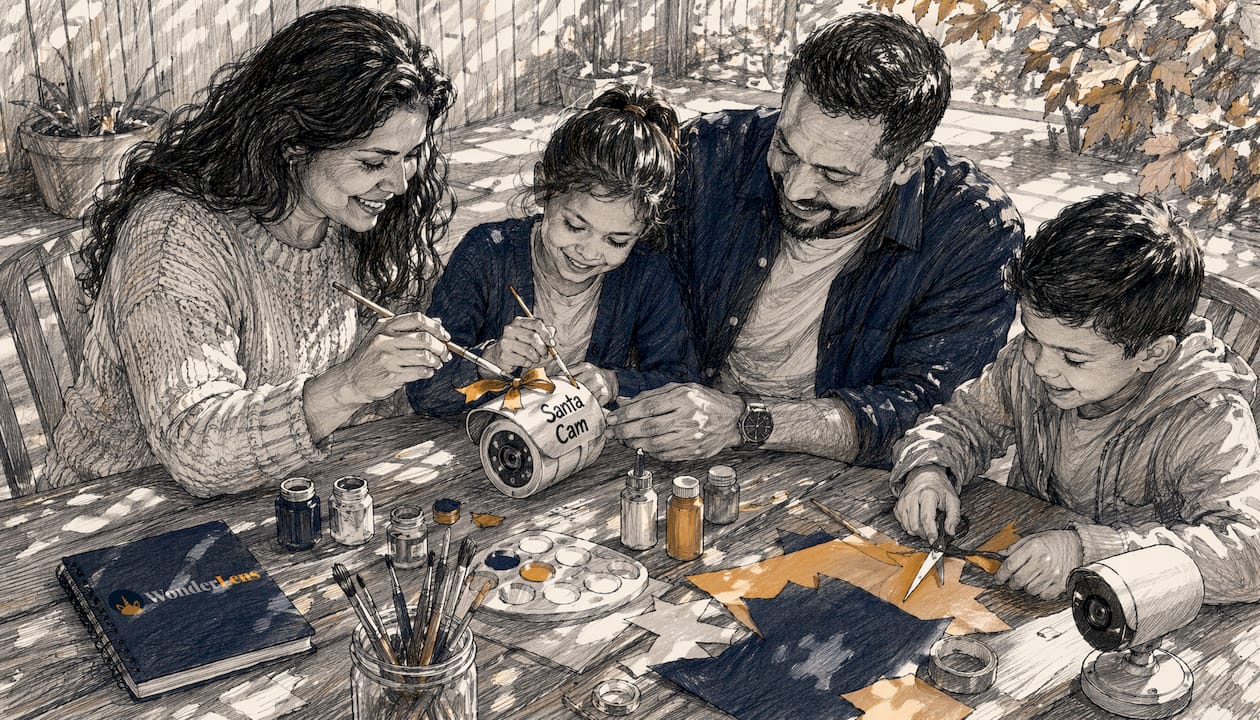
DIY Santa Cam ornaments are one of the most popular low-cost alternatives, and the crafting process is genuinely fun for parents to tackle on a quiet evening. The finished product looks convincing enough to make even skeptical kids do a double-take.
Supplies you'll need:
- Clear plastic or glass ornaments (a small diameter works well)
- Black spray paint or acrylic paint
- Small red LED lights or a pre-wired LED unit
- Vinyl decals or sticker paper for the "lens" and camera details
- A hot glue gun and ribbon or wire for hanging
- Optional: a small battery pack to power the LED
Step-by-step instructions:
- Paint the ornament black inside and out. Two thin coats give a cleaner finish than one heavy coat.
- Let it dry completely before adding any details.
- Cut a circular vinyl decal to mimic a camera lens and press it onto the front of the ornament.
- Add smaller decals for screws, a brand logo, or a tiny "LIVE" indicator to boost the realistic look.
- Thread the LED wire through the top opening of the ornament and secure the battery pack behind the ornament or inside a nearby decoration.
- Hang it at eye level for children, somewhere they'll naturally glance, like near the Christmas tree or above the cookie plate.
Pro Tip: Skip the wiring entirely by picking up a fake security camera from a home improvement store. These units already have a blinking red LED built in, and all you need to do is add festive vinyl decals to give them a Santa Cam personality.
For customization, try painting the ornament in deep forest green or burgundy instead of black, or add a tiny "North Pole Surveillance" label in a holiday font. Kids who are old enough to read will love spotting the details.
How do AI-powered Santa Cam alternatives work?
Physical props create atmosphere, but AI-powered platforms take the magic a step further by placing Santa inside your actual living room. The result is a photo or video that looks like Santa was genuinely there, not just a sticker slapped onto a snapshot.
The technology works by layering a high-resolution Santa figure onto your home photo, then adjusting the image so the character matches your room's lighting conditions. Brightness and saturation controls let you fine-tune how Santa's image blends with your background, so he catches the same warm glow as your Christmas tree lights rather than looking like a cutout from a different photo entirely.
"Our characters are high resolution and magically, they look REAL in your photos. Create photographic PROOF for your little 'BELIEVERS' that Santa, The Tooth Fairy, or the Easter Bunny were in your house." — Capture The Magic, Google Play
Percify approaches this space with a focus on Santa Cam storytelling, offering personalized digital content designed specifically for the holiday season. It's a solid option for families who want a guided, story-driven experience.
Wonderlens goes further by turning your home photo into a short, 10-second animated video, not just a still image. Santa doesn't just appear; he moves, and the shadows and lighting shift with him. That motion is what tends to produce the loudest gasps on Christmas morning. The platform is entirely web-based, so there's nothing to download, and videos are shareable straight from your browser.

Privacy is worth considering with any digital platform. Reputable AI apps process your photo to generate the final image without storing your family's personal data for marketing purposes. Always check a platform's privacy policy before uploading photos of your children.
Creative tips and variations to make any Santa Cam more magical
Whether you've built a DIY ornament or you're working with a digital platform, a few small tweaks can make the whole experience feel richer and more believable for your kids.
For DIY and physical props:
- Swap the standard red LED for a warm amber one to mimic the look of an older security camera, which reads as more "official" to curious kids
- Add a small jingle bell near the camera so it makes a soft sound when touched, reinforcing the idea that it's active
- Use themed decals for different family members: a reindeer cam for the backyard, an elf cam for the playroom, and the main Santa Cam near the fireplace
- Place the ornament slightly out of reach to prevent close inspection, which preserves the illusion far longer
For AI and digital alternatives:
- Shoot your base photo in the same lighting conditions you'll use on Christmas Eve, so the AI-generated character matches the room's actual glow
- Adjust saturation and contrast after inserting Santa to make sure his colors don't look oversaturated compared to your room's natural tones
- Pair a physical ornament with a digital video for a layered experience: the ornament "watches" all month, and the video is the proof it captured something magical
Pro Tip: Don't over-explain the Santa Cam to your kids. A simple "Santa uses these to check on his list" is enough. The less you say, the more their imagination fills in the rest, and that's where the real wonder lives.
Blending both approaches, a handmade ornament for the physical prop and a Wonderlens video for the cinematic reveal, gives you the best of both worlds. The ornament builds anticipation through december, and the video delivers the payoff.
Wonderlens brings the magic right into your living room
If you want the kind of moment your kids will talk about for years, Wonderlens delivers it without requiring any crafting supplies or photo editing skills. The platform takes a photo of your home and returns a 10-second animated video where Santa walks through your actual space, complete with realistic shadows and lighting that match your room.

Videos start at $1.99 per credit, making it a budget-friendly option for personalized holiday animations. The whole process is web-based and family-friendly, with no app to install and no personal data required beyond your photo. You can share the finished video directly with grandparents, post it to family group chats, or save it as a keepsake your kids will want to rewatch every year. For families who want the magic of a Santa Cam without the glue gun, Wonderlens is the place to start.
Key Takeaways
The most effective Santa Cam alternatives combine a physical prop for ongoing atmosphere with an AI-powered video for a cinematic Christmas morning reveal.
| Point | Details |
|---|---|
| DIY ornaments are accessible | Clear ornaments, black paint, red LEDs, and vinyl decals are all you need to build a convincing Santa Cam at home. |
| Pre-wired fake cameras save time | Home improvement store security cameras with built-in blinking LEDs skip the wiring step entirely. |
| AI platforms add motion and realism | Adjusting brightness, saturation, and contrast makes AI-generated Santa figures blend naturally with your home's lighting. |
| Layering props and digital content works best | A physical ornament builds anticipation all month; a personalized video delivers the magical payoff on Christmas morning. |
| Wonderlens starts at $1.99 | Wonderlens creates shareable, 10-second animated Santa videos with realistic shadows and lighting, starting at $1.99 per credit. |