Magical Home Video Creators for Families: Easy Cinematic Keepsakes
August 11, 2026
The fastest way to make a believable, family-safe magical home video is Wonderlens. Upload a photo of your living room, pick a character, and download a cinematic 10-second animated clip. Your first video is free. No software to install, no design skills needed, and the results look nothing like a sticker overlay.
Wonderlens uses AI-driven rendering to place fantasy and holiday characters, including Santa, unicorns, fairies, and dragons, directly into your photo with matched lighting and real shadows. Credits start at $1.99 per clip, and your first video is free, making it one of the most accessible personalized video gifts available to U.S. families right now.
Pro Tip: Generate your first free video before a holiday or birthday so you can see exactly how the character fits your space, then buy a small credit pack for the final, shareable version.
Key Takeaways
AI-powered magical home video creation is most effective when you combine a well-lit photo, a single emotional arc, and a platform built for cinematic realism, making Wonderlens the clearest starting point for U.S. families.
| Point | Details |
|---|---|
| Start free, then scale | Your first Wonderlens video is free; credits start at $1.99 for additional cinematic clips. |
| Photo quality drives results | Natural light, clear surfaces, and minimal clutter near the character placement point produce the most believable composites. |
| Keep the story short | A three-beat micro-arc (surprise, wonder, closure) makes a 10-second clip feel emotionally complete. |
| Audio matters more than you think | Soft acoustic soundscapes sell the magical feeling better than heavy orchestral effects on short clips. |
| Wonderlens is the family-first pick | Browser-based, no install, credit-based pricing (starting at $1.99 per clip, with your first video free), and a family-safe character catalog make it the easiest entry point for parents. |
Table of Contents
- What kinds of magical home videos can you actually make?
- How do you make a magical home video in under 15 minutes?
- What features make a magical video feel real?
- What does pricing look like, and how long are the clips?
- Why is Wonderlens the right choice for families?
- How do you get better results from your magical videos?
- What are the legal considerations for sharing magical home videos?
- The moment the magic actually lands
- Ready to create your first magical video with Wonderlens?
- Sources
What kinds of magical home videos can you actually make?
The short answer: more than you might expect from a 10-second clip. The format is tight, but that constraint is a creative advantage. Short, focused moments land harder emotionally than long productions, especially for young children.
Common project types families create:
- Holiday surprises: Santa pausing by the fireplace, the Easter Bunny hopping across the living room floor, or a fairy leaving a glow near a child's bedroom door
- Birthday greetings: A dragon swooping through the backyard with a "Happy Birthday" moment built into the scene
- Bedtime story clips: A unicorn or storybook character appearing in the child's actual room, making the story feel real
- Keepsake animations for grandparents: A short clip of a grandchild's space with a beloved character, sent as a personalized video gift
- Social sharing: Quick, shareable clips for Instagram or family group chats that feel cinematic rather than gimmicky
Folklore-inspired character archetypes, like the quirky, child-conceived characters featured in A Ffern Fairytale, show how imaginative and personal characters resonate most deeply with kids. The more the character connects to something the child already loves, the stronger the reaction. Wonderlens's holiday animation catalog covers the most popular archetypes families reach for across Christmas, Easter, and everyday surprises.
How do you make a magical home video in under 15 minutes?
The workflow is genuinely fast. Most parents finish a complete clip, from photo upload to download, in 10 to 15 minutes. Here is the step-by-step process:
- Define your scene. Decide which character you want and where in your home they should appear. A clear mental picture speeds up every step that follows.
- Choose and upload your photo. Pick a well-lit shot of the room or space. Good natural light and a clear background near the insertion point make the composite far more convincing.
- Pick your character and template. Select from the available character catalog and choose a style that fits your scene (cinematic, storybook, or seasonal).
- Adjust placement and lighting settings. Most tools let you position the character and confirm the lighting direction. Wonderlens handles shadow matching automatically.
- Add voiceover or music (optional). A short audio layer, even just ambient sound, adds warmth. Simple acoustic tracks often sell the magical feeling better than heavy effects, a principle Lost Marble Media's storytelling work illustrates well.
- Generate and review. Rendering typically takes a minute or two. Review the clip for character placement and lighting match before downloading.
- Download and share. Export as MP4 for direct sharing or resize for social formats.
Script-to-video platforms like Skiddee demonstrate that tight script control and per-scene illustration can produce bespoke results in minutes rather than weeks, which is the same philosophy behind Wonderlens's photo-to-animation pipeline.
Pro Tip: For the most believable composite, photograph your space at the same time of day you want the character to appear. Morning light in the photo plus an evening character placement creates a mismatch the AI cannot fully correct. The family photo animation guide on Wonderlens walks through this in detail.
What features make a magical video feel real?
Not every tool delivers the same quality. Before you commit credits or time, check for these features:
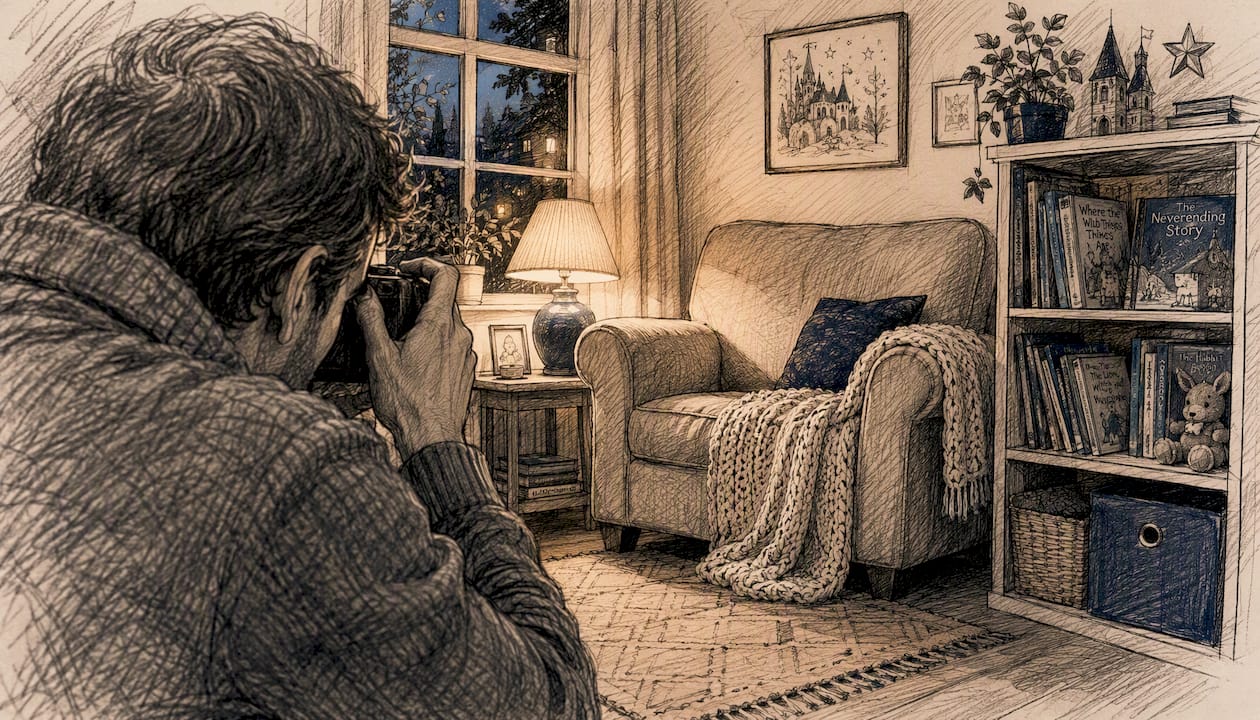
- Shadow casting and color matching: The character's shadow should fall in the same direction as the room's light source. Without this, the composite looks pasted-on. Wonderlens's cinematic rendering approach handles this automatically.
- Edge blending and motion blur: Hard edges around a character immediately break the illusion. Soft blending and subtle motion blur during movement make the character feel physically present.
- Character continuity: For multi-clip projects, the character should look consistent across scenes, same proportions, same color palette.
- Template and style range: A storybook aesthetic suits younger children; a cinematic style works better for older kids and holiday keepsakes. Having both options matters.
- Content moderation and privacy controls: Your family photos should never be used for training data or shared without consent. Look for explicit privacy policies and family-safe content filters.
Minimalist character design with soft colors and rounded features, the approach used in short-form animation projects like The Flower, consistently produces the warmest, most child-friendly results. The visual language of rounded edges and gentle palettes signals safety and wonder to young viewers.
What does pricing look like, and how long are the clips?
The U.S. market for AI-powered family video tools has settled into a few predictable pricing shapes:
- First video free: The standard entry point. You get one full clip at no cost to test quality before spending anything.
- Credit packs: Wonderlens credits start at $1.99 per clip. You buy what you need, with no subscription required.
- Seasonal bundles: Some platforms offer multi-credit packs around major holidays, which reduces the per-clip cost for families making several videos.
Typical output limits across the category:
- Clip length: 8 to 15 seconds for free and credit-based models. Longer compilations (20 to 60 seconds) are possible by combining clips in a separate editor.
- Resolution: Standard MP4 at social-ready resolutions on base tiers; higher resolutions available on paid tiers.
- Platform access: Browser-first workflows are the norm. Wonderlens runs entirely in the browser, no app download required, and exports in formats ready for mobile sharing.
For broader context on what browser-based video creation looks like across the market, platforms like Vimeo Create and Adobe Express illustrate the general expectation for template-driven, no-install editing. Wonderlens's focus on fantasy character integration and cinematic realism sits in a more specialized lane than those general editors.
Why is Wonderlens the right choice for families?
Wonderlens was built specifically for this use case: a parent who wants a believable, magical moment on screen without hiring a production team or learning video software.
Key strengths:
- Web-based, no install: Open a browser, upload a photo, and you are creating. Works on any device.
- Cinematic AI rendering: Lighting, shadows, and character movement are handled by the platform, not by you.
- Family-friendly character catalog: Santa, the Easter Bunny, unicorns, dragons, fairies, superheroes, and more, all designed for holiday and everyday surprise moments.
- Credit-based pricing with no subscription: Pay only for what you make. Credits start at $1.99, and your first video is free.
- Clear how-to resources: The step-by-step family guide on the Wonderlens blog walks you through every decision point.
The workflow for a first-time user typically runs like this:
- Upload a photo of your home space.
- Choose a character from the catalog.
- Generate your free first clip and preview it.
- Download and share, or purchase credits to create more.
Pro Tip: Pick a photo where the floor or a flat surface is clearly visible near the center of the frame. Characters placed on visible surfaces look grounded and real. Characters floating in mid-frame look like overlays.
How do you get better results from your magical videos?
Craft-level choices make a bigger difference than the tool itself. These tips apply whether you are using Wonderlens or any other creative home video maker.
On prompts and scripts: Focus on a single character action and one emotional beat. "Santa sets a gift under the tree and looks toward the camera" is more filmable than "Santa does a whole Christmas scene." Lost Marble Media's storytelling philosophy puts it plainly: lead with an emotional arc and a sense of whimsical wonder, not technical showmanship.
On photo composition:
- Shoot in natural light, ideally mid-morning or late afternoon when shadows are soft and directional.
- Clear clutter from the area where the character will appear. A busy background competes with the character and reduces the sense of magic.
- Leave space in the frame for the character. A photo where every corner is filled leaves no room for the composite to breathe.
On storytelling: Even a 10-second clip benefits from a micro-arc: surprise, then wonder, then a small moment of closure (a wave, a glance, a disappearing sparkle). That three-beat structure is what makes short clips feel complete rather than abrupt. Folklore-inspired character ideas, like the child-conceived creatures in A Ffern Fairytale, show how personal and imaginative character choices deepen a child's connection to the story.
Pro Tip: Skip the dramatic orchestral soundtrack. A quiet acoustic guitar or soft ambient sound, birds, a gentle wind, a distant piano, sells the magical feeling far more convincingly than a big cinematic score on a 10-second clip.
What are the legal considerations for sharing magical home videos?
A few practical points to keep in mind before you post or share.
Your photos: When you upload a family photo to any platform, review the privacy policy to confirm your images are not used for model training or shared with third parties. Wonderlens positions itself as family-safe and privacy-conscious; always read the current terms before uploading photos of minors.
Characters and IP: Wonderlens's character catalog features original AI-rendered characters inspired by archetypes (Santa, fairies, dragons) rather than licensed characters from specific films or franchises. Using platform-provided characters within the platform's intended use is generally covered by the platform's license. Creating videos that incorporate separately licensed characters (a specific superhero costume from a film, for example) and distributing them publicly can raise copyright questions.
Sharing permissions: Clips you generate are typically licensed for personal, non-commercial use. Posting to a family group chat or a personal social media account is standard use. Using a clip in a commercial context, such as a paid advertisement or a product promotion, usually requires a separate commercial license. Check the platform's terms for the specific scope.
Music rights: If you add your own audio track, use royalty-free music from a licensed library. Adding a copyrighted song, even to a 10-second clip, can trigger content ID claims on platforms like YouTube or Instagram.
The moment the magic actually lands
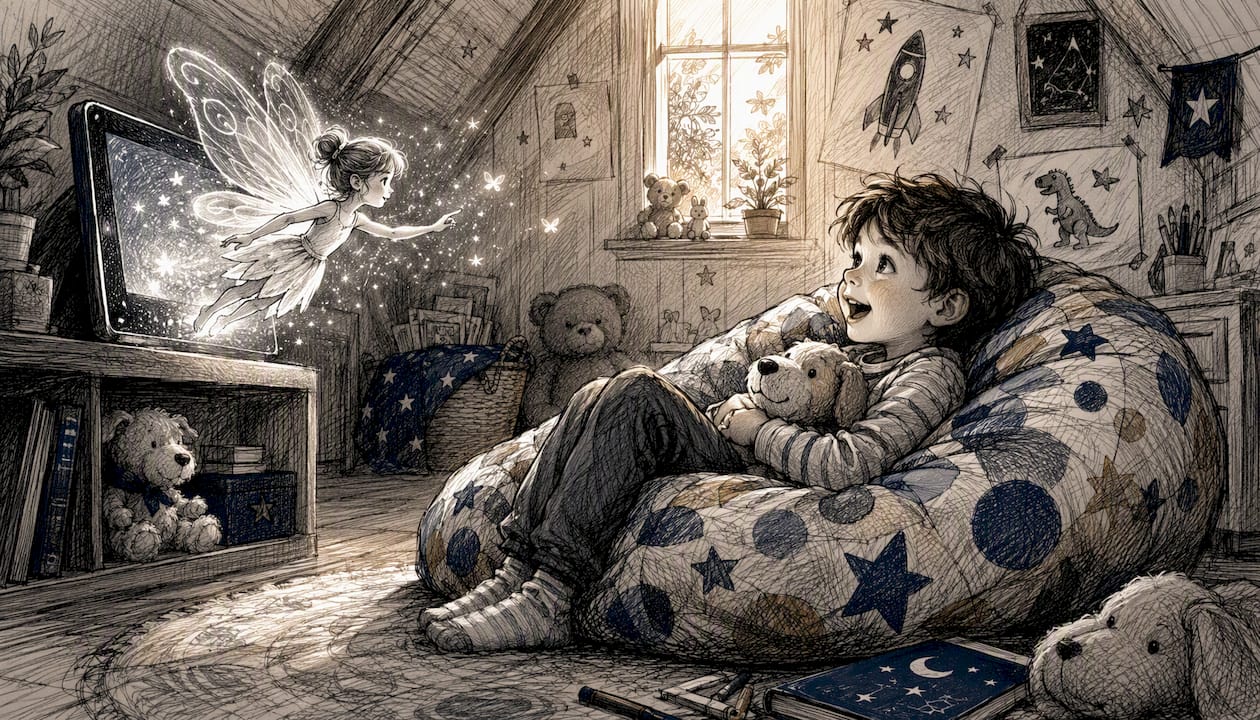
The first time I used Wonderlens, I uploaded a photo of our living room on a Tuesday afternoon, picked a fairy character, and had a finished clip downloaded in about eight minutes. My daughter watched it three times before dinner. She kept pointing at the screen asking if the fairy was still in the house. That reaction, pure, unguarded wonder, is exactly what this kind of whimsical video storytelling is designed to create. The platform handled the lighting match so well that the fairy's wings caught the same warm glow as the lamp in the corner. No editing on my end. No fussing with layers or masks. Just a photo, a few clicks, and a memory she still talks about.
Ready to create your first magical video with Wonderlens?
Wonderlens gives you a cinematic, family-safe magical clip without the cost or complexity of traditional video production. Upload one photo, choose a character from the catalog, and your first video is free. No subscription, no software download, no design experience required.

For families who want more, small credit packs starting at $1.99 let you create clips for every holiday, birthday, or bedtime surprise on your calendar. The animated memories workflow guide shows exactly how to plan a multi-clip project across a season without overspending on credits. Every video is generated with family-safe content moderation built in, so you never have to worry about what the AI might produce.
Visit Wonderlens to generate your free first clip today.
Sources
These resources informed the storytelling, visual, and workflow guidance throughout this article:
- Capturing the Journey - Lost Marble Media – Animation & AI Explainer Video Studio
- Celebrating Spring in 'A Ffern Fairytale,' Children Imagine Quirky Characters — Colossal
- The Flower
- Skiddee — Make videos people actually want to watch
Recommended
- Cinematic Rendering for Families: Make Magical Home Videos. WonderLens | WonderLens
- Magical Video Effects for Families: Your Complete Guide. WonderLens | WonderLens
- Creating Cinematic Home Videos: A Parent's Magic Guide. WonderLens | WonderLens
- Step by Step Magical Video Guide for Families. WonderLens | WonderLens