What realism in digital media means for holiday magic
April 26, 2026
You've probably seen those videos where Santa waves from a living room, or a dragon swoops past a Christmas tree, and thought, "That looks almost real." But here's the surprising part: "almost real" is not always the same as magical. Some digital characters are so close to lifelike that they actually feel a little creepy to young kids. Others hit a sweet spot that makes children gasp with delight. Understanding what realism in digital media actually means, and why it matters, can help you choose the best experiences for creating unforgettable holiday memories with your family.
Table of Contents
- Understanding realism in digital media
- How realistic fantasy characters are made
- Balancing realism and fantasy: Avoiding the uncanny valley
- Technologies and trends in realistic animation
- Why a little magic beats perfect realism: An expert's perspective
- Bring holiday magic to life with WonderLens
- Frequently asked questions
Key Takeaways
| Point | Details |
|---|---|
| Realism blends tech and art | Techniques like 3D modeling and realistic lighting make digital fantasy characters appear lifelike and magical. |
| Balance avoids the uncanny valley | The best holiday videos mix realism and stylized features to feel friendly—not unsettling—to kids. |
| AI makes magic accessible | New AI tools let parents create personalized, realistic holiday memories with beloved fantasy characters. |
| Emotion trumps perfection | Kids remember magical moments and feelings, not just picture-perfect visuals. |
Understanding realism in digital media
Realism in digital media is the art of making computer-generated visuals look and feel like the real world. According to research into digital production, realism in digital media refers to creating visuals that mimic real-world appearances using techniques like detailed 3D modeling, physically-based rendering (PBR), subsurface scattering for skin, accurate lighting, shadows, textures, and physics simulations.
Let's break that down into plain language. When you watch a video of an animated fairy landing on your kitchen counter, several things have to be true for it to feel real. The fairy's wings need to catch the same light as your countertop. Her shadow needs to fall in the right direction. When she moves, her hair needs to sway naturally. Every single one of those details comes from a specific technique that animators and AI systems use.
Here's a quick look at the key elements that separate realistic digital media from simple cartoon-style graphics:
- 3D modeling: Characters are built as three-dimensional objects, not flat drawings, so they can move and rotate naturally.
- Physically-based rendering (PBR): This technique simulates how light bounces off different surfaces, making fabric look like fabric and skin look like skin.
- Subsurface scattering: Light passes slightly through the skin of a character, giving it that warm, lifelike glow rather than a plastic appearance.
- Accurate shadows: Shadows change based on the light source in your actual room, so the character feels like it truly belongs in your space.
- Physics-based effects: Hair, clothing, and wings move with believable weight and momentum rather than floating unrealistically.
Here's a side-by-side look at how realism and stylization compare for holiday video experiences:
| Feature | Realistic style | Stylized/cartoon style |
|---|---|---|
| Lighting and shadows | Matches real-world light sources | Simplified or exaggerated |
| Skin and texture | Detailed, lifelike surfaces | Smooth, simplified colors |
| Movement | Physics-based, natural | Exaggerated, bouncy |
| Emotional appeal for kids | Can feel believable or unsettling | Friendly and expressive |
| Common holiday use | Santa, dragons, realistic animals | Elves, fairies, storybook creatures |
Why does any of this matter for holiday memories? Because kids believe what their eyes and hearts tell them. When a Santa video looks like it was actually filmed in your living room, with the fireplace glow catching his red coat just right, your child's sense of wonder skyrockets. Those are the moments they remember. Creating digital memories for kids that feel genuinely magical relies heavily on getting these realism elements right.
Pro Tip: More realistic does not always mean more magical for young children. A blend of realistic lighting and fantasy-style character design often creates the most joyful reactions from kids under age eight.
How realistic fantasy characters are made
Now that you know what realism means, let's look behind the scenes at how these enchanting digital characters are brought to life. The process is genuinely fascinating, and understanding it helps you appreciate why high-quality holiday videos feel so different from a basic sticker overlay.
Here's a simplified look at the main steps creators follow when building a hyper-realistic fantasy character:
- Concept and reference gathering: Artists study real-world references, like how a deer's fur catches morning light, to inform how a fantasy reindeer should look.
- 3D sculpting with tools like ZBrush: Sculpting software lets artists shape every pore, scale, or feather in fine detail. This is where a dragon's scales or Santa's wrinkles come to life.
- Texturing with Substance Painter: Artists paint realistic surfaces onto the 3D model, adding color variation, roughness, and micro-detail that make the character feel touchable.
- Rigging and animation: A digital skeleton is built inside the character so animators can pose and move it naturally, giving it weight and personality.
- Rendering in Unreal Engine or similar tools: The final step applies all the lighting, shadows, and physics calculations to produce the finished video frame by frame.
The level of effort involved is genuinely impressive. Research into the creation of hyper-realistic characters shows that creating a single character can take 170 hours or more, blending photorealism through scans, subsurface scattering, and micro-details with stylization for believability. One famous example is the digital recreation of Arya Stark, which used ZBrush and Marvelous Designer to achieve that level of detail.
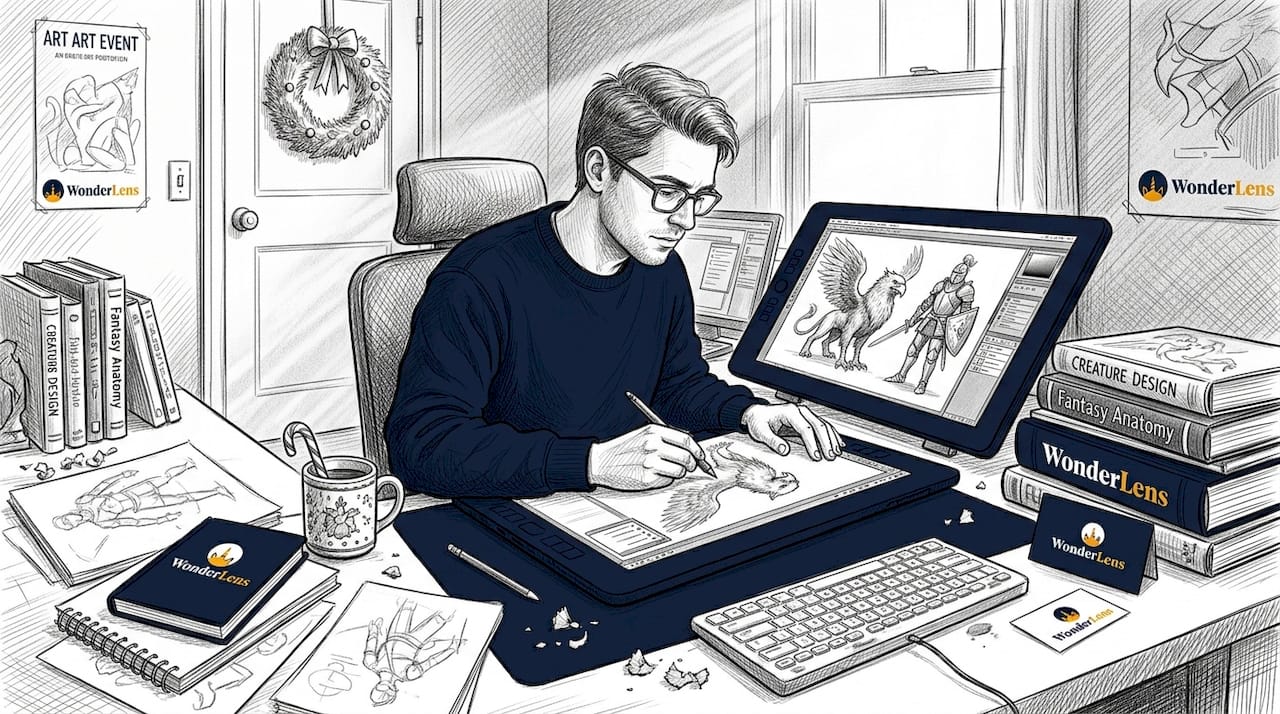
What makes fantasy characters special is that creators don't just copy reality. They blend it with imagination. A unicorn gets lifelike, flowing hair with physically accurate light reflection, but her eyes are slightly larger and more expressive than a real horse's. A dragon has scales that catch firelight realistically, but his movements are graceful in a way no real lizard could manage. That blend is exactly what makes fantasy character family memories so powerful.
Here's another layer of magic: micro-details. Things like tiny imperfections in a character's skin, individual strands of fur, or the faint glow of light through a fairy's translucent wings. These details register subconsciously with viewers, making the character feel real even when they can't explain why. When you add animated characters in photos using tools that incorporate these details, the result feels genuinely cinematic rather than digitally pasted in.
Pro Tip: Letting your child help choose a character's color or style before you create a holiday video adds a personal touch that makes the magic feel even more special to them.
Balancing realism and fantasy: Avoiding the uncanny valley
But there's more to realism than just lifelike graphics. Too much can backfire. This brings us to one of the most interesting phenomena in digital media: the uncanny valley.
The uncanny valley describes the uncomfortable feeling you get when something looks almost human, or almost real, but not quite. It's that subtle wrongness that makes a character feel unsettling rather than wonderful. For children especially, this reaction can be surprisingly strong. A Santa who looks too much like a real, imperfect human face can feel strange rather than magical, while a slightly stylized Santa with warm, expressive eyes feels immediately friendly and trustworthy.
Research confirms this is a real and measurable effect. Studies on hyper-realism and affinity show that near-realism causes discomfort, though this effect can be avoided through either full stylization or true hyper-realism, with some photoreal avatars showing no uncanny valley effect at all, reaching an affinity-realism correlation of R²=0.966.
"The uncanny valley effect is avoided at both extremes: full cartoon stylization and true photorealism. It's the middle ground that causes discomfort, which is why thoughtful design choices matter so much for children's media."
Here's a practical breakdown of realism levels and how they affect holiday video experiences for kids:
| Realism level | Description | Pros for holiday videos | Cons for holiday videos |
|---|---|---|---|
| Cartoony | Simplified shapes, bold colors | Always friendly, never unsettling | May feel less magical or immersive |
| Stylized realism | Lifelike details with expressive features | Best balance of wonder and warmth | Requires skilled design to get right |
| Photorealism | Indistinguishable from real footage | Maximum immersion for older viewers | Risk of uncanny valley for young kids |
For most families creating AI Christmas videos, the stylized realism level is the sweet spot. Characters look believably real, with proper shadows and lighting, but their eyes are expressive and their movements are fluid rather than perfectly rigid.
Here are some tips for choosing the right style when creating animated Easter videos or Christmas memories:
- Look for characters with large, warm eyes and smooth, friendly expressions.
- Choose videos where the character's lighting clearly matches your room's actual light source.
- Avoid hyper-detailed facial textures on characters aimed at children under six years old.
- Opt for gentle, flowing movement rather than robotic precision.
Getting this balance right is what separates a video that makes your child's eyes light up from one that gets a nervous "that's a little weird, Mom."
Technologies and trends in realistic animation
With the balance between realism and fantasy covered, here's how technology is putting magical, believable characters right at your fingertips. The tools behind realistic holiday media have advanced rapidly, and they're becoming more accessible for families every year.
StyleGAN is one of the most exciting developments in realistic character animation. It's an AI model that generates incredibly detailed, natural-looking visuals. Recent research comparing StyleGAN for character realism against older methods like DCGAN and Pix2Pix shows clear advantages, with StyleGAN achieving an FID score of 29.80, an IS score of 3.99, and an MSE of 0.019 on the Human3.6M dataset. Lower FID and MSE scores mean the generated characters look much closer to real footage.
Here's a quick look at how these technologies compare:
| Technology | FID score (lower is better) | IS score (higher is better) | Best use case |
|---|---|---|---|
| DCGAN | Higher (less realistic) | Lower | Basic character generation |
| Pix2Pix | Moderate | Moderate | Image-to-image translation |
| StyleGAN | 29.80 | 3.99 | Realistic character animation |
Photogrammetry is another key trend. This technique uses hundreds of photographs taken from different angles to build a precise 3D model of a real-world object or environment. When a holiday video places Santa in your living room, photogrammetry-influenced rendering helps him interact with your specific furniture and lighting realistically.
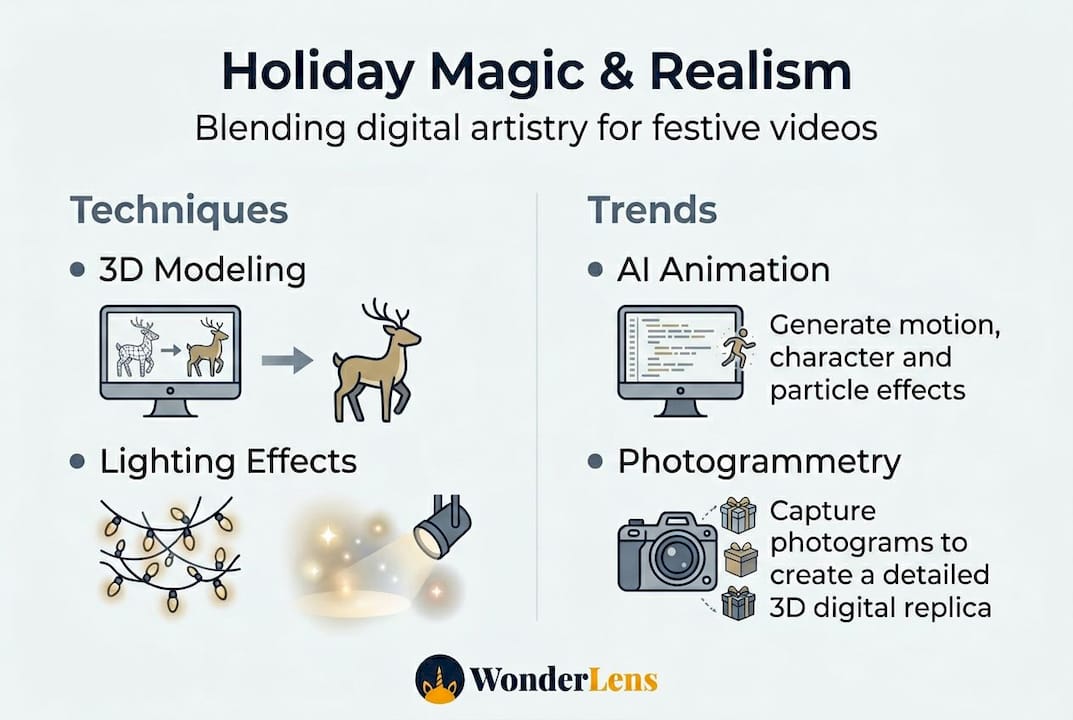
Physically-based rendering has also become far more accessible. What once required a Hollywood studio can now run on consumer-grade hardware and web platforms, meaning you don't need any technical skills to benefit from it.
Here's how you as a parent can take advantage of these trends right now:
- Use platforms that specify AI-driven rendering rather than simple overlay effects. The difference in quality is immediately visible.
- Look for shadow and lighting matching as a quality indicator. If the character's shadow falls in the right direction for your room's light, that's a sign of strong rendering technology.
- Choose from modern alternatives to basic holiday apps. Platforms reviewed as elfstudio.ai alternatives often use more advanced AI than older tools.
- Save and share your videos. High-quality AI-rendered holiday memories are worth keeping. Check out animated memories ideas for creative ways to use them beyond just one viewing.
The pace of improvement in these technologies means that what felt like movie-studio magic just a few years ago is now something any parent can create from a smartphone photo.
Why a little magic beats perfect realism: An expert's perspective
Here's something that surprises many parents when they first start exploring digital holiday videos. The most memorable moments for kids almost never come from the most technically perfect characters. They come from the ones that feel personal and emotionally resonant.
We've seen this pattern clearly. Parents share videos of a slightly stylized Santa standing by their specific Christmas tree, and children watch them twenty times. Meanwhile, a perfectly photorealistic character in a generic setting barely gets a second look. Research backs this up: hyper-real VR experiences do induce genuine awe, joy, and calm, which shows that realism can support positive emotional responses. But the warmth of a moment tied to your own home, your own child's name, your own holiday traditions, that's what makes a memory last.
The lesson for parents is this: don't chase technical perfection. Chase emotional truth. A dragon that appears in your living room, catching the glow of your holiday lights, will always feel more magical than a flawless character in a neutral studio environment. The best holiday magic with fantasy characters comes from that combination of good-enough realism and deep personal connection. Trust your child's delight over any technical spec sheet.
Bring holiday magic to life with WonderLens
Ready to put these insights to use? WonderLens brings this blend of realism and magic to your family's holiday in a way that's simple, affordable, and genuinely stunning.
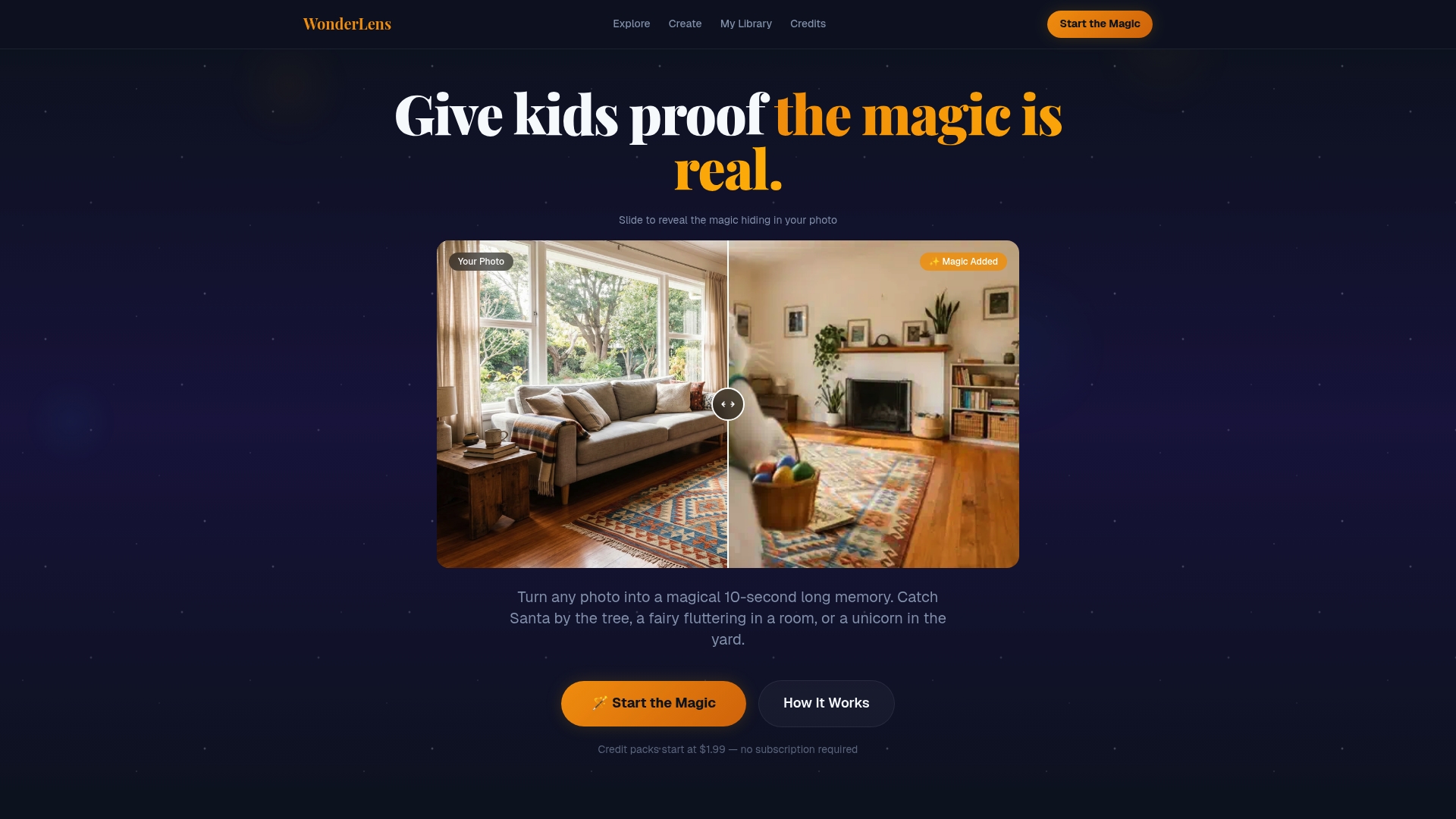
WonderLens uses advanced AI-driven rendering to place beloved fantasy characters directly into your home environment. The lighting matches your room. The shadows fall naturally. The character moves with fluid, lifelike animation. You can create a video of Santa Claus appearing in your own living room on Christmas morning, or watch a friendly dragon curl up beside your holiday tree. Each video is personalized, shareable, and starts at just $1.99 per credit. No design skills needed. Pure family magic, ready in minutes.
Frequently asked questions
What does 'realism' mean in digital media?
Realism in digital media means making visuals like characters and environments that look and move just like they would in the real world, using techniques such as 3D modeling and PBR to simulate accurate lighting, shadows, skin textures, and physics.
Why can hyper-realistic digital characters feel strange to kids?
When digital characters look almost real but not quite, it can be unsettling for kids, a phenomenon called the uncanny valley. Research shows this discomfort is avoidable through either full stylization or true hyper-realism, with some photoreal avatars showing no uncanny valley effect at all.
How do creators make fantasy characters look real but still magical?
Artists blend lifelike textures, lighting, and physics with imaginative stylized features, so characters feel believable and enchanting rather than awkward. Detailed projects show this process can take 170 hours per character, combining photorealism with expressive, friendly design choices.
Are advanced AI tools making realistic holiday videos more accessible for families?
Yes, technologies like StyleGAN now let families create realistic, interactive holiday media easily without any technical background. StyleGAN outperforms older methods with an FID of 29.80 and IS of 3.99, producing character animation that is far closer to real footage than previous tools could achieve.
Recommended
- Best practices for creating unforgettable holiday magic — WonderLens | WonderLens
- AI Christmas Videos: Create Magical Holiday Memories Fast — WonderLens | WonderLens
- Catch Santa Claus in Your Living Room — Realistic Video Proof | WonderLens | WonderLens
- Top 3 elfstudio.ai Alternatives 2026 — WonderLens | WonderLens